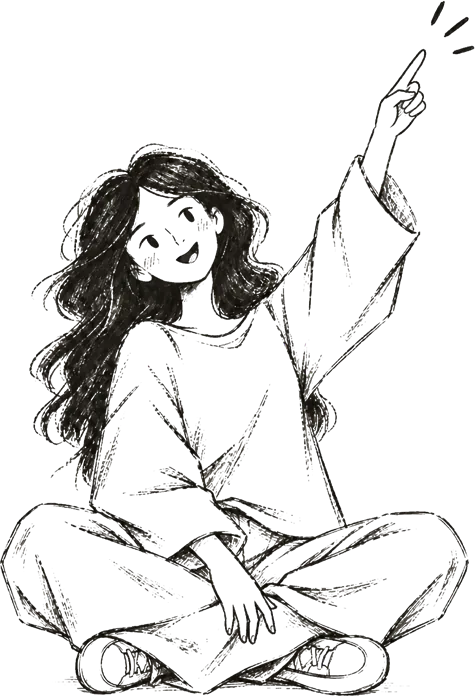
Meet Lisa.
A short story about me and the experiences I create.
I love designing digital and spatial interactions for complex technological products, finding a symbiosis between technology and humanity, telling stories and creating meaningful experiences. Clear communication and visual quality matter to me just as much as storytelling. I don't shy away from complex, challenging problems, and I like to dig deep into a topic.
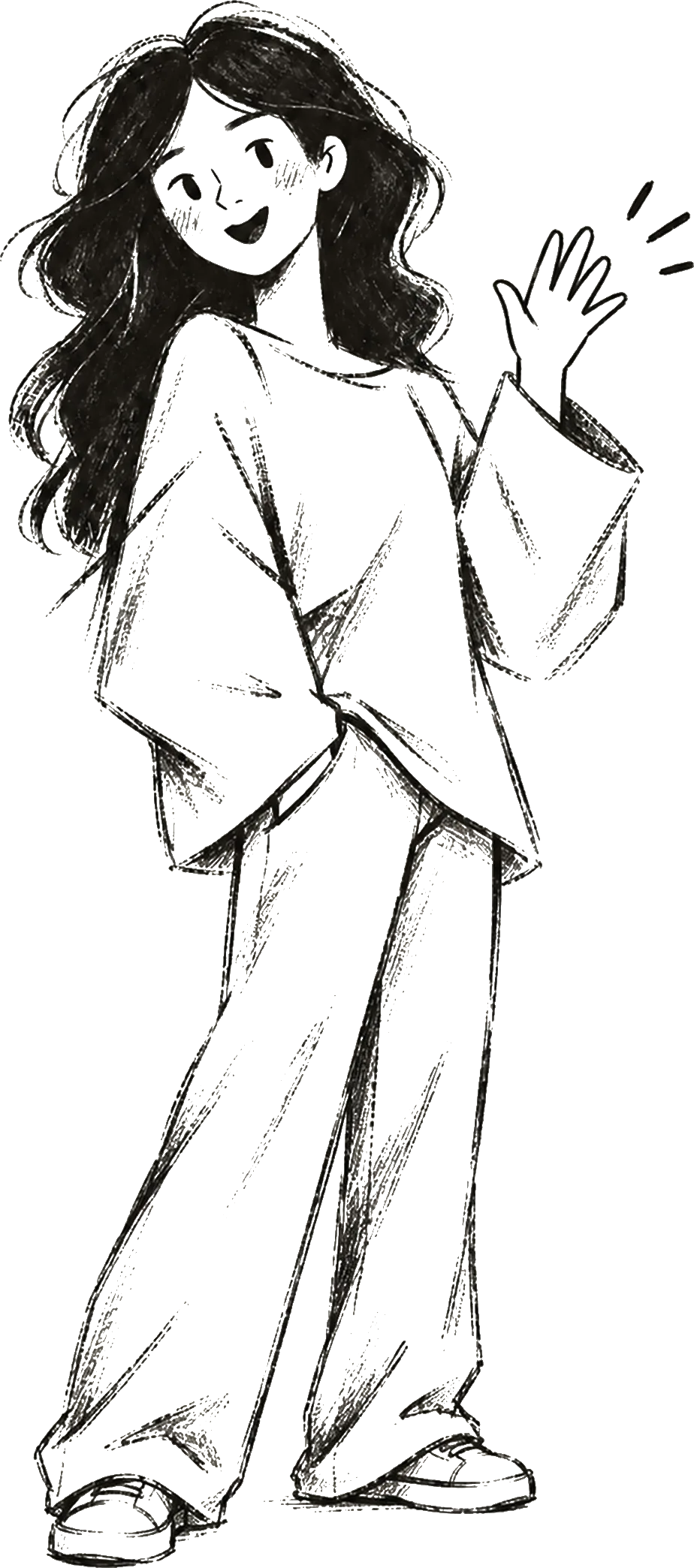
Lisa: digital designer with a passion for digital experiences, visual communication and a fascination for what the future could bring.
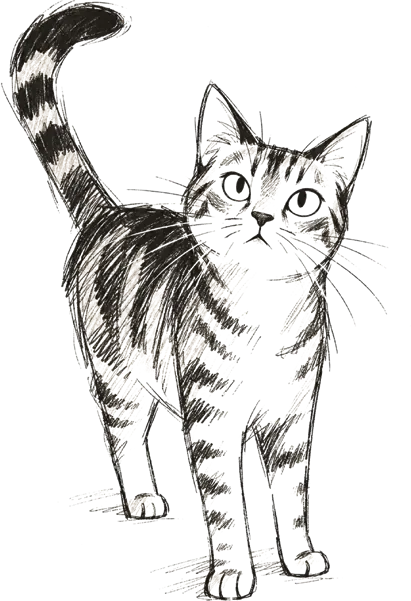
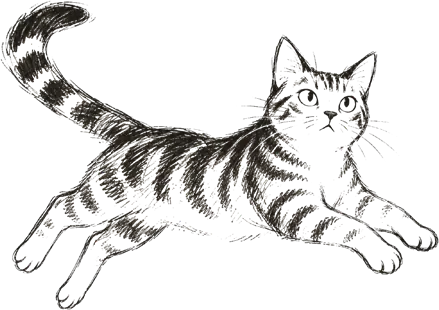
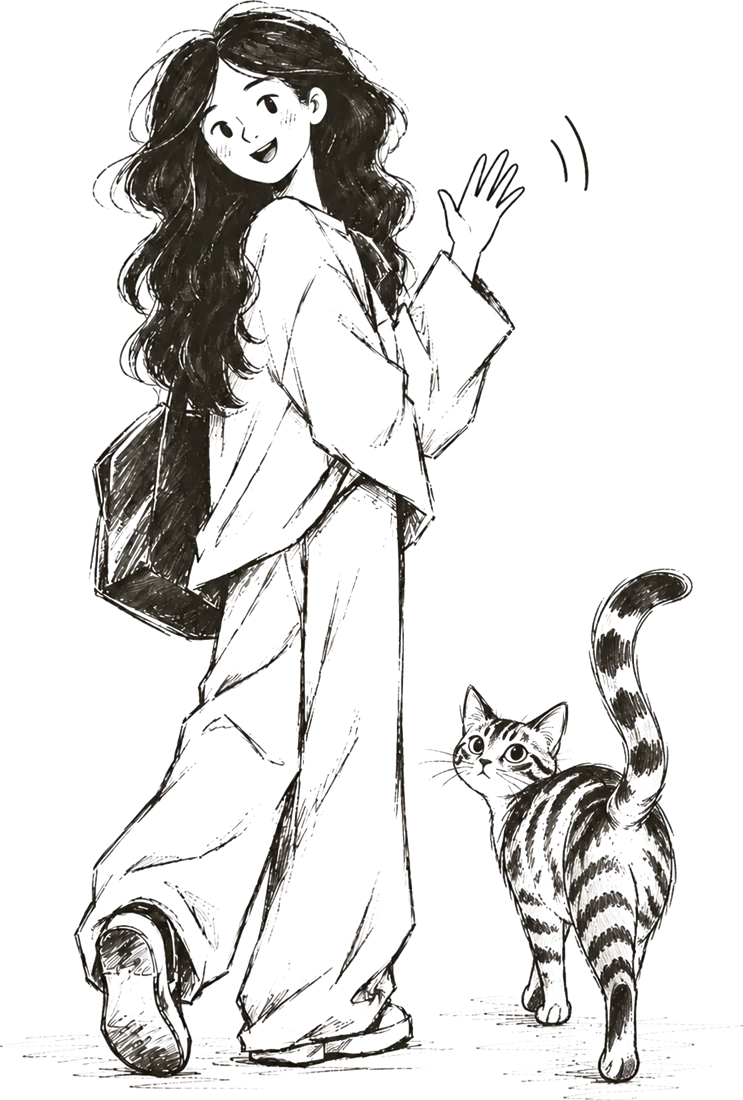
Kira: the little tiger and creative partner. Playful, with a mind of her own.
CV.
UX / UI Designer / Digital Product Design
Lisa Herbig / lisa_herbig@icloud.com / 97074 Würzburg / LinkedIn
Profile
UX/UI designer (M.A.) with about three years of hands-on experience in the automotive industry as a working student at Mercedes-Benz AG. Focus: interface design, integrating AI into the design process and building design systems in Figma. I turn complex requirements into clear interaction concepts, prototypes and consistent interfaces.
Education
2024–2026 / M.A. Design and Information / THWS Würzburg / final grade 1.1 (German scale, 1.0 is best)
- Master's thesis (grade 1.0): “Jenseits des Unmöglichen” (Beyond the Impossible), a design fiction project as a book and app about the future of the car in a world shaped by climate change
2019–2024 / B.A. Media Conception / Furtwangen University / final grade 1.2
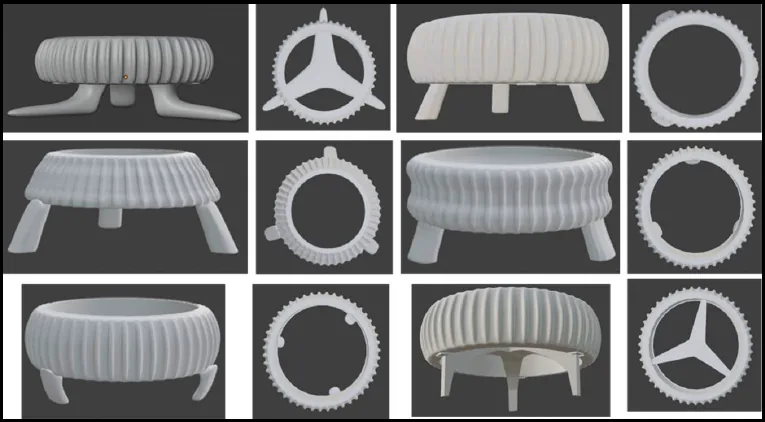
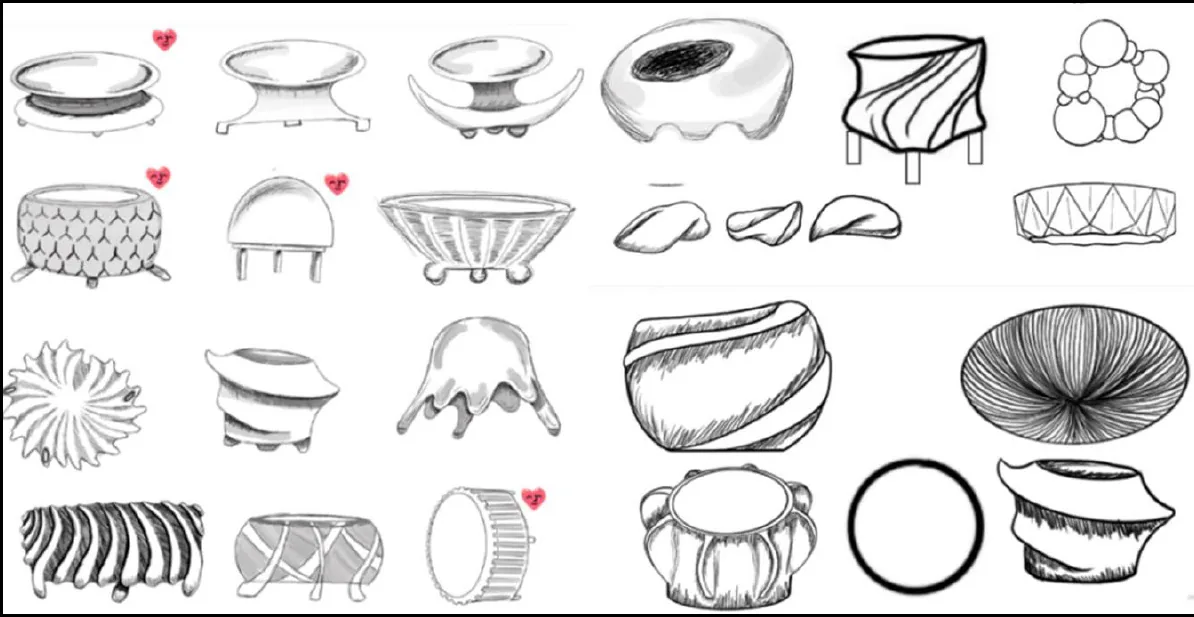
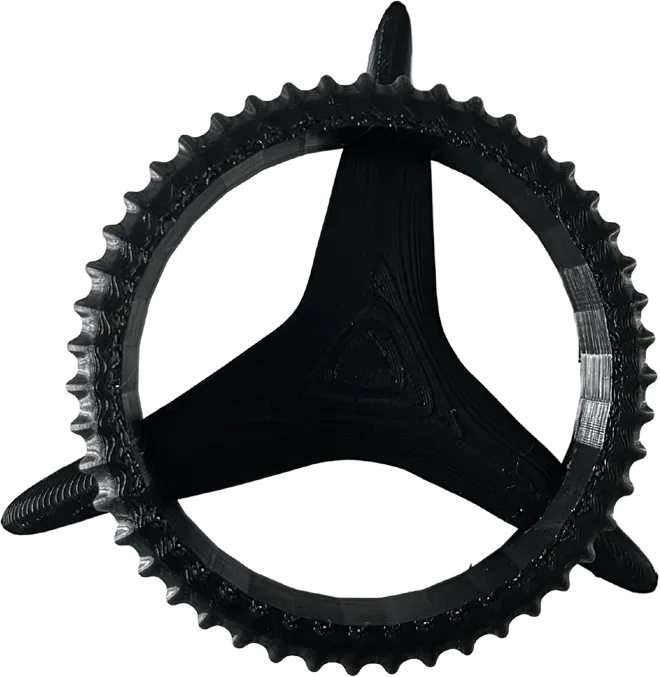
- Bachelor's thesis (grade 1.0): UX/UI optimization of the Mercedes-Benz AG Intelligent Drive trade fair exhibit and product design of an ergonomic token
Skills
Methods: User research, interface design, interaction design, wireframing, prototyping, design systems
Design / Prototyping: Figma, Adobe Illustrator, Photoshop, After Effects, Adobe Creative Cloud, DaVinci Resolve, Sketch
3D / Physical Computing: Blender, 3ds Max*, TouchDesigner*, Arduino*
Code: HTML*, CSS*, TypeScript*
AI tools: Claude, ChatGPT, Copilot, Higgsfield (image generation)
* basic knowledge
Languages
German: native / English: B2–C1 / French: B1 / Spanish: A1
Work experience
Working student, UX/UI, communication and media design
Mercedes-Benz AG, Sindelfingen / Immendingen · 04/2023 to present
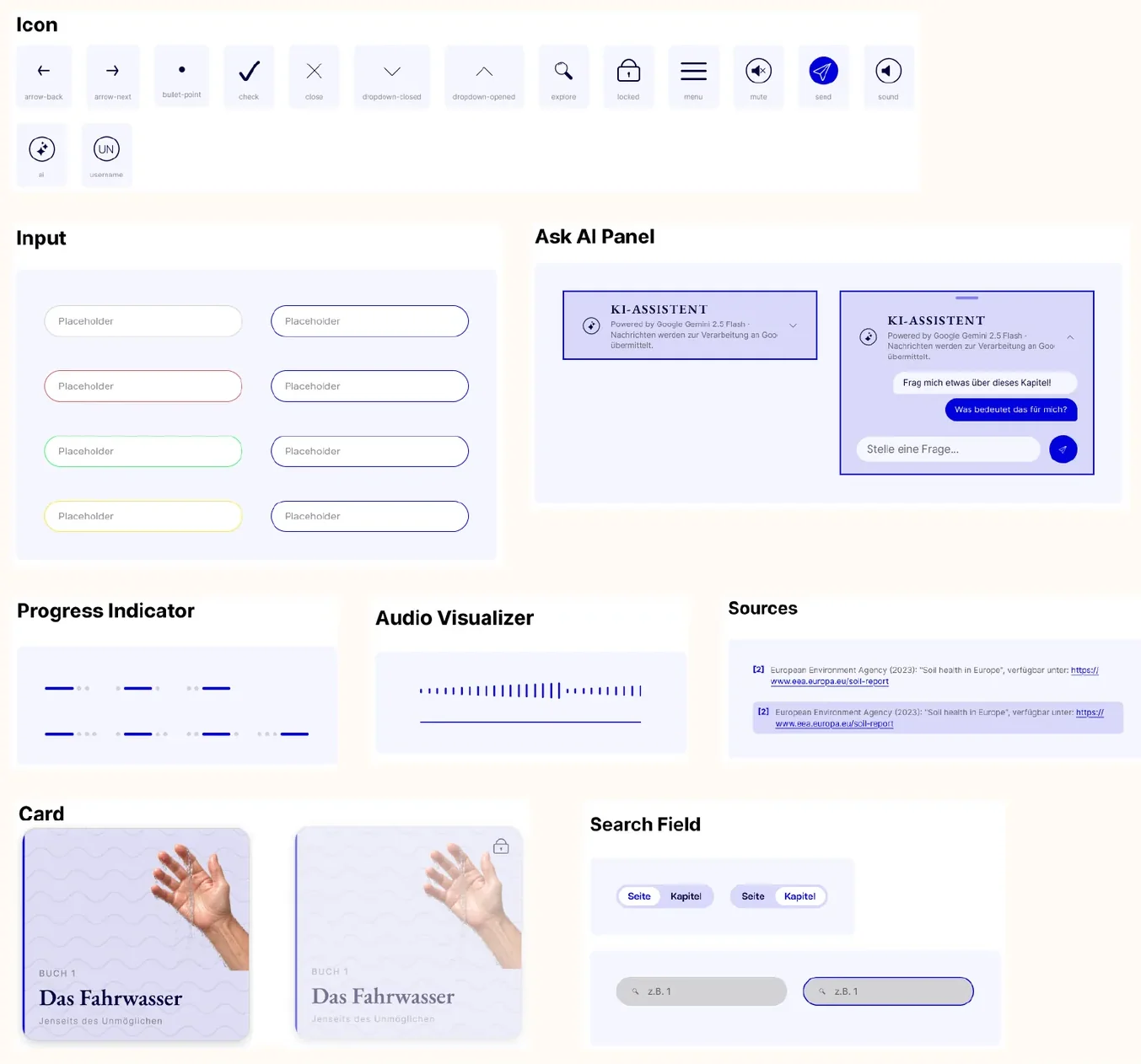
- Building and evolving a Figma design system with components and an icon library
- Extending and optimizing internal software that integrates AI into the design process
- Concept and design of a parking management interface for tablet and smartphone
- 3D visualization of MB.DRIVE ASSIST PRO in Blender and PowerPoint for presentations
- Concept and design of a mobile app for testing parking functions
- Designing a team logo in Adobe Illustrator
Bachelor's thesis student
Mercedes-Benz AG, Immendingen · 03/2024 to 08/2024
- Collecting usability data on the Intelligent Drive trade fair exhibit and evaluating it with the thinking-aloud method
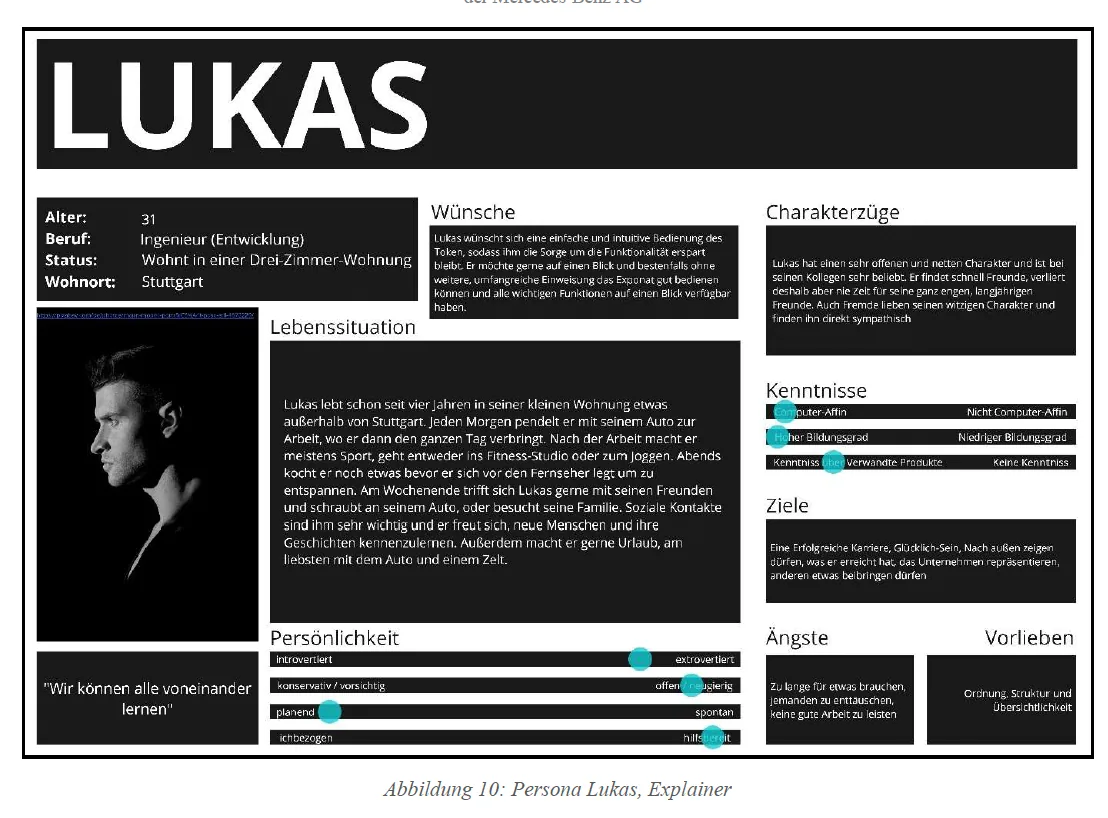
- Creating detailed personas for the exhibit's target users
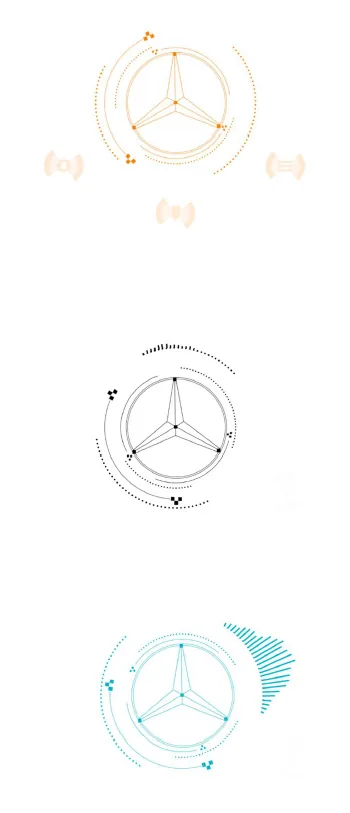
- Concept and production of a motion design for controlling the exhibit in Adobe After Effects
- Modeling 3D-printed and polymer clay (Fimo) prototypes of the control token
Student assistant, Development of Interactive Applications
Furtwangen University · 03/2022 to 08/2023
- Grading weekly assignments and tutoring the advanced fundamentals of (object-oriented) programming in HTML, CSS and TypeScript
Internship semester, Digital Communications
Aesculap AG · 09/2021 to 02/2022
- B. Braun website management: building the global Aesculap Dental websites in AEM
- Managing the rollout of account-based tracking with LeadForensics, including coordination with the country organizations, conversion tracking and trigger reports for therapy areas
The ATS version has a plain layout, optimized for application portals.
Here is some
selected work.
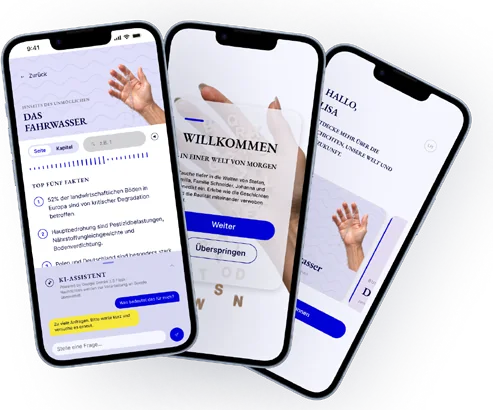 01 Master's thesisThe future of the car as design fiction, with a companion app.My favorite
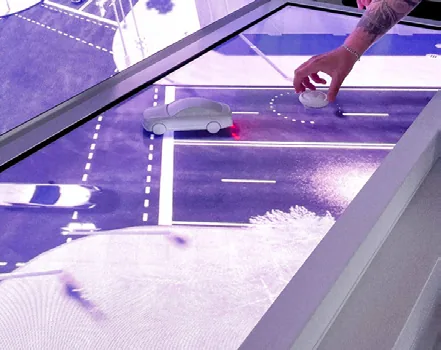 02 Bachelor's thesisRedesign of a Mercedes-Benz trade fair exhibit with a focus on UX/UI.
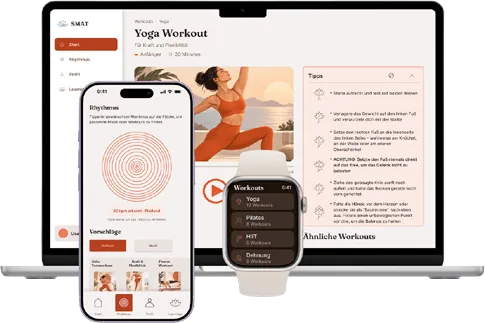 03 SMAT RedesignRedesign of an app from a bachelor's project.
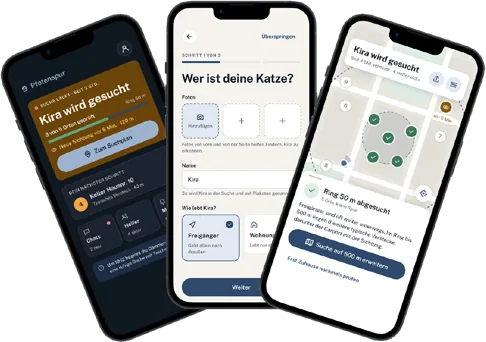 04 PfotenspurTesting how to build an app with AI support.
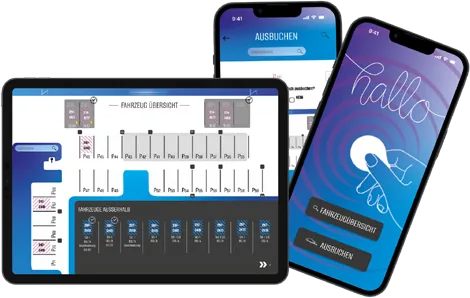 05 Working studentRevision and UX/UI optimization of a parking management system.+ a 3D visualization project
🔒 You'll find the password in my PDF portfolio
The following projects are told as short stories. As in a book, the red handwritten notes give a summary and explain the work in more detail.
Tip: At the top right, you can choose to read only the stories or only the notes.
More work: installations, 3D films, code and graphics.
To the appendix →Master's thesis.
A social and ecological reinterpretation of the car in a speculative future.
Five short stories that ask, on a narrative level, how existing systems could be changed or extended to meet the future with solutions in mind. A companion app gives readers access to the scientific findings the stories are built on.
This thesis received the top grade of 1.0.
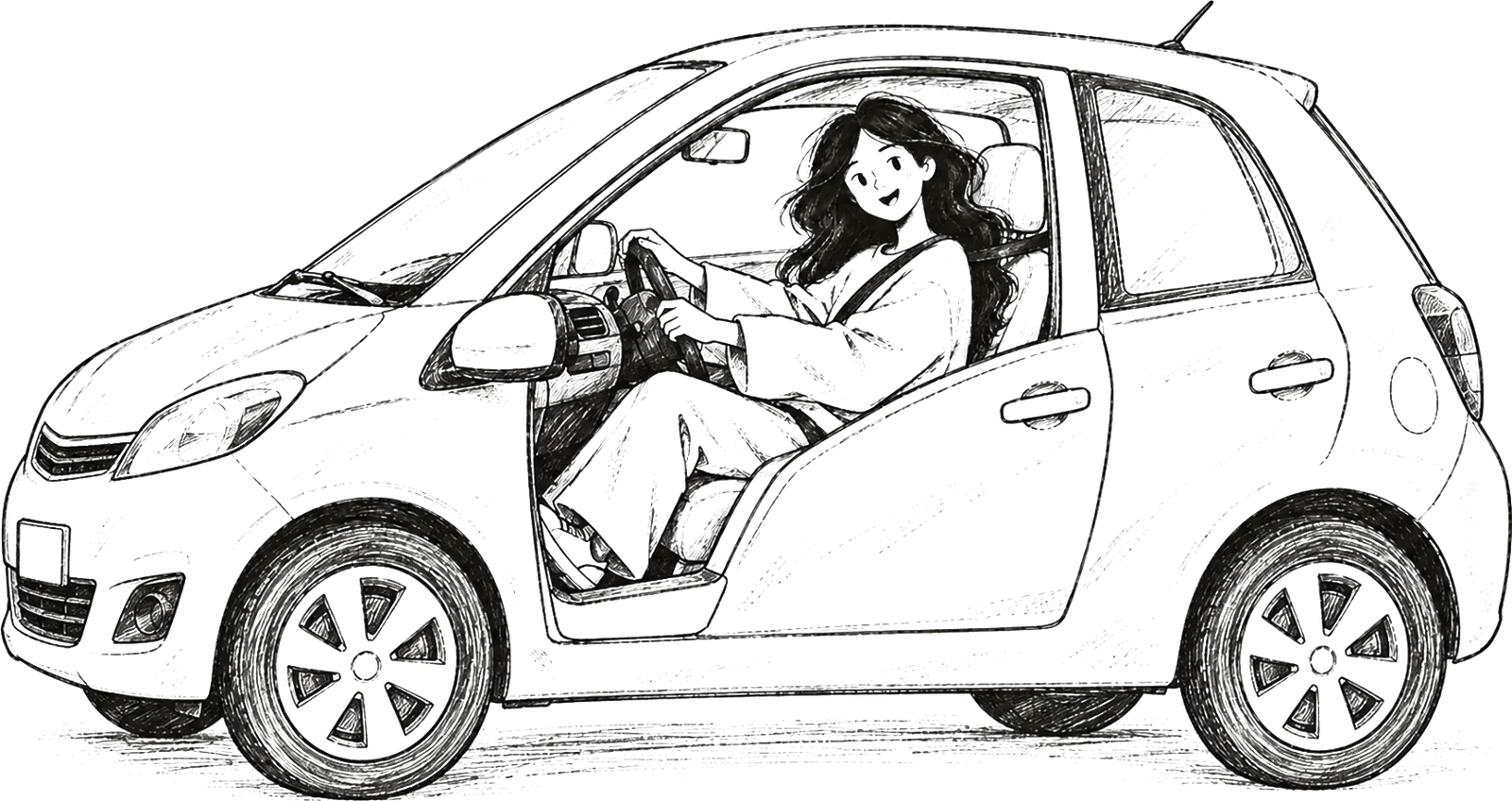
It's late. The floor lamp casts a warm circle onto the sofa, and Mara only meant to read one more chapter of “Das Fahrwasser”. Now she is deep in Stefan's story. The display on his wall shows 38 degrees, in the middle of May, water drips sparingly from the tap, and Stefan drives his car to the park, not to go for a walk, but because the car has something to give there.
Mara can almost feel the heat herself. Her eyes follow the lines as if spellbound. At the edge of the park, Stefan connects a hose to his car, and the drinking water the car made from salt water on the way flows into the irrigation. Mara sees the park as clearly as if she were sitting next to Stefan by the pond.
Mara turns the page. And stops. A car that fills up on salt water and keeps a park alive with it. Does that exist? Or is it made up? She realizes she simply believed it. The images in her head were so vivid that it never occurred to her to ask.
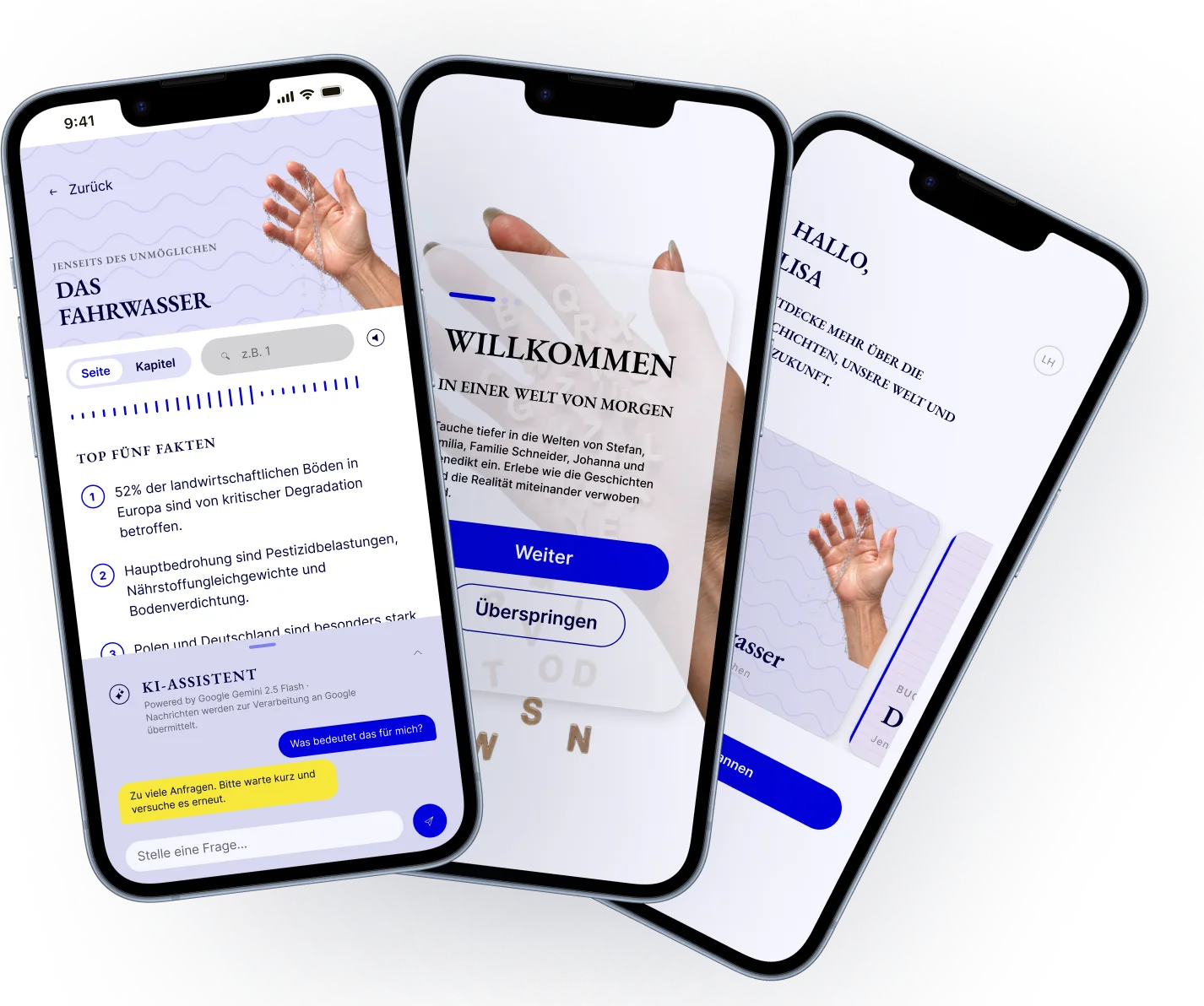
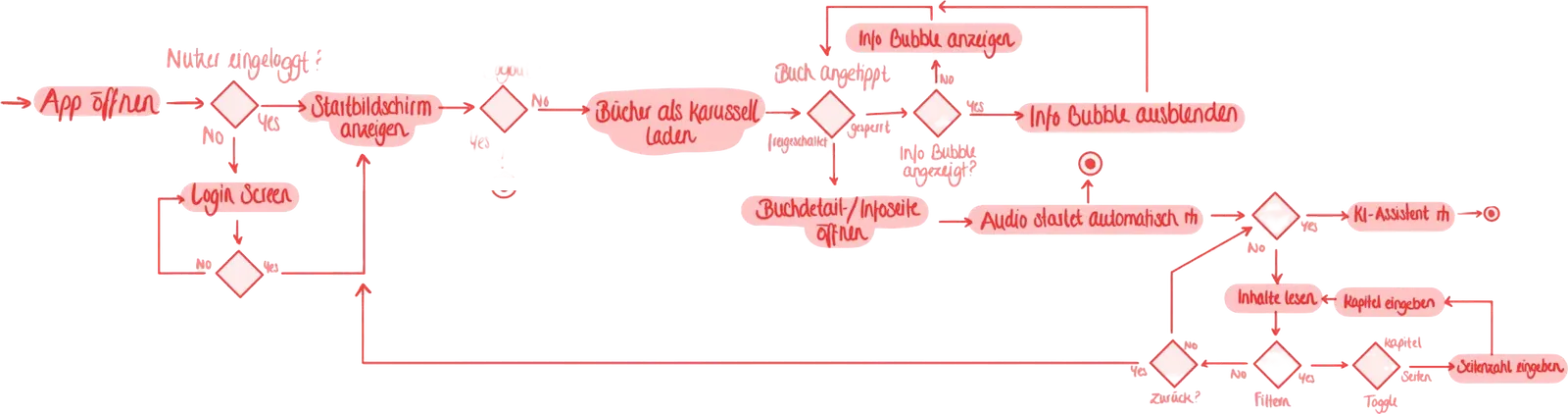
Mara looks into the warm light of the lamp and thinks about what she has just read. Yes, it had been getting warmer over the past few years, but would water here in Germany ever become as scarce as in “Das Fahrwasser”? Mara is about to close the book when the small sticker at the front, the one that says “Scanne mich” (scan me), catches her eye again. She holds her phone to it. A page opens, Mara signs in, and then it's raining confetti. “Das Fahrwasser” is unlocked.
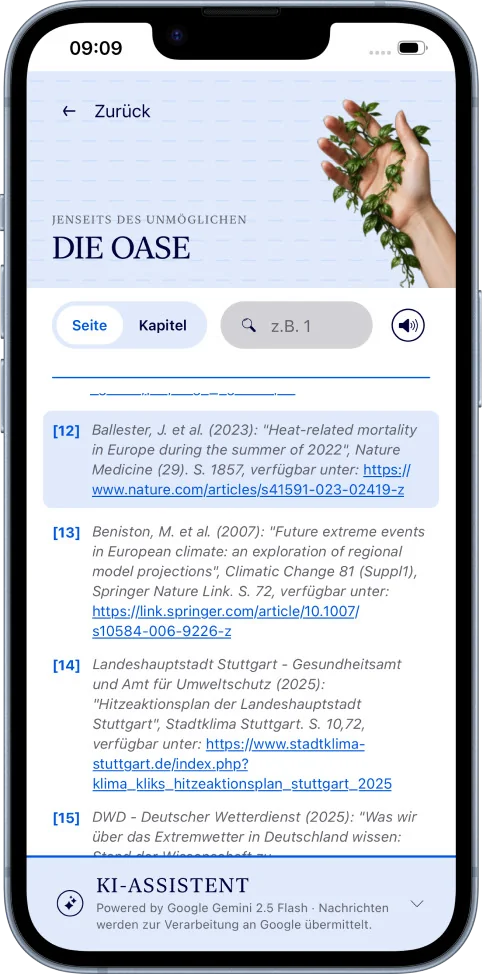
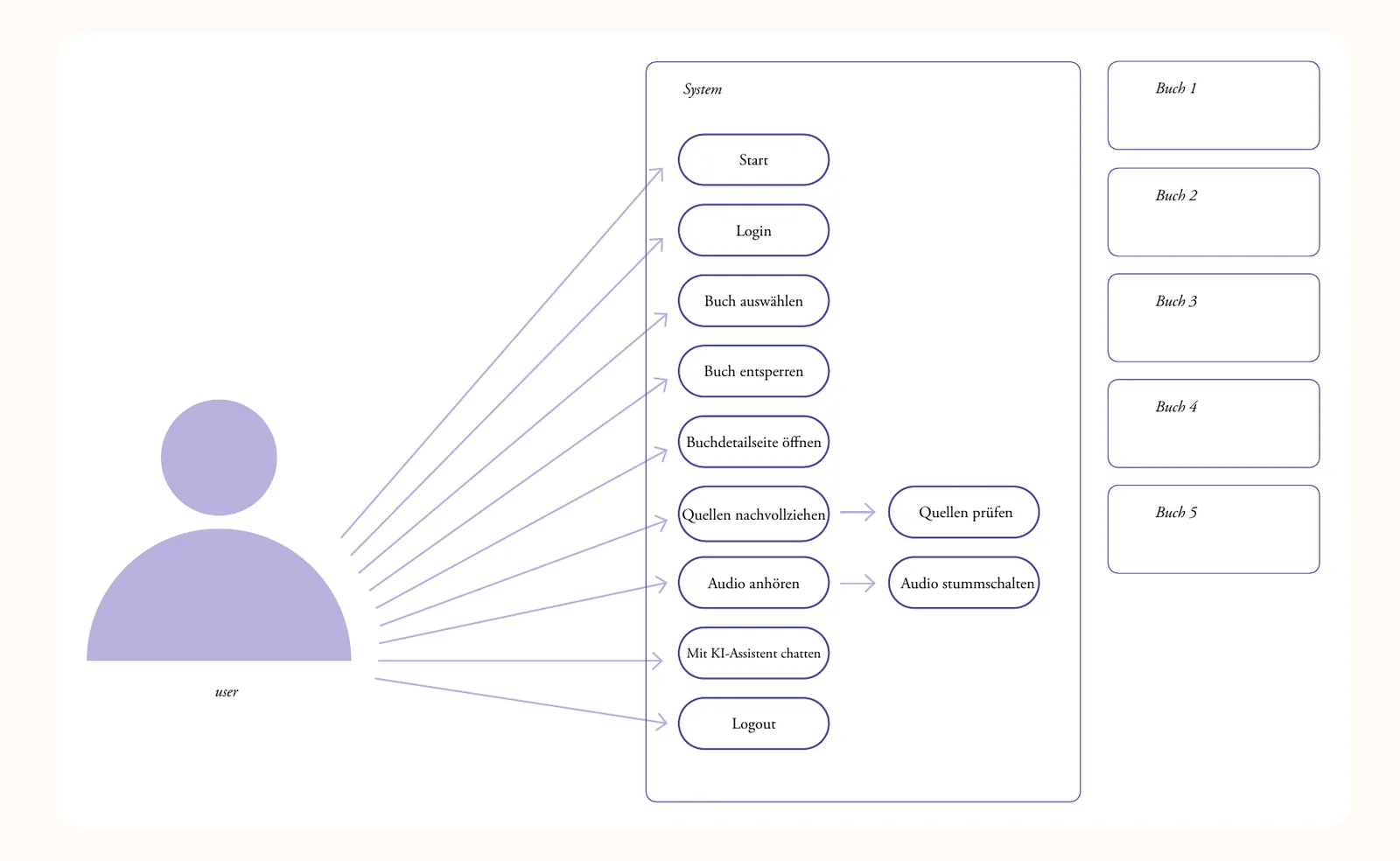
Suddenly Mara is wide awake. The app greets her in the same color and pattern as the book in her hands. She taps the unlocked tile, and an audio track starts playing right away. Mara listens closely. Then she types the page she stopped at into the field provided, and key points about exactly that passage appear instantly, every statement backed by a source.
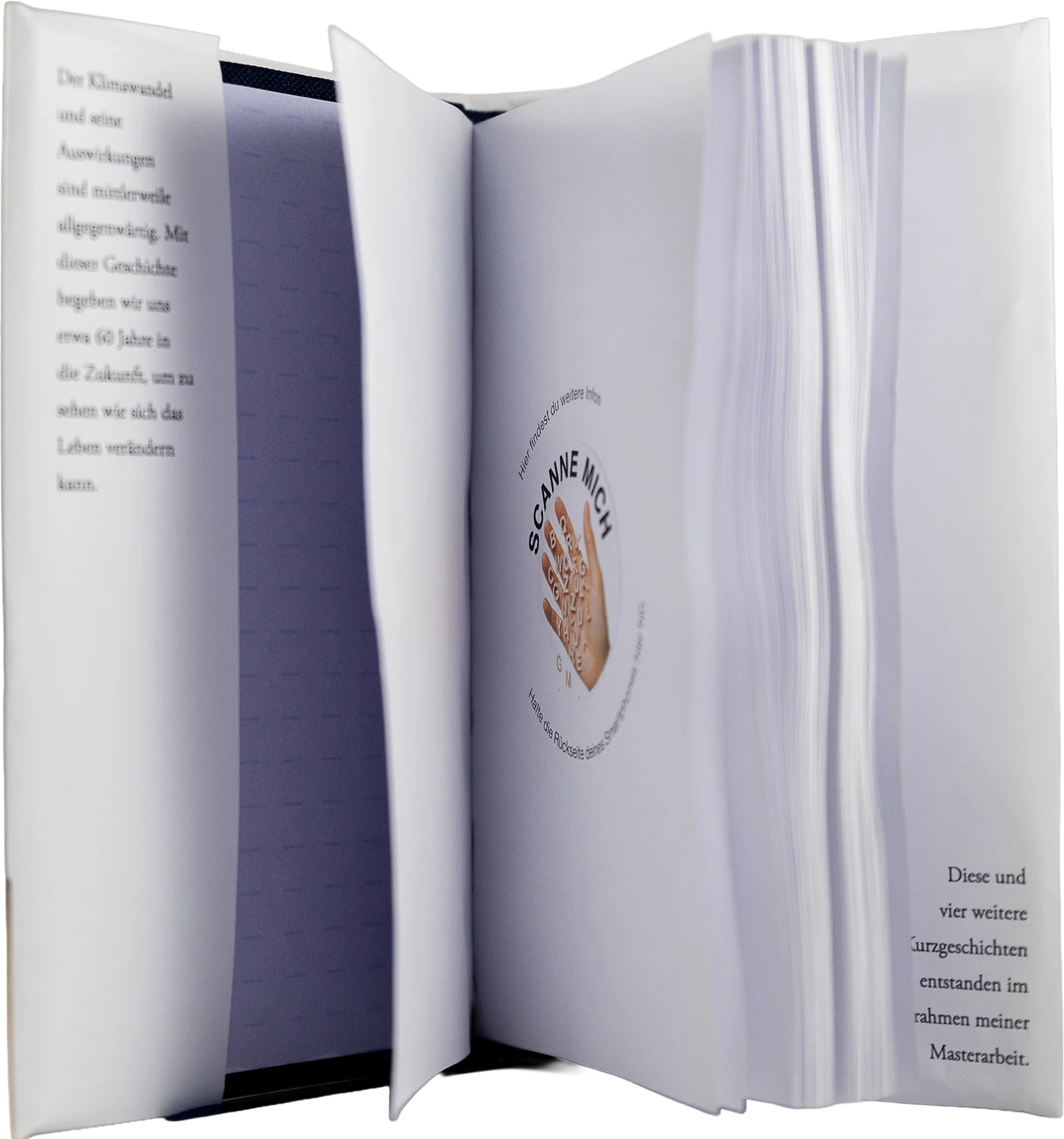
NFC sticker in the book with an individual ID that unlocks that particular book.
↑ Unlock the book here to read the first chapter of “Das Fahrwasser” (in German).
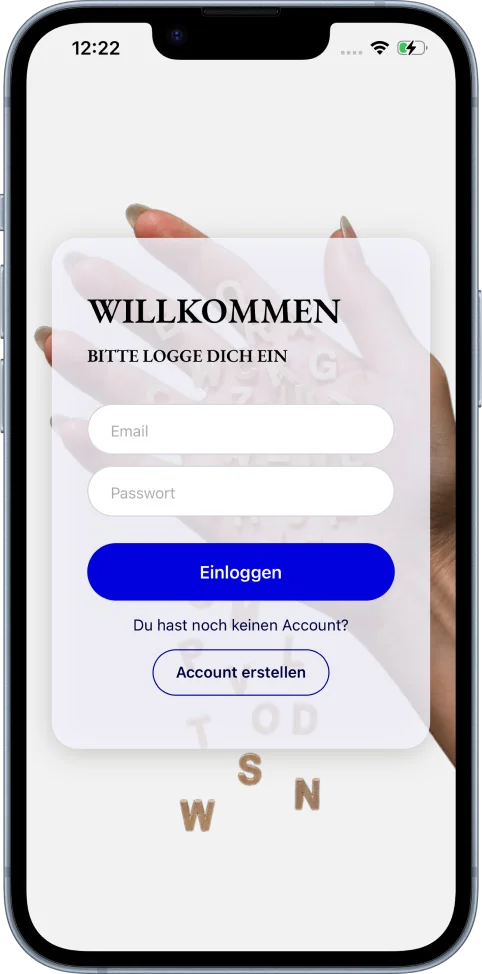
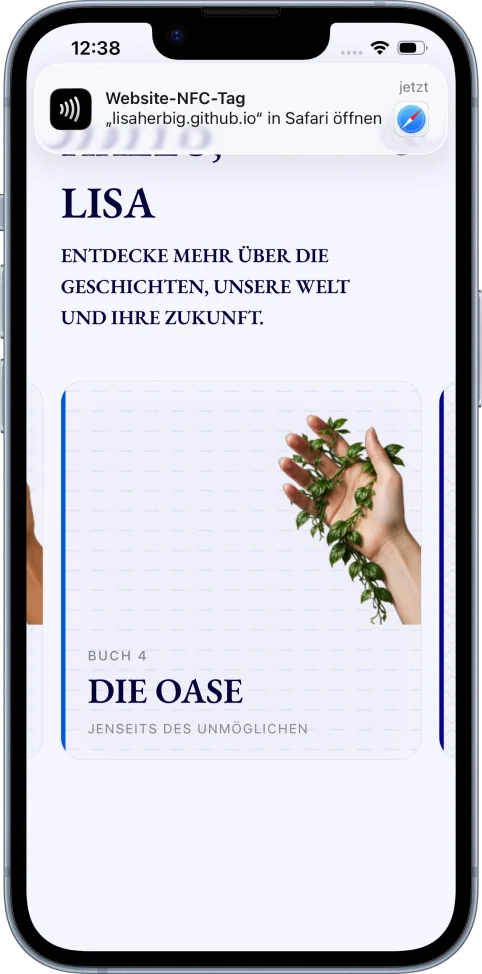
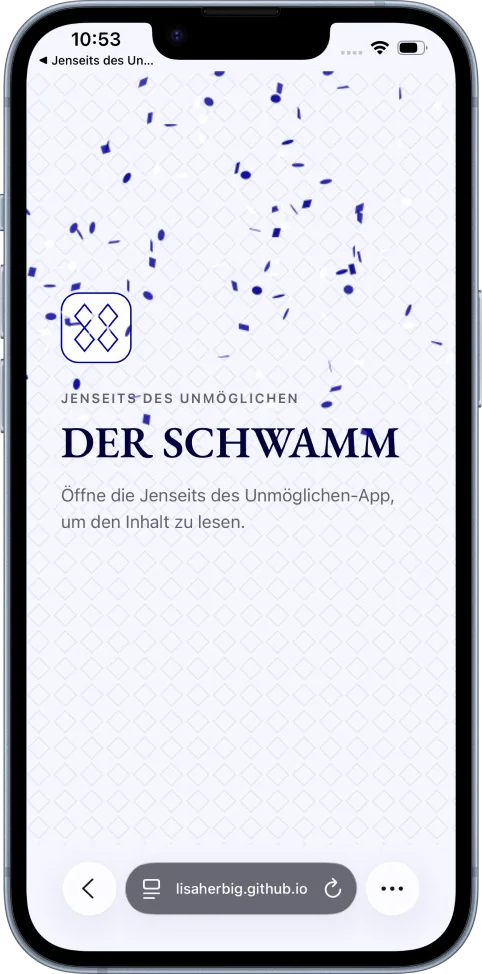
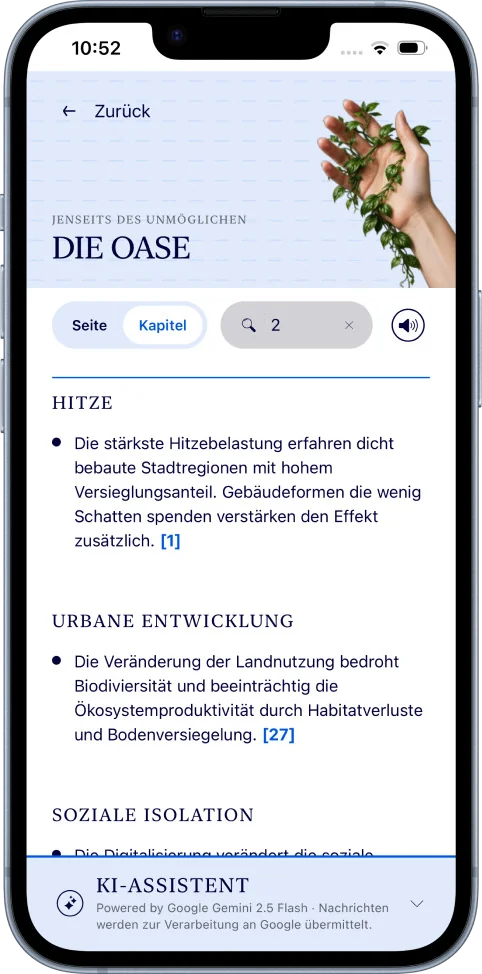
User journey
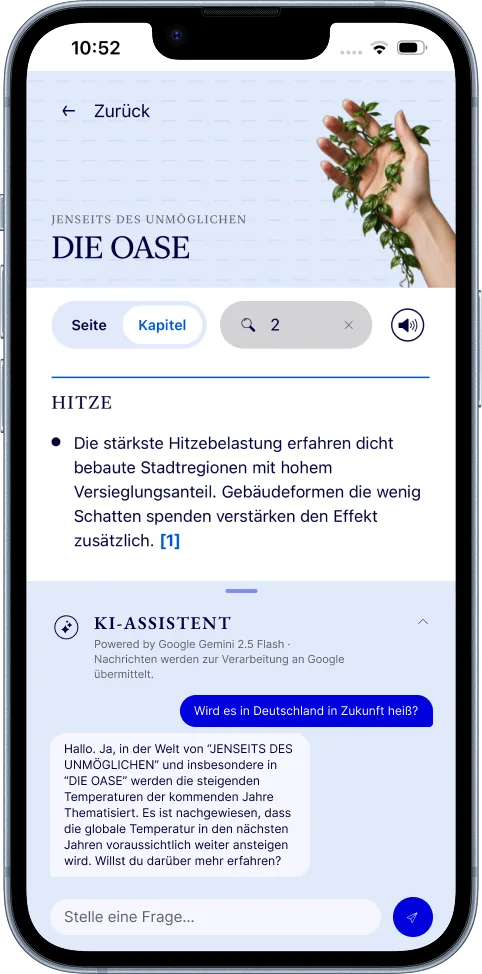
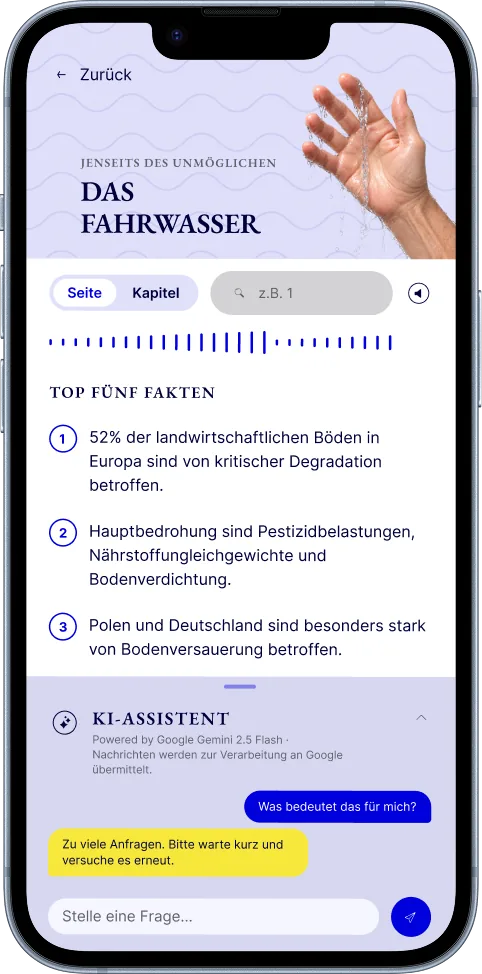
One question remains. Mara pulls up the panel at the bottom of the screen and types it in. The AI assistant knows the book and answers. All the while, a small note tells her which AI her messages are sent to for processing. That gives her a good feeling.
Mara puts her phone aside. She should have gone to bed long ago. Just one more chapter, she thinks. Stefan is still sitting by the pond, his car is still giving its water to the park. But now Mara reads the scene with different eyes. She knows which part of it is fiction and which is based on research.
Bachelor's thesis.
Optimizing the UX/UI design of a Mercedes-Benz trade fair exhibit, integrating a parking assistance visualization and developing an interaction concept for better attention and usability.
Personas, usability evaluation, 3D models in Blender and a motion design in After Effects.
This thesis received the top grade of 1.0.
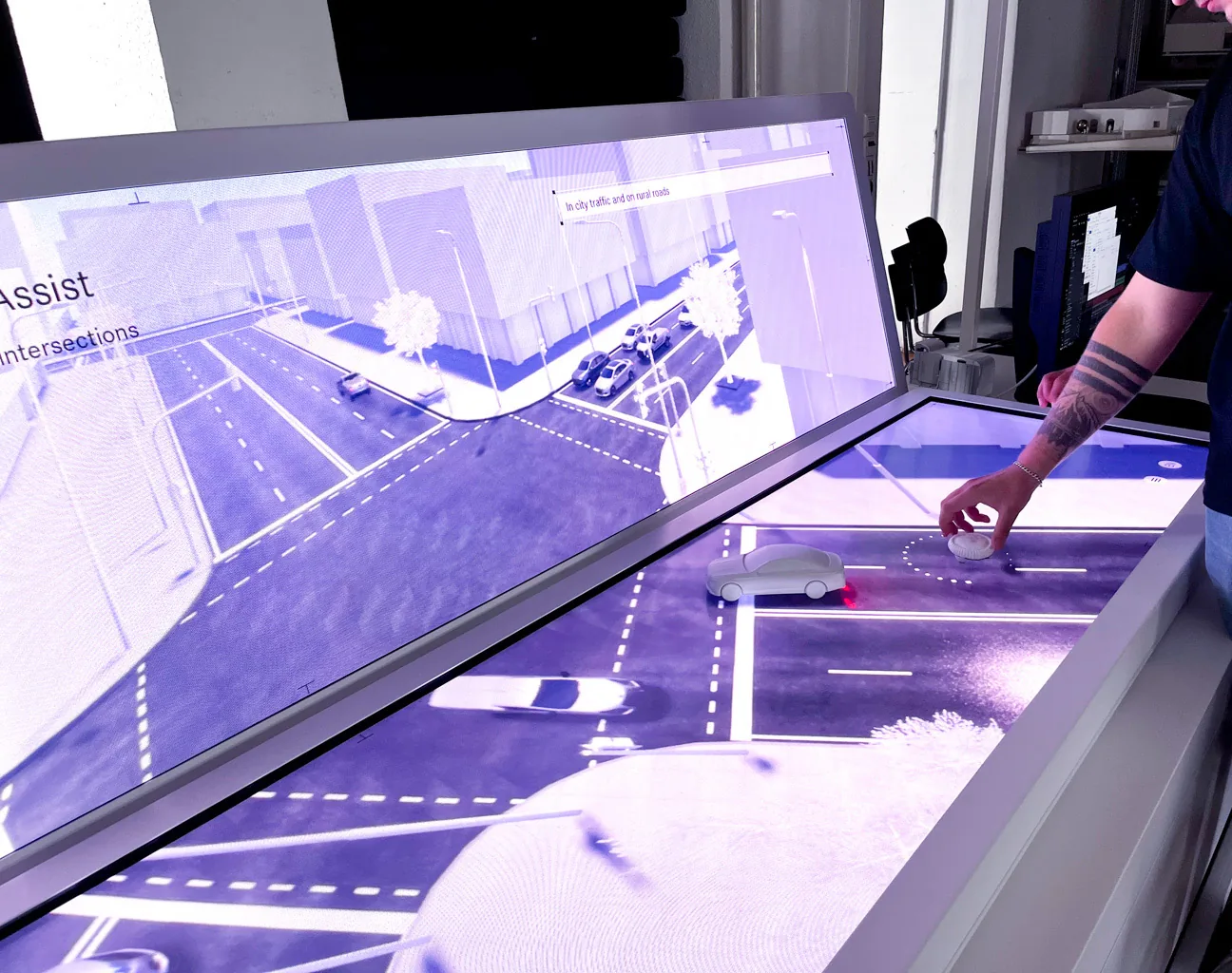
The hall is loud. People push past the booths, stop for a moment, move on. At the Mercedes-Benz booth, Lukas is standing at a very special, large table. Behind its digital surface, a virtual city unfolds. Streets, intersections, parking spaces. And the small model car standing on the screen seems to be driving through exactly this city and its challenges.
Lukas is 31, a development engineer by trade, and today he's an explainer. His job is to show visitors what the car's parking and driver assistance functions can do. He enjoys it. He likes explaining things and believes we can only learn from each other.
A curious group crowds around the table. A woman asks how the car can actually park itself. Lukas wants to switch to the parking scenario, but he's standing on the wrong side. Stress sets in. With a string of “Sorry”, “I just need to …”, “Could I squeeze past here”, Lukas tries to make his way to the other side of the table. Because of the noise in the hall, he sometimes has to ask two or three times. The woman is already tapping her foot impatiently.
This is exactly what Lukas had been afraid of: taking too long. Letting someone down. He'd rather not have to think about the technology at all, or about where he's standing, and just explain.
One year later.
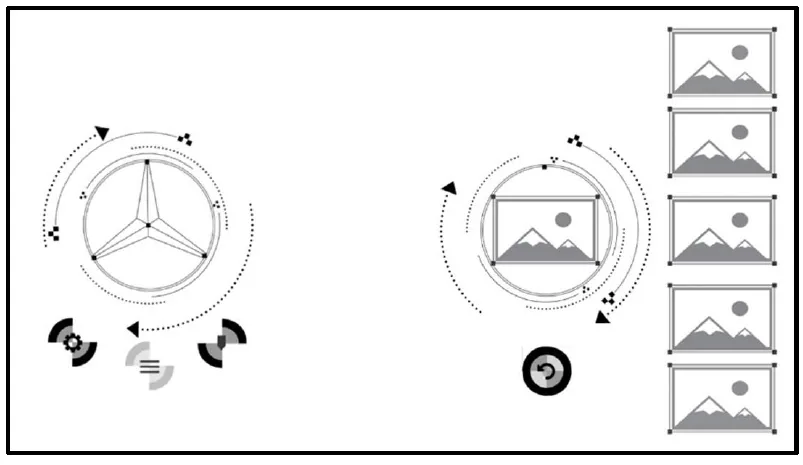
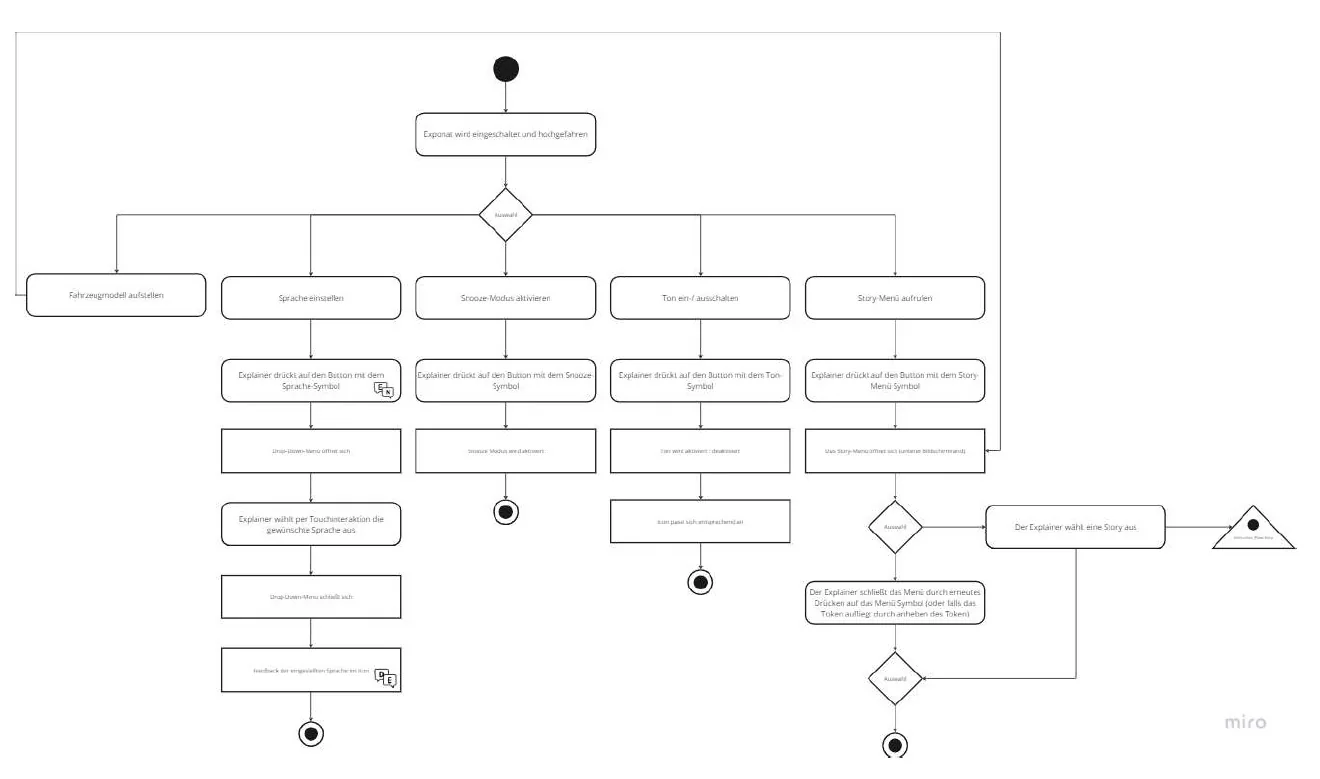
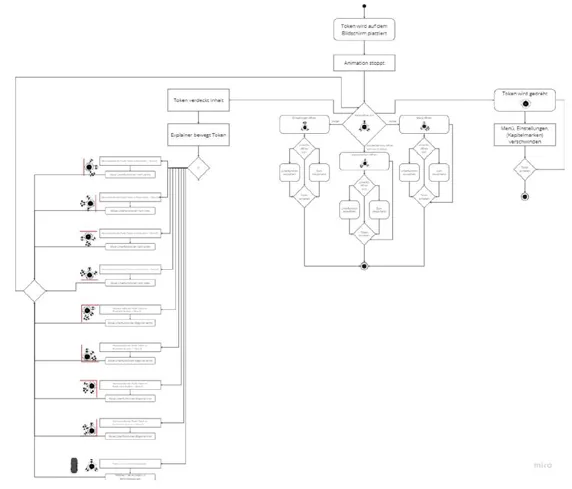
A new trade fair day, and just like last year, a new group crowds around the large displays on the table. This time, Lukas simply puts the token, which last year he only used for pausing or fast-forwarding, down on the screen right where he is. The menu now opens around the token, right in front of him. A few moves, and the parking scenario has started.
The visitors follow what he's doing. The circles move around the token, which is modeled on the Mercedes star, and icons and images show where things are going. No one has to guess what's happening.
Try it: put the token down where you're standing
Click anywhere on the table.
On the table, the car parks. And in the middle of the animation, a small window opens with real footage from inside the car, showing what the same moment looks like from the driver's seat. Lukas puts the token down, pauses the animation and explains what is happening. Then he lifts it again, and the animation continues. A visitor nods. Now she gets it. She'd like to learn more about the driver assistance systems. Lukas smiles, his favorite topic. He turns the token in his hand and places it on the screen. The menu appears, and he calmly starts the right animation sequence.
In the evening, Lukas puts the token back in the table's drawer. It has been in his hand for hours, and he has hardly noticed. Today, no one had to wait for him. A good day.

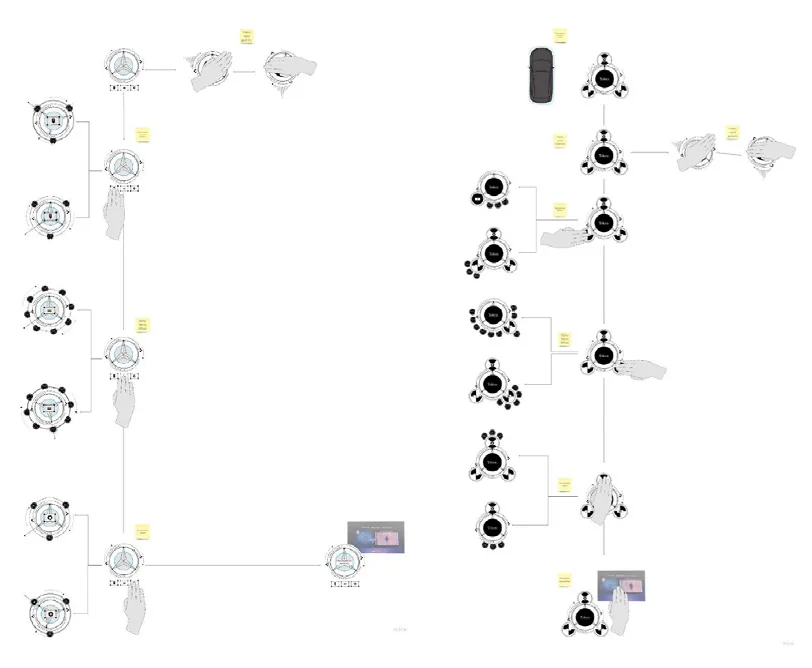
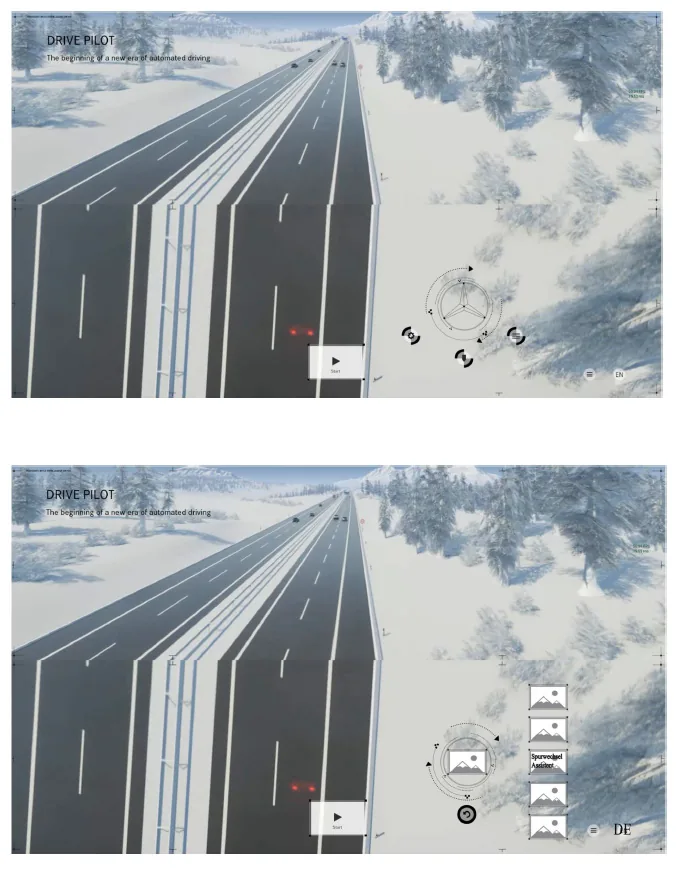
Motion design from the bachelor's thesis:
SMAT
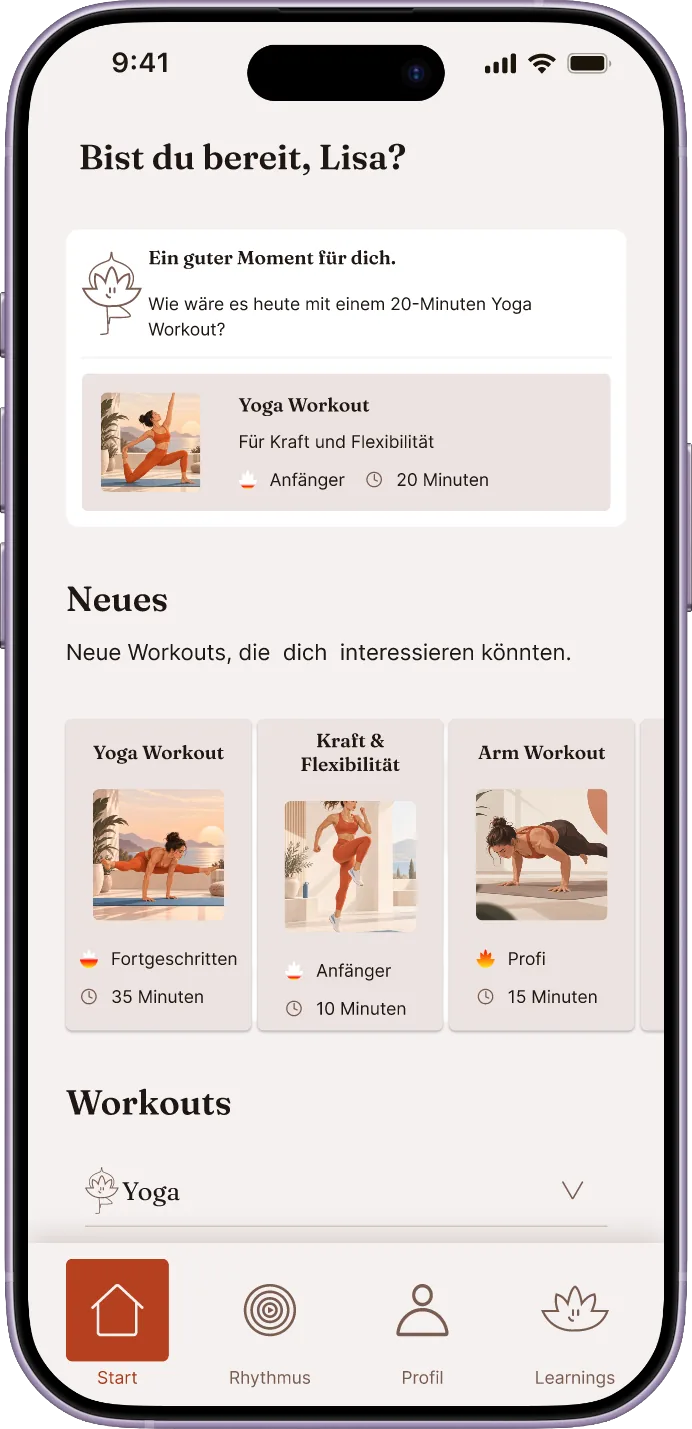
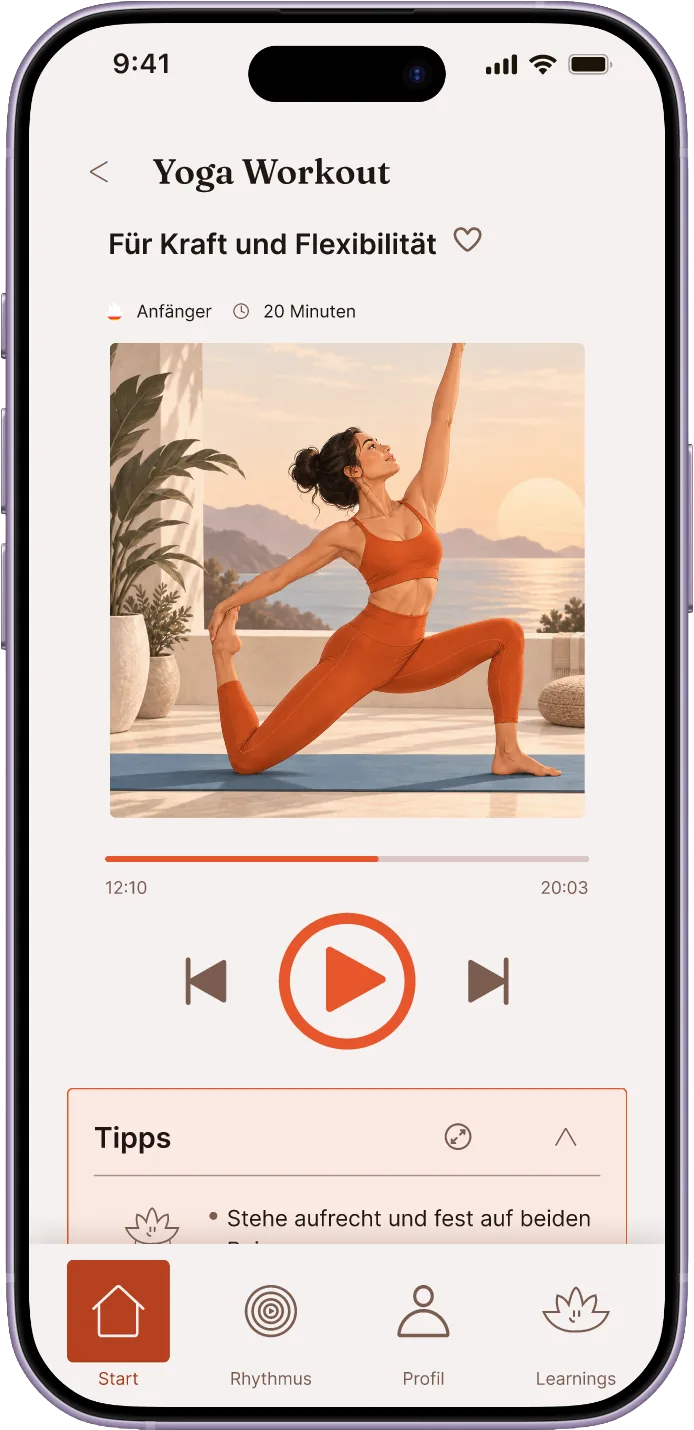
The smart yoga mat for undisturbed, perfect relaxation – student project
Redesign of the SMAT concept, building a design system with components and auto layout.
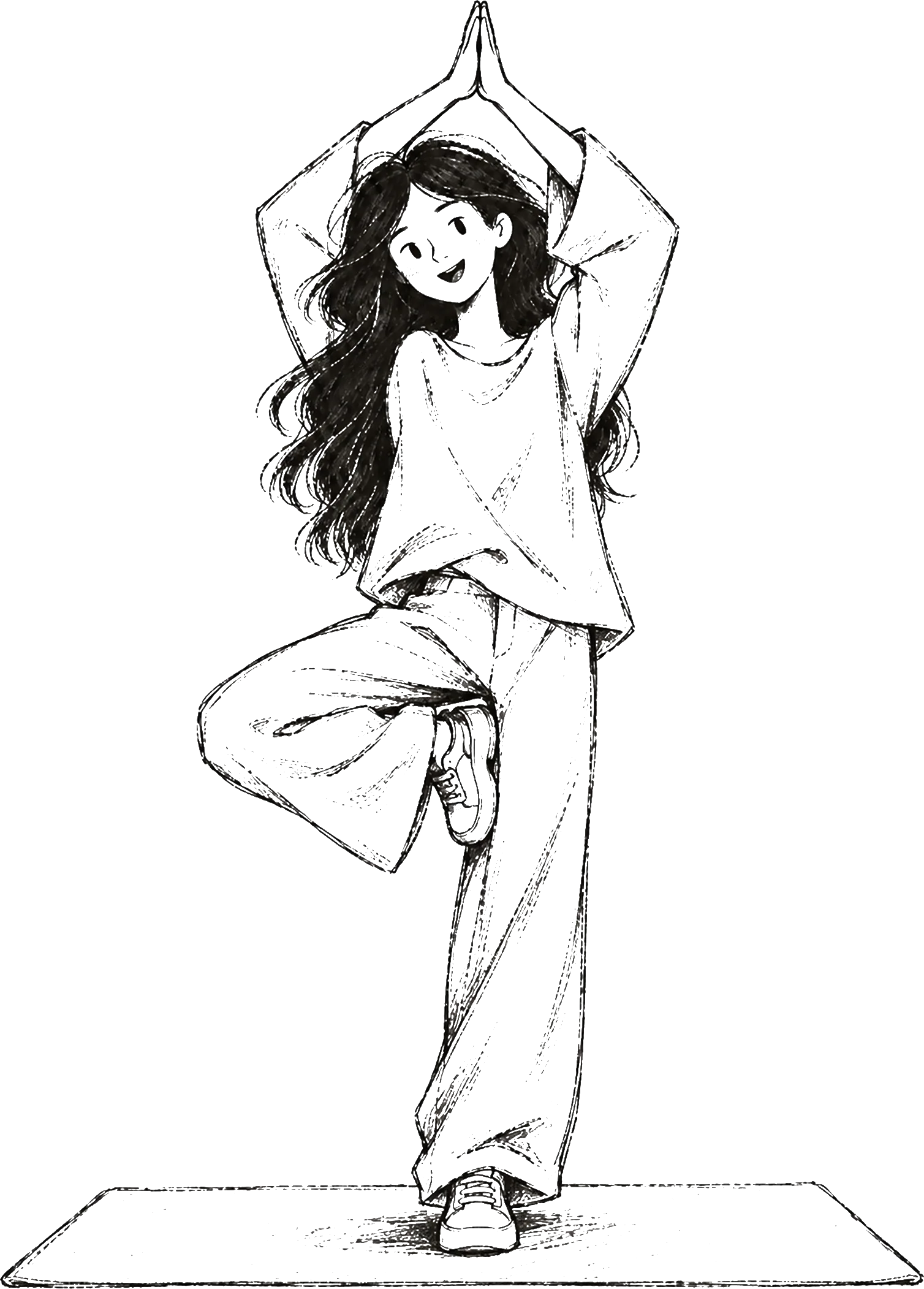
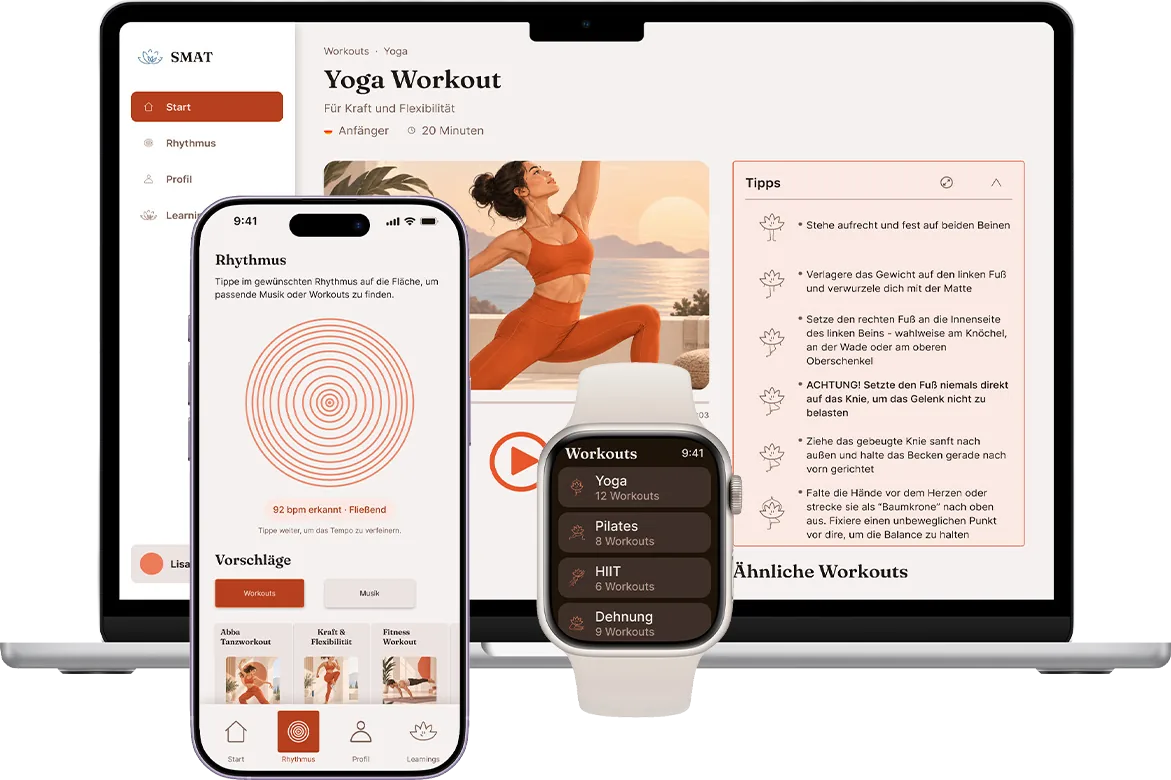
It's Sunday evening. Nele has rolled out her mat in the living room and dimmed the lights, and her yoga flow is playing on her phone. Downward dog. Breathe in deeply.
Then the next song. It doesn't fit at all. Nele comes out of the pose, crawls over to her phone, taps, searches, taps again. By the time she's back on the mat, the calm is gone.
Later, during meditation, a notification cuts across the audio. An earbud has disappeared somewhere between the mat and the rug.
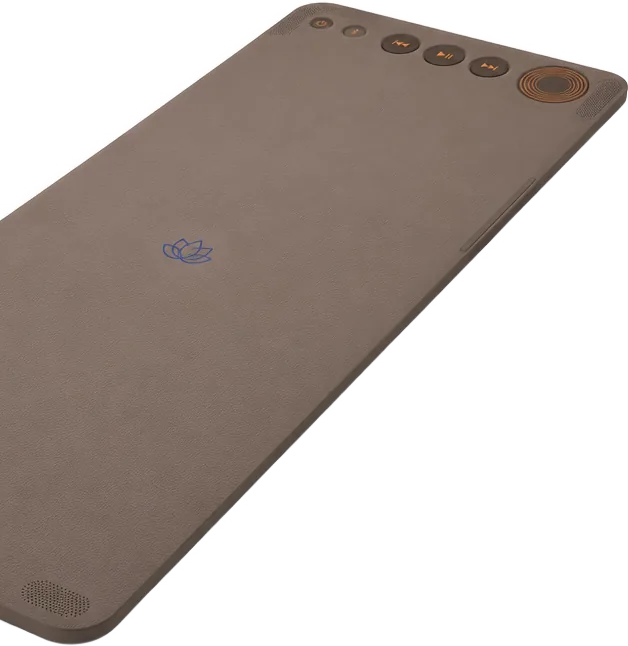
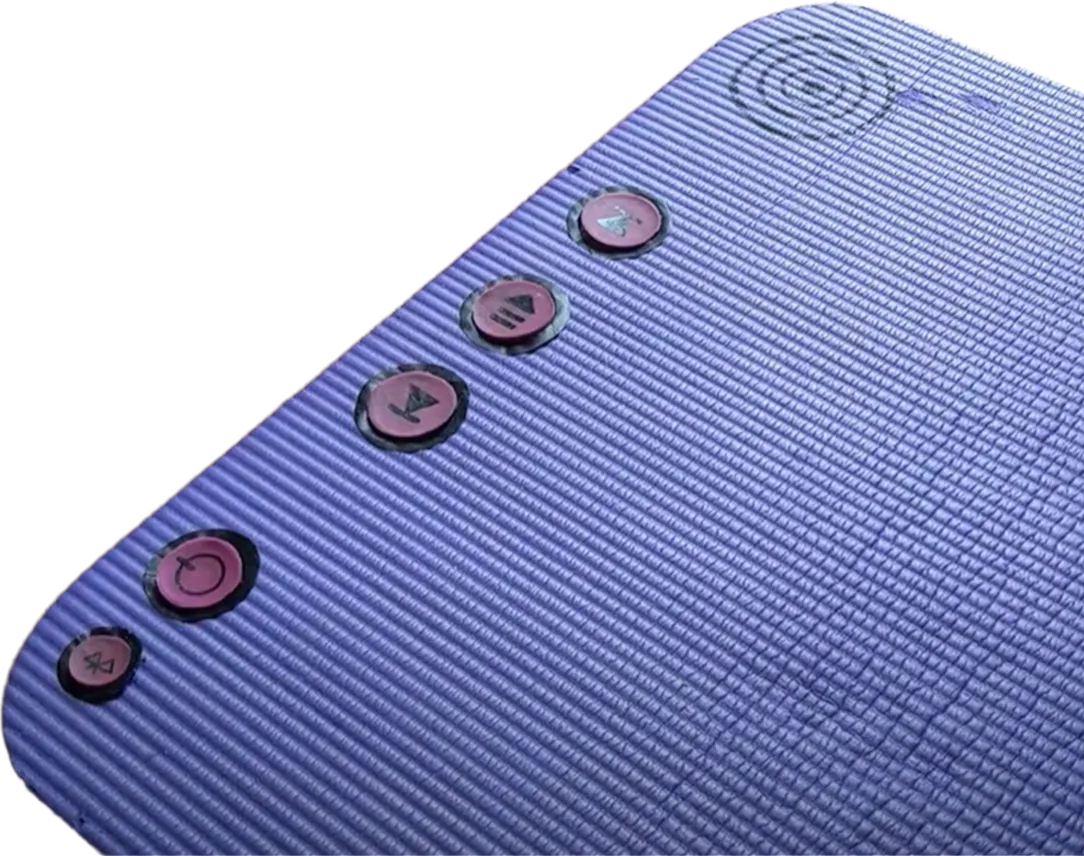
A few weeks later, Nele rolls out a different mat. Five large buttons sit at the head end. She presses one of them firmly, the mat connects, and the music comes from speakers at the head and foot ends, right where she's working out.
Mid-flow, a song doesn't fit again. This time she just reaches forward, presses the button, and the next track starts. She stays where she is.
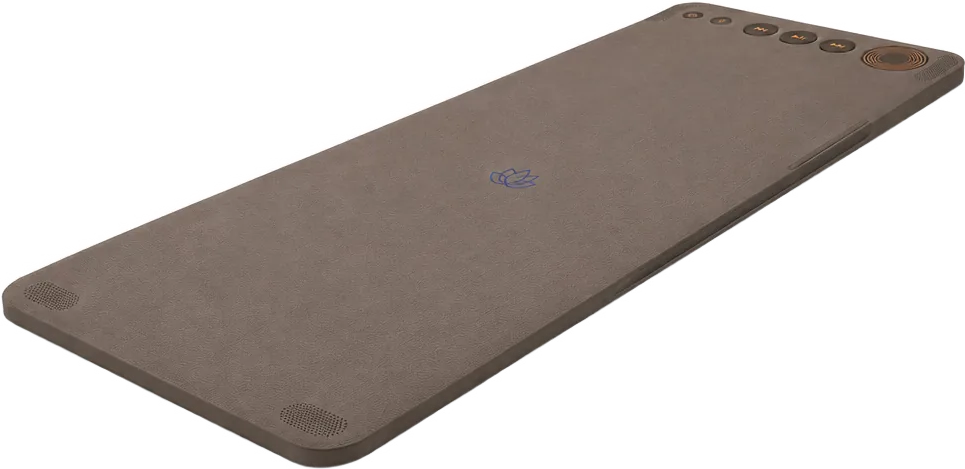
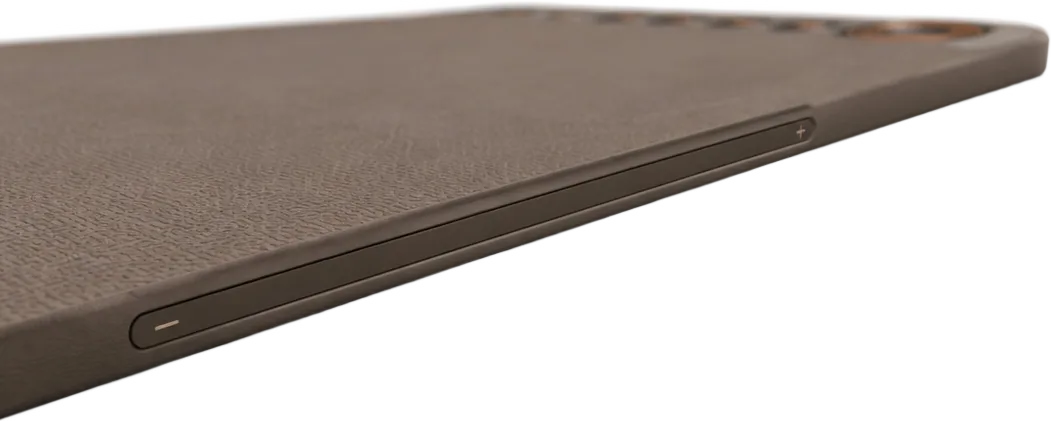
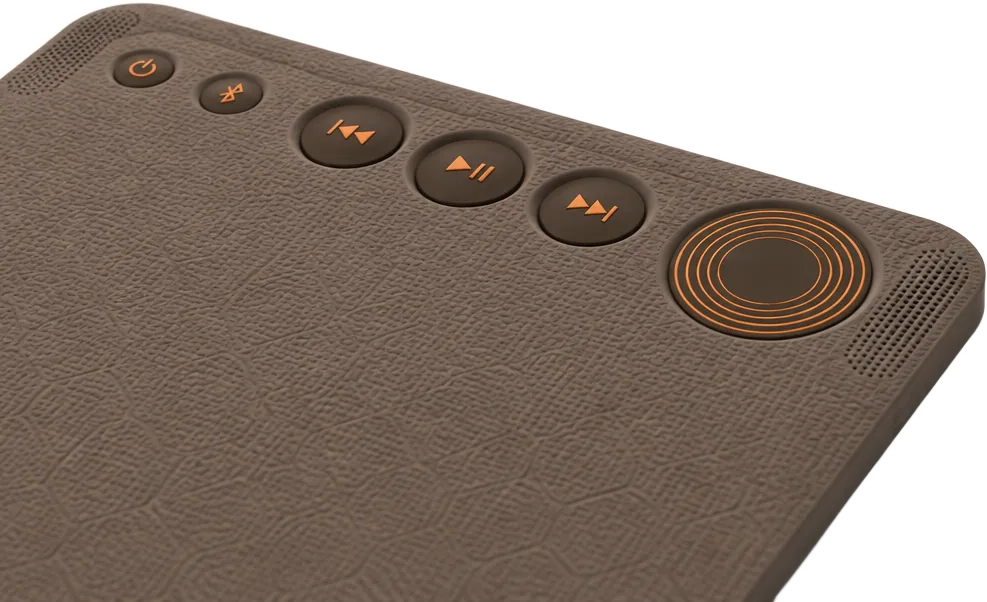
The music is too loud. Nele taps the side edge of the mat and slides her finger down a little. Quieter. It doesn't matter exactly where she taps. The slider measures from the point where her finger lands.
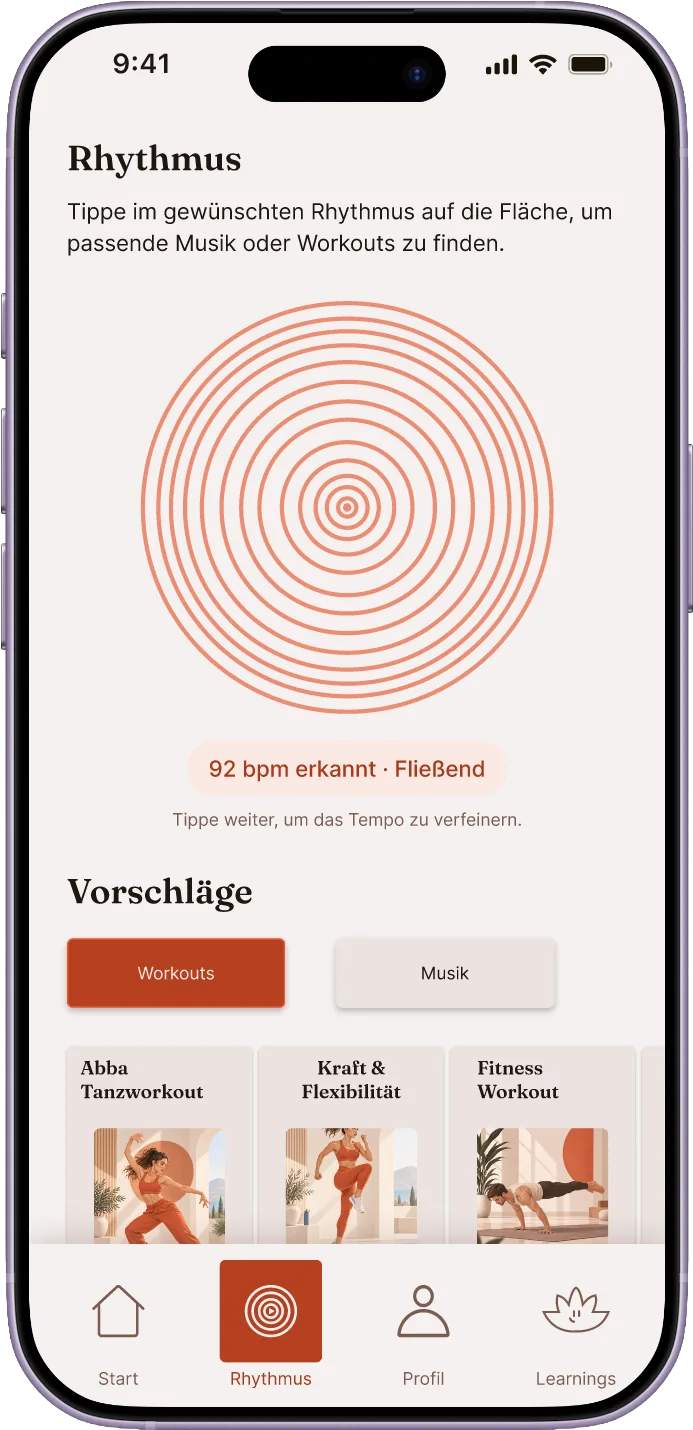
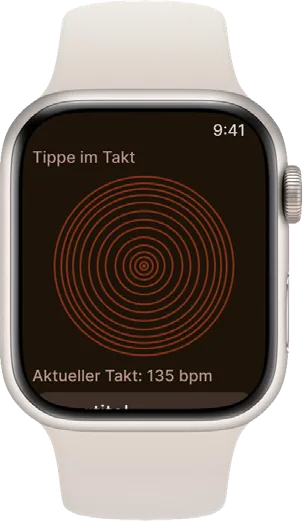
For the dance part, Nele doesn't feel like searching through a playlist. On the right of the head end, there's a small field. She drums the rhythm onto it with her fingers, the one that's in her head right now, and SMAT suggests a track with exactly that tempo.
Try it: Tap to the beat
Click the field at least three times in rhythm.
The next evening, Nele picks a new workout from the categories in the app and marks a song with a heart that briefly pops up. Then she puts her phone away. The mat takes care of the rest.
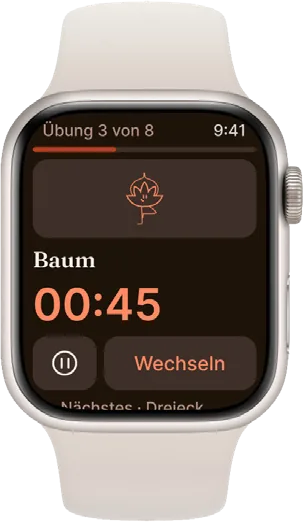
Nele rolls up the mat. She has barely touched her phone today. She's thinking about getting a smartwatch, since the app works just as well on it, and then she could put her phone away completely during her yoga sessions.
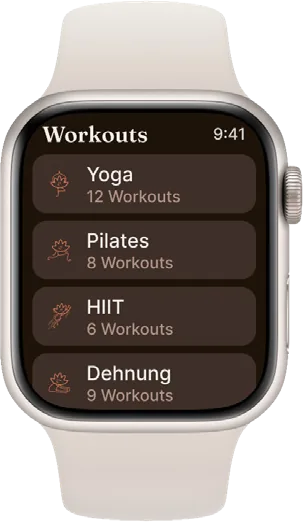
Pfotenspur.
An app that helps you search for your pet.
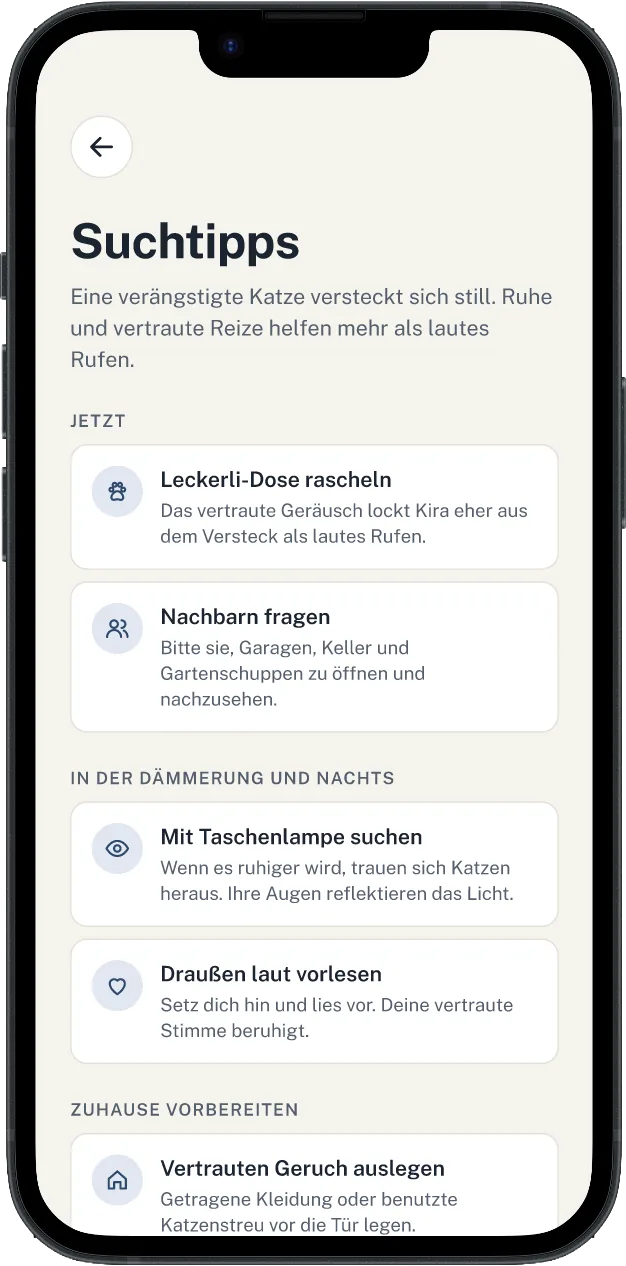
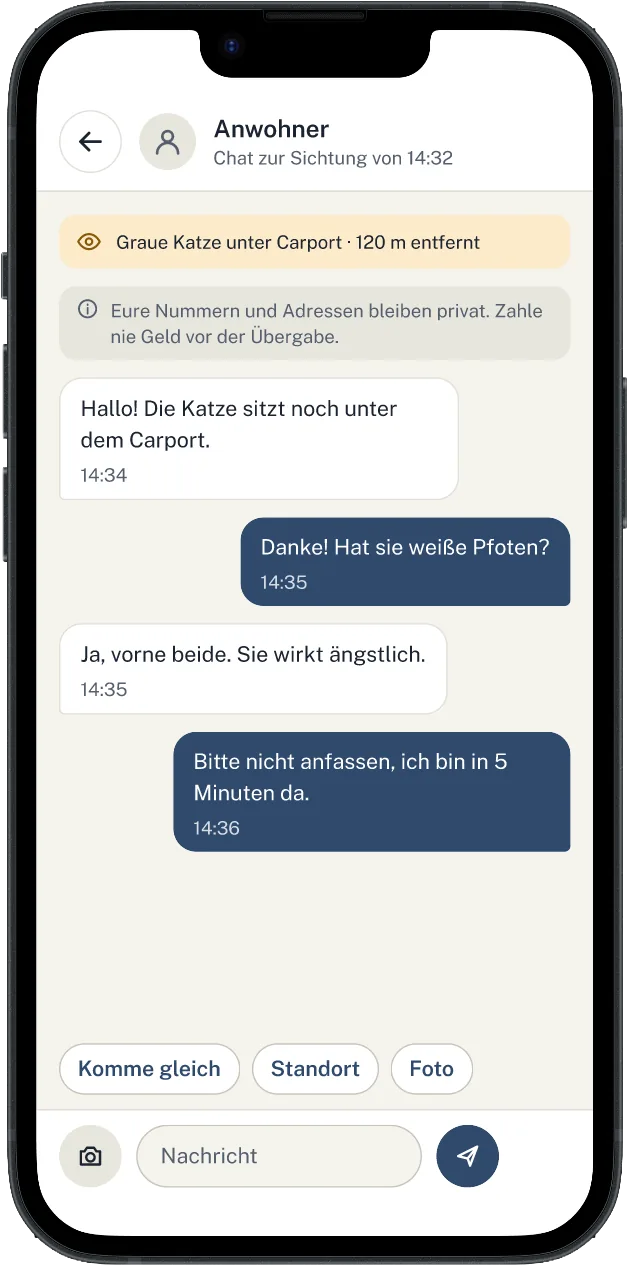
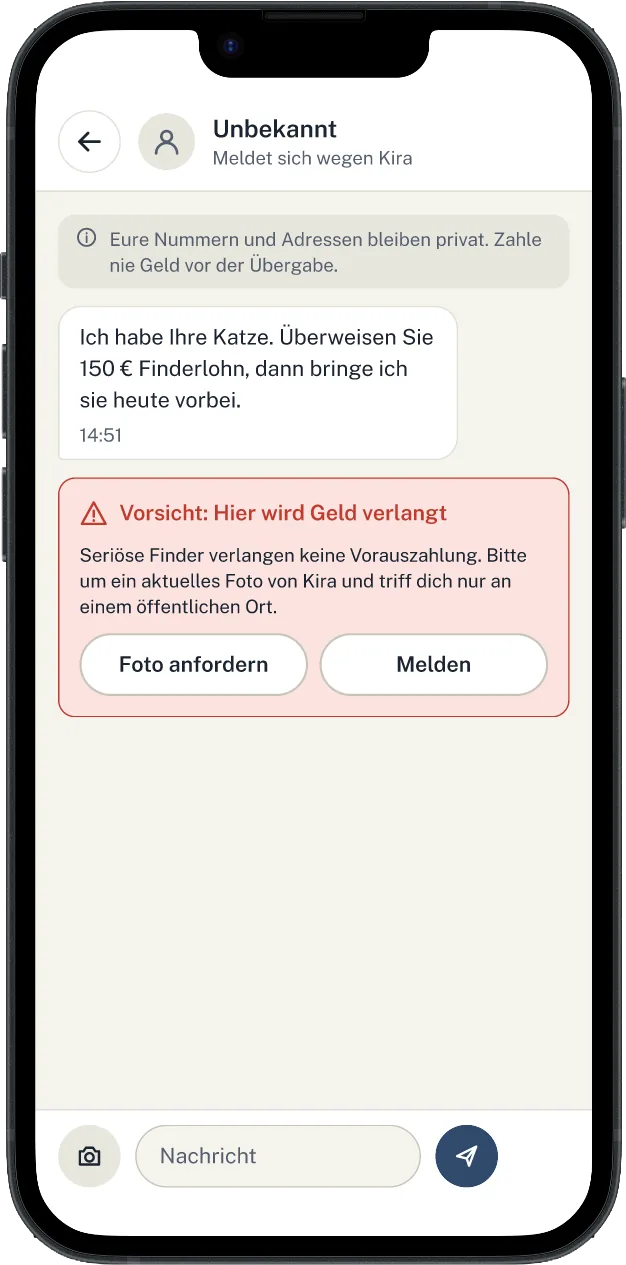
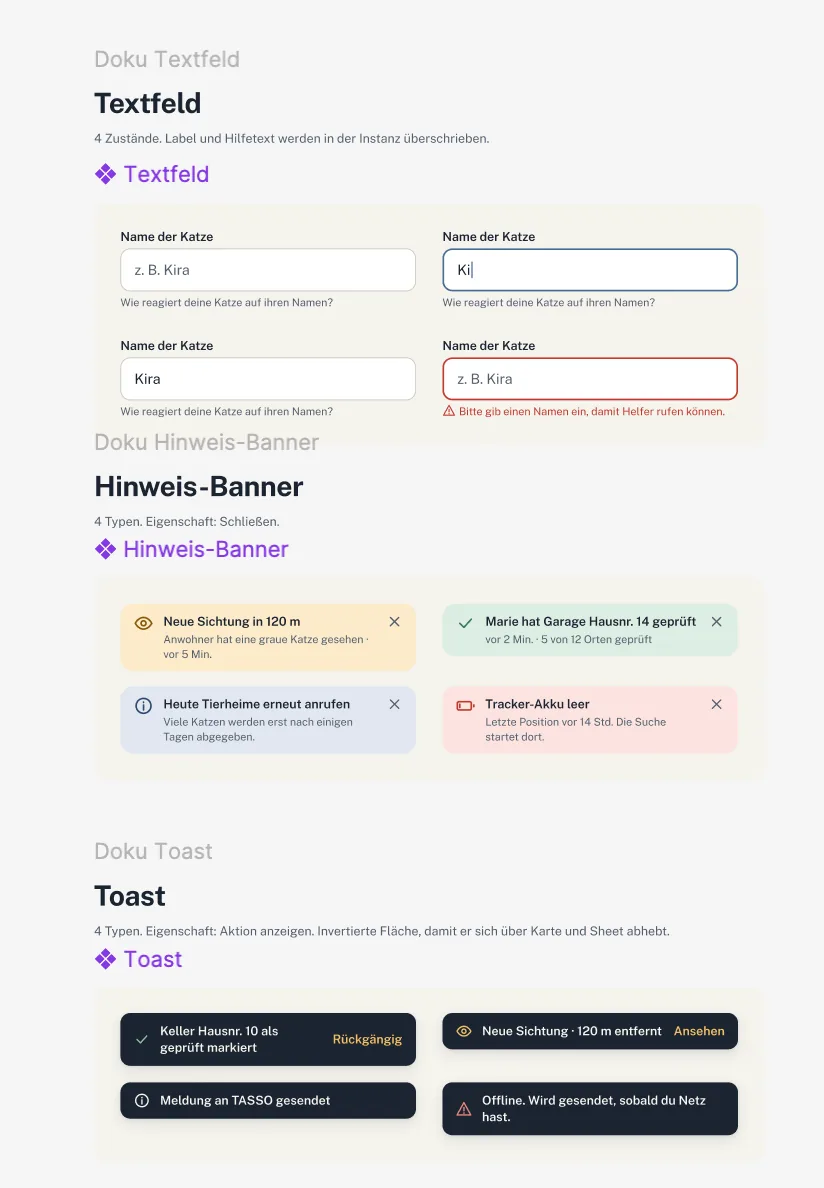
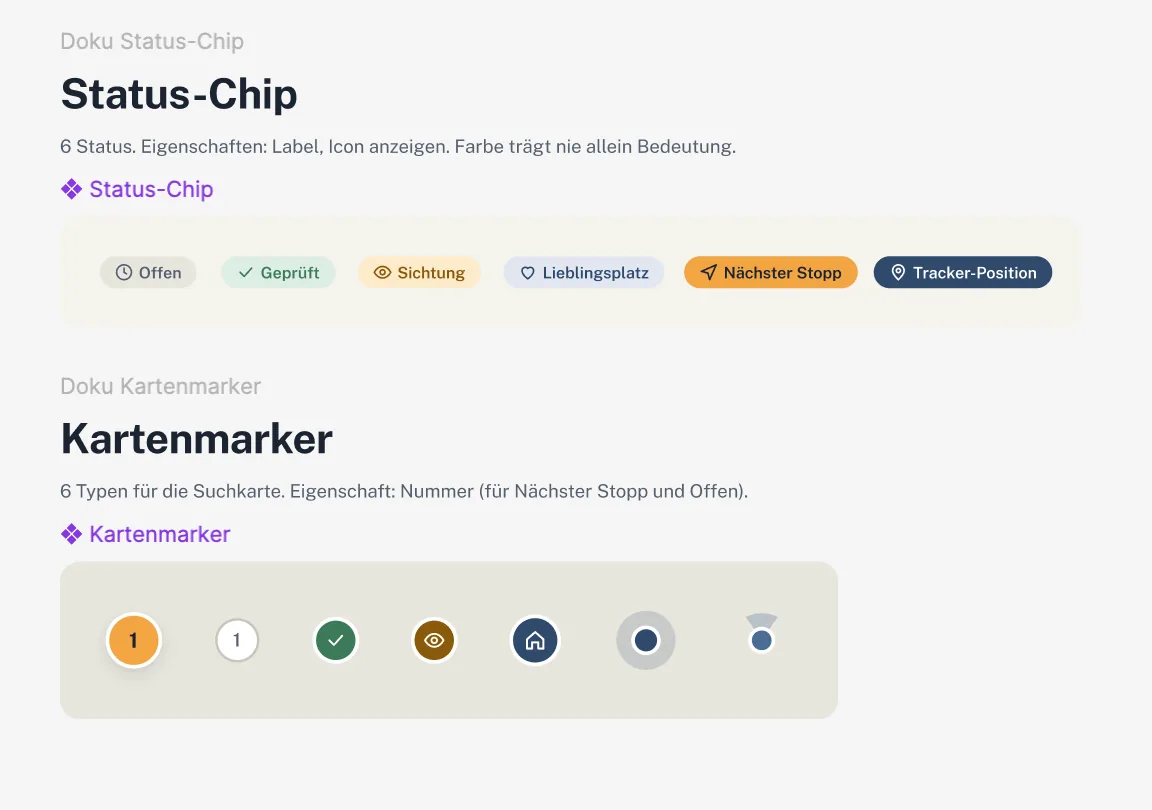
Here, I tried to bring my concept idea to life with AI and to test the Figma MCP. I started by describing my concept, having research done, drawing scribbles and defining the look. I then handed all of this back to the AI to have it build first screens through the MCP. I reviewed those in turn and passed my feedback back to the AI to refine them.
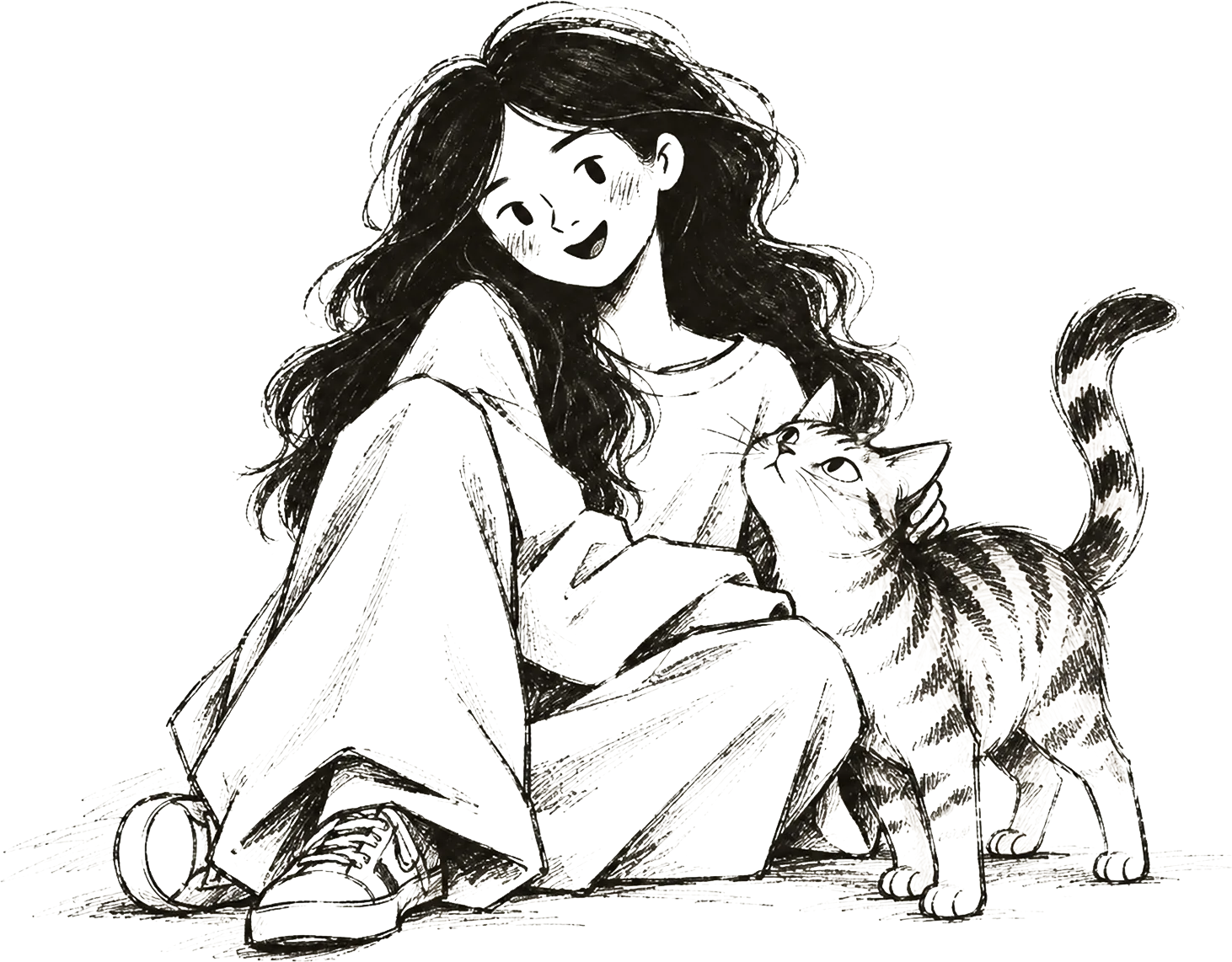
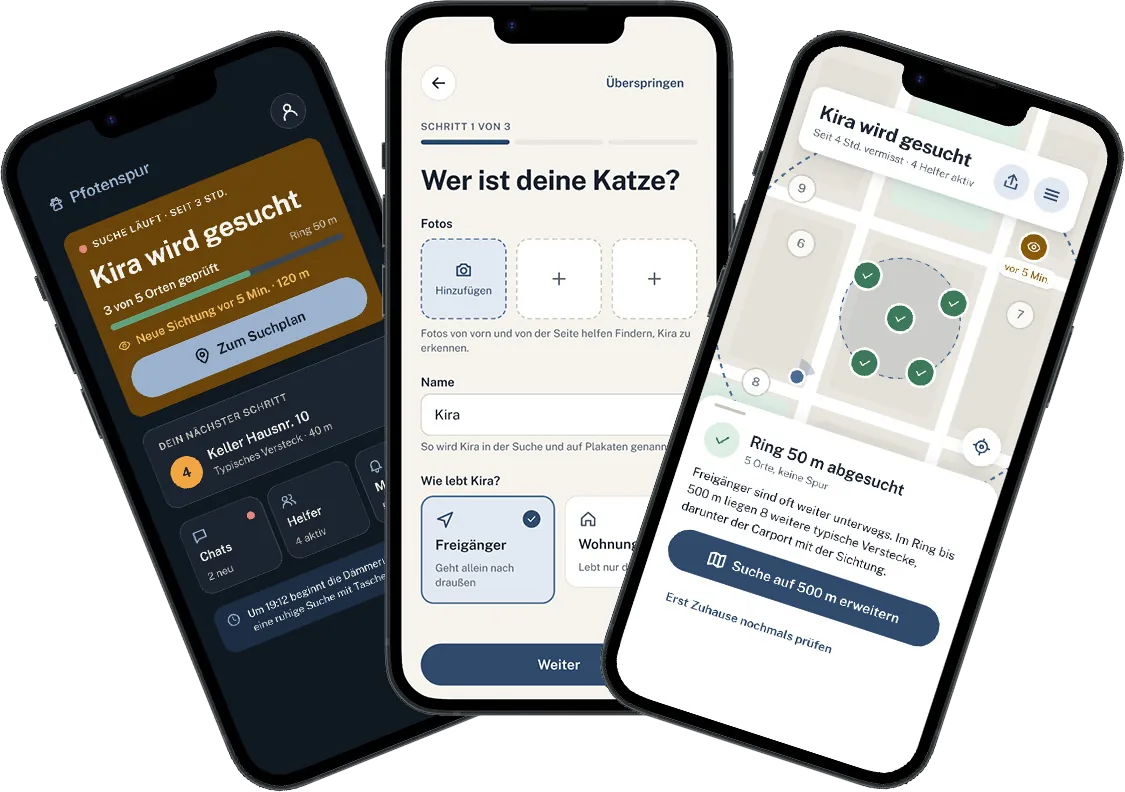
It's Saturday night, just after eleven. Jana's tea has gone cold, and she's about to go to bed. In the kitchen, she notices that Kira hasn't touched her breakfast, and she never does that. Jana last saw her at 7:40 a.m., on the windowsill in the hallway. Now the balcony door is open a crack, and the apartment is silent.
Jana calls her name, first in the stairwell, then in the courtyard. Nothing. She goes outside and tries again, in vain. After an hour, Jana unlocks her phone with shaking hands. A few months ago, on a quiet evening, Jana had installed Pfotenspur. She had uploaded photos of Kira, typed in “gray tabby, white paws, kink in her tail” and marked two favorite spots on the map: the neighbors' shed and the hedge by the playground.
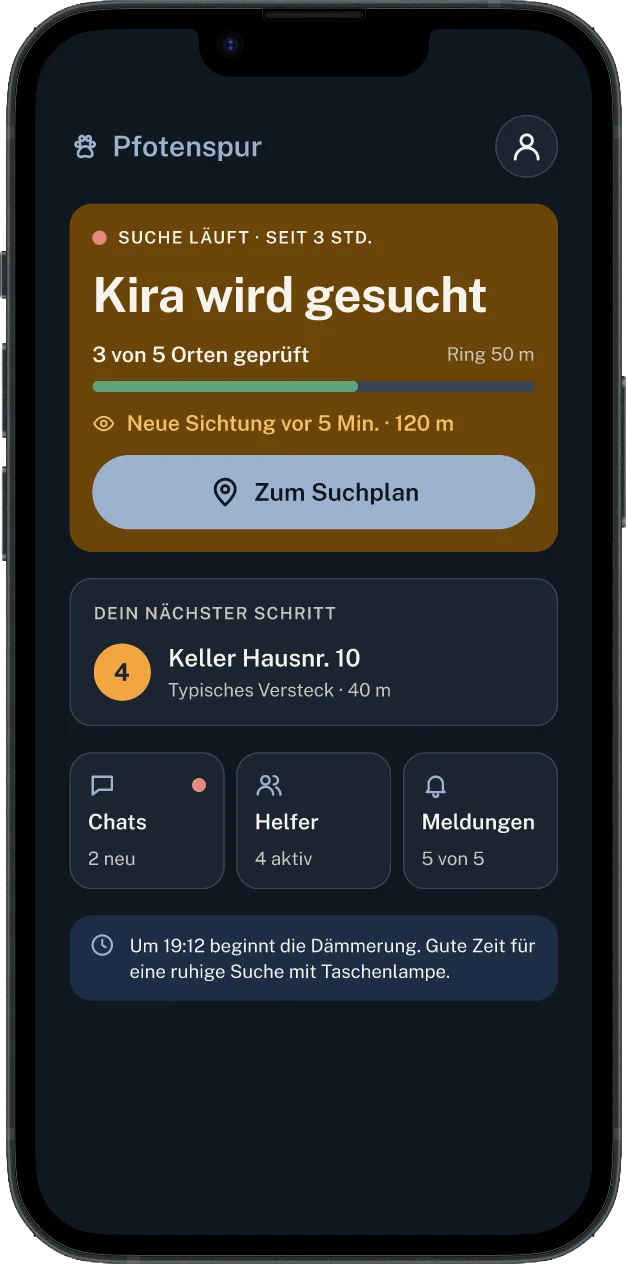
Now she taps “My cat is missing”. Where was Kira last seen? At home. When? One to three hours ago. One tap on “Start search”, and the map opens.
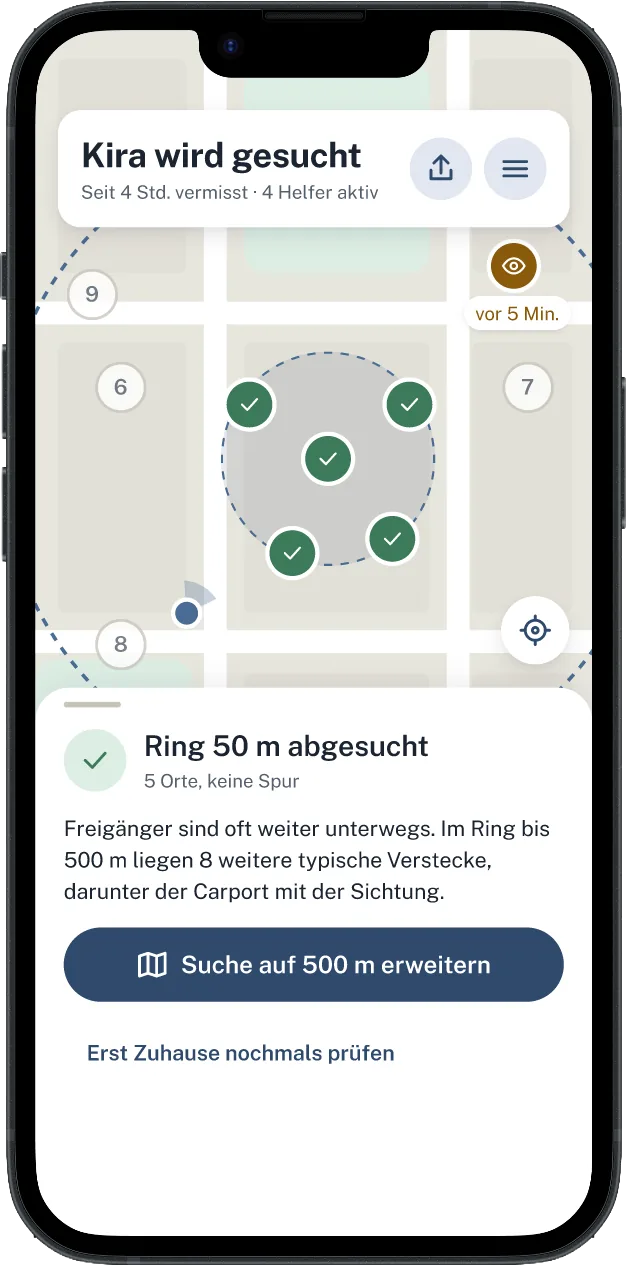
On the map, there's a 50-meter ring around Jana's apartment, with five numbered points inside it. The first stop surprises her: “Search your home thoroughly. Cats often hide silently.”
Jana opens cupboards and checks the basement and the attic. Kira is nowhere to be found. She ticks off the point.
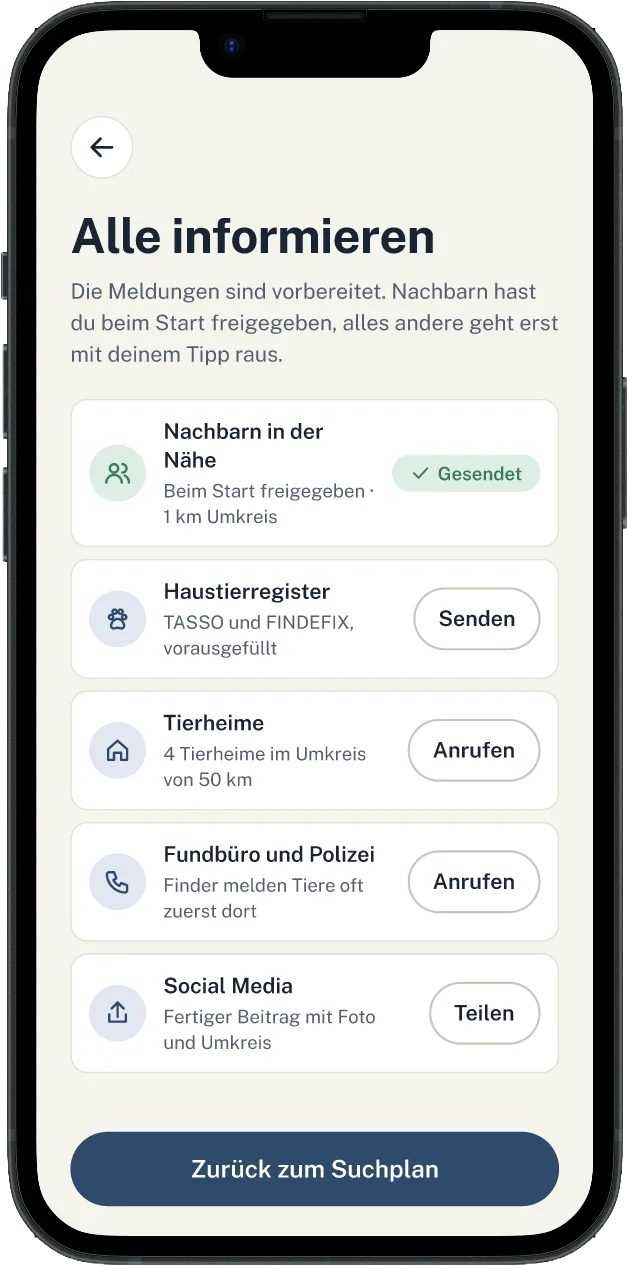
Below the screen, there's a note: “Prepare 5 reports.” TASSO, the animal shelters in the area, the lost and found office, a ready-made post for the neighborhood group. With one tap per place, everything is sent. Worried, but hoping to find Kira tomorrow, Jana goes to bed.
Try it: Help find Kira
Tick off the search stops on the map.
0 of 5 places checked
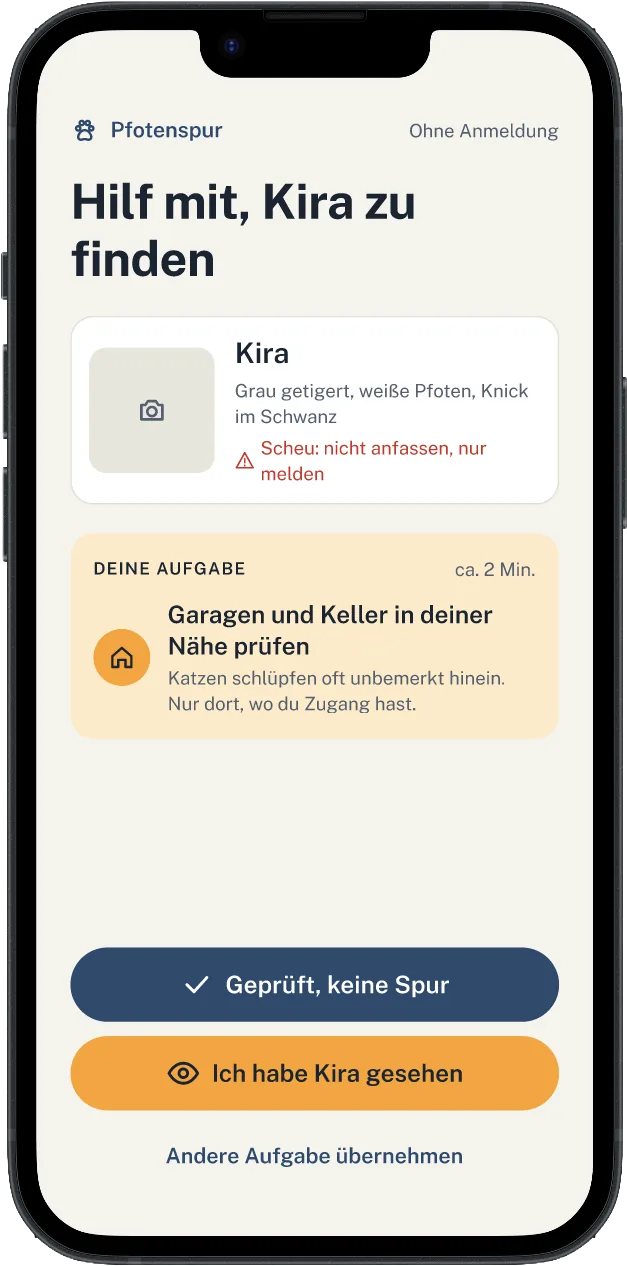
Two streets away, Marie gets a notification. She sees it the next morning when she glances at her phone over coffee. Marie doesn't know Kira, and she only has a few minutes. The app doesn't expect more from her: she's asked to check her own garage and basement, about two minutes. Plus the note “Shy: don't touch, just report”.
Marie takes a look. Nothing. She taps “Checked, no trace”, without an account and without giving out her phone number. On Jana's map, point five turns green.
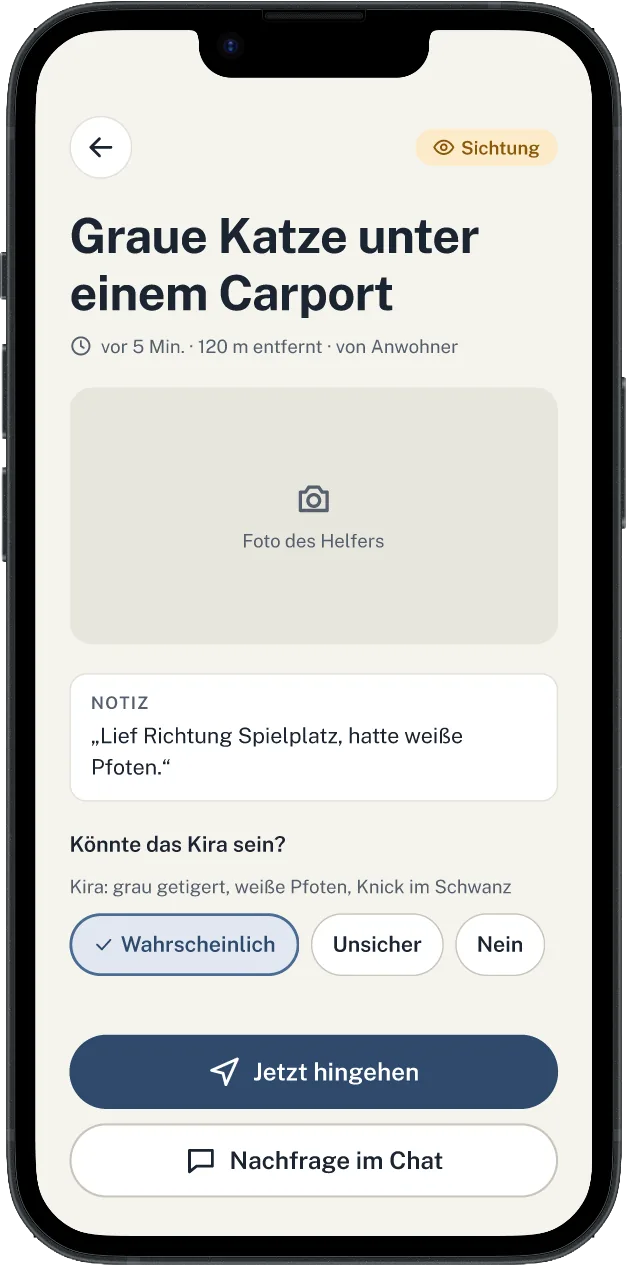
At 2:32 p.m., someone from the neighborhood reports in: “Gray cat under a carport, heading toward the playground.” The sighting appears as a dot on Jana's map, 120 meters away. Jana checks the photo. Kira's white paws, that fits. She writes in the chat: “Please don't touch her, I'll be there in five minutes.”
Under the carport on Lindenweg sits Kira, ears flat and eyes wide. Jana kneels down and waits until Kira comes to her on her own. She rustles the bag of treats a little, and Kira is already rubbing against her legs.
Overjoyed, Jana ends the search in the app. The app asks where Kira was. “At a sighting: carport, Lindenweg”. The box for “Save as favorite spot” is already ticked. If Kira ever disappears again, the search will start there.
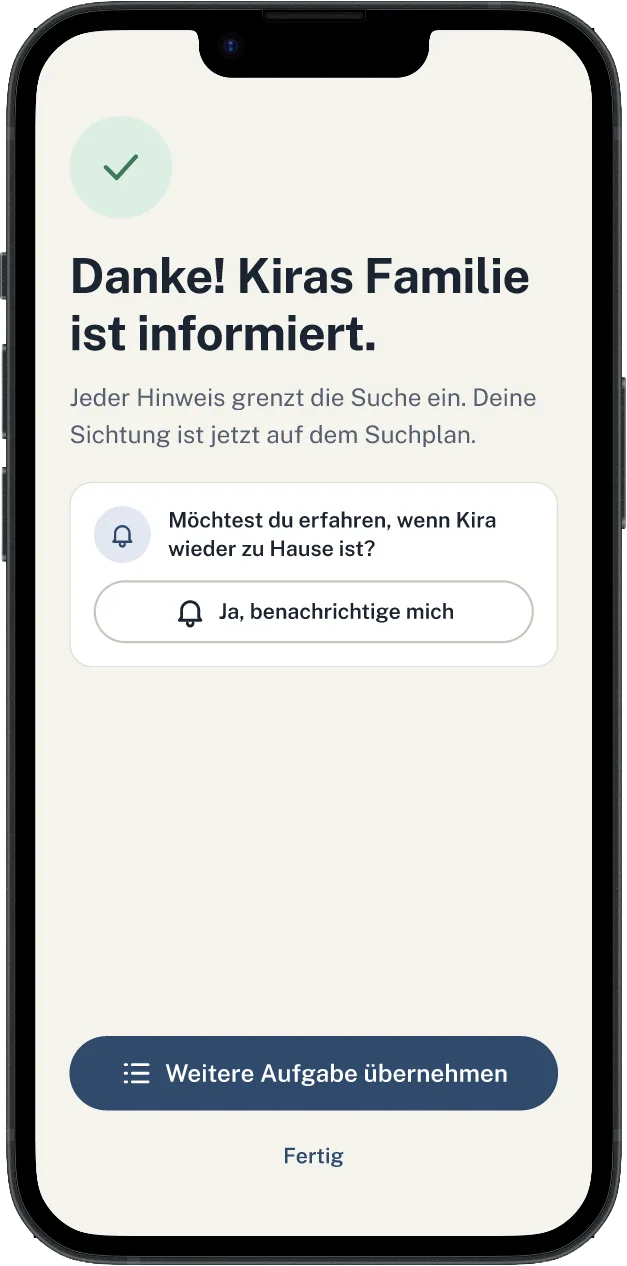
The final tally: 6 hours, 4 helpers, 9 places checked. The reports are closed, the post is marked as “Found”. Marie gets a message that Kira is back home.
Kira is curled up asleep on the windowsill in the hallway. The sun shines on her gray tabby fur. The balcony door is firmly shut.
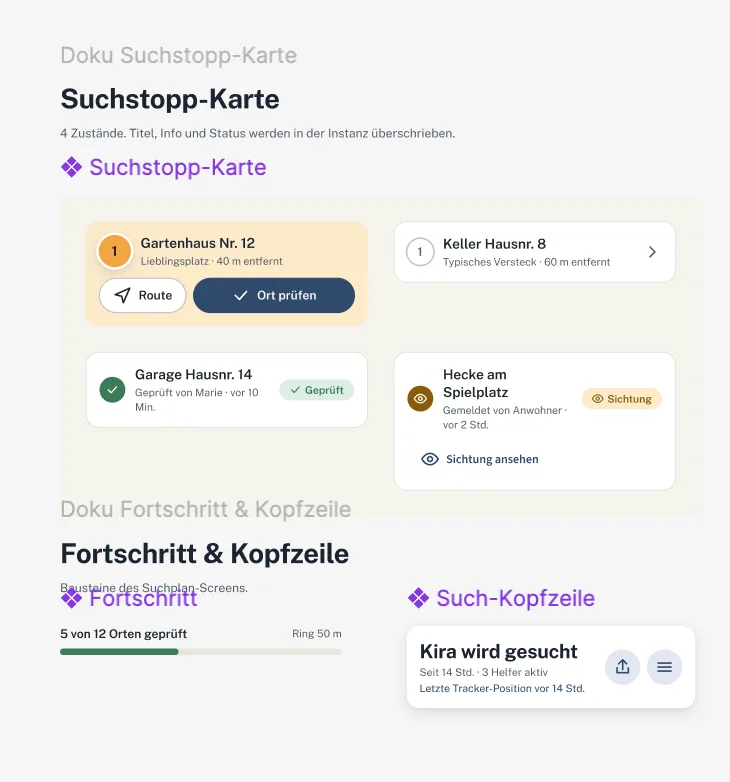
Design system components
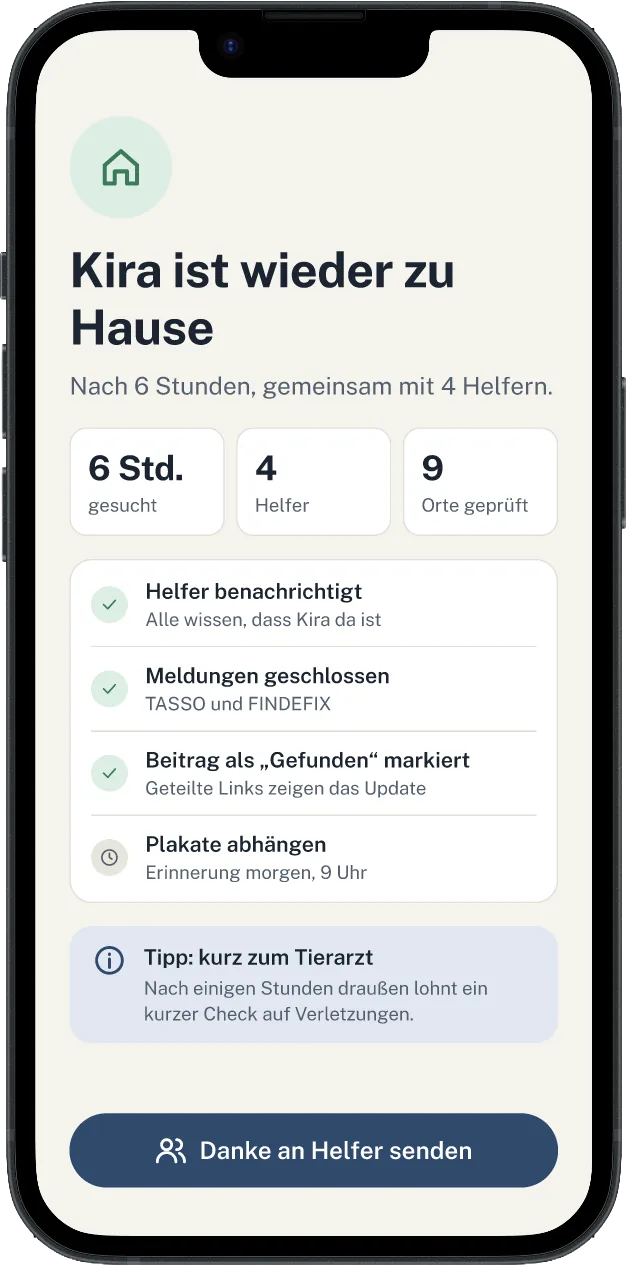
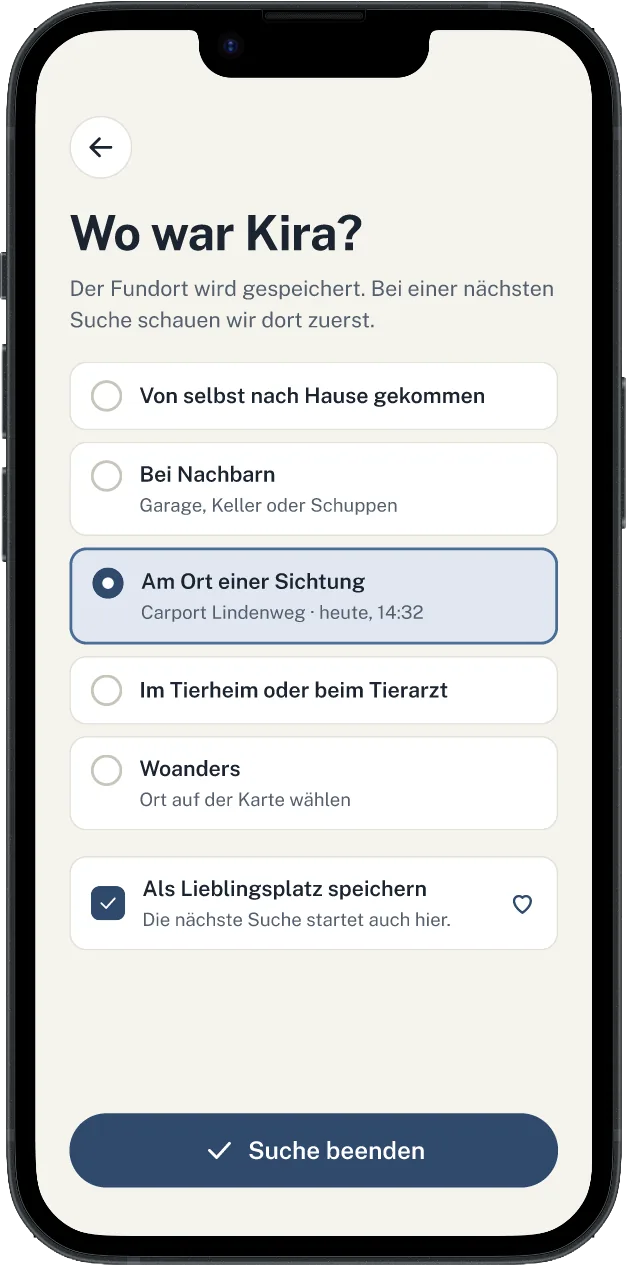
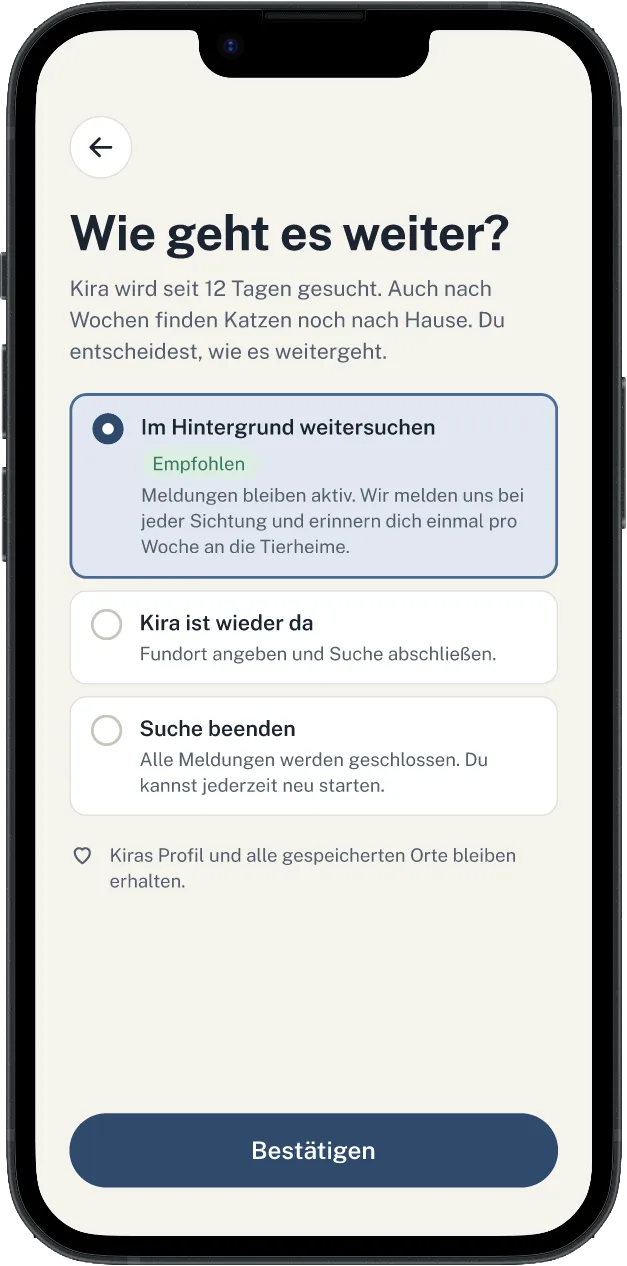
Screens for the end of the search
Working student.
UI and UX optimization of a parking management app at Mercedes-Benz.
Building a concept in Figma.
Appendix.
More to explore: installations, 3D films, code, concepts and graphics.
The following projects come mainly from my bachelor's studies and from personal projects. They are told as short stories too, just a little shorter than the main chapters.
Contents
Immersive Media
3D & Animation
Coding & Games
Concept & Illustration
Graphics & Web
A1 · Immersive Media
Bon Appétit.
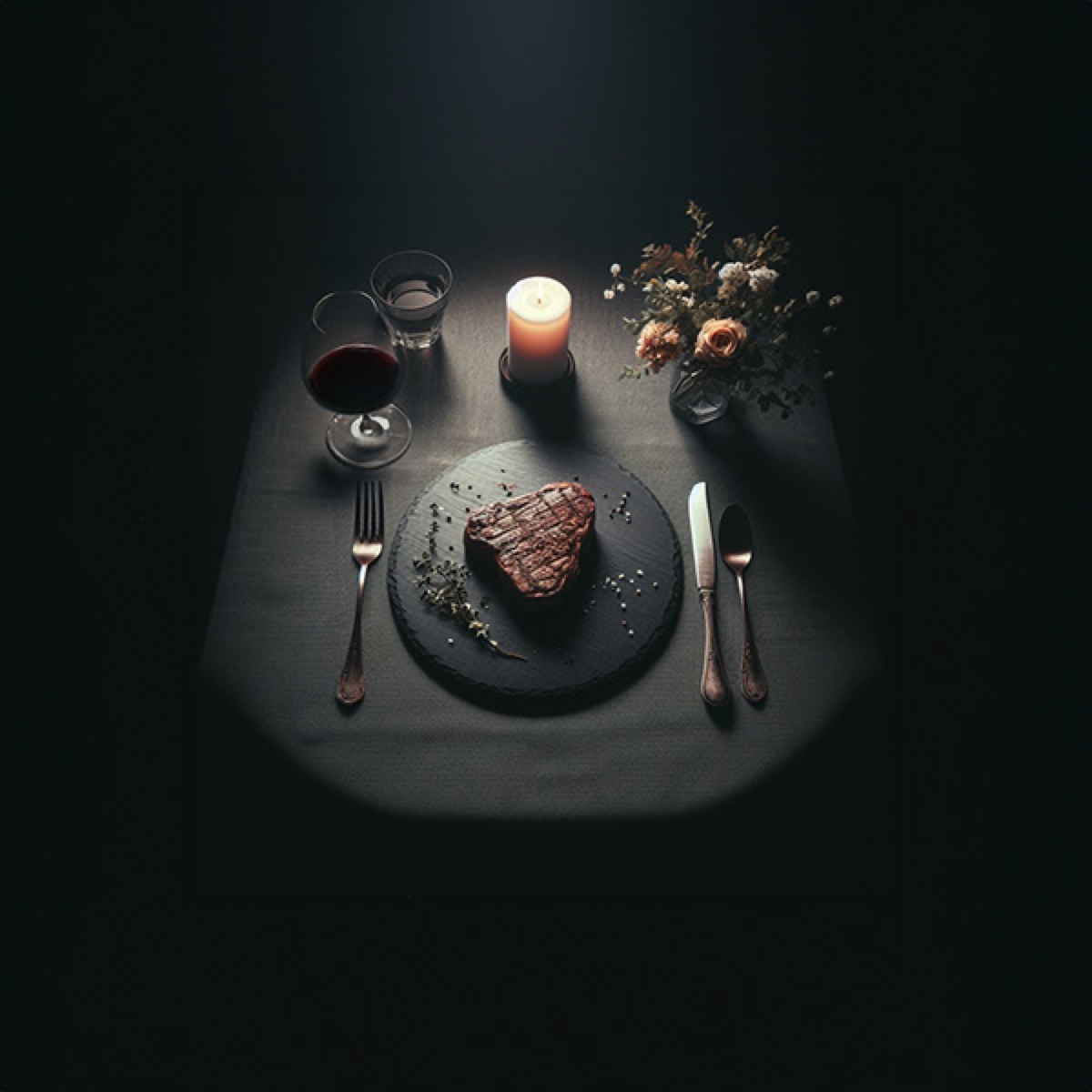
The room is dark. Only a festively laid table is lit: candles, wine glasses, a slate platter. Felix sits down because someone kindly invites him to. On the platter lies a steak, artfully arranged, surrounded by small white animal welfare labels and seals. Looks good, actually.
To the right of the plate lies a knife. Felix picks it up, and at that very moment, screams ring out. He hesitates, but brings the knife to the steak anyway. A blood-red projection explodes around the plate, and the white seals turn red. Then the steak slowly starts crawling off the platter.
Felix puts the knife back down. At dinner later that evening, he thinks about it again.

A2 · 3D & Animation
The Niedere Tor.
Gerda has been a member of the local history society for many years. Almost every day, she walks past the spot where the Niedere Tor used to stand. Today, nothing there reminds you of it. She only knows it from old documents and stories.
Over breakfast, she opens the newspaper: “Niederes Tor brought back to life”. In the evening, she watches the film. The camera glides along the walls, over the red roofs, up to the tower clock. Suddenly, the gate is back, in every detail. The next morning, Gerda stops at the empty spot. For the first time, she can see the gate in front of her.
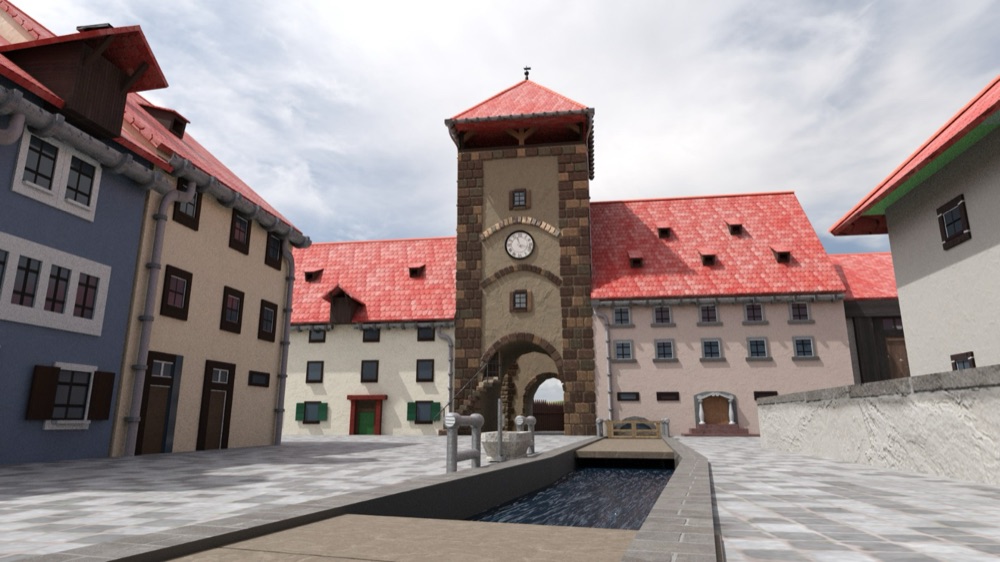 today: gonedigitally reconstructed
Drag across the image to rebuild the gate.
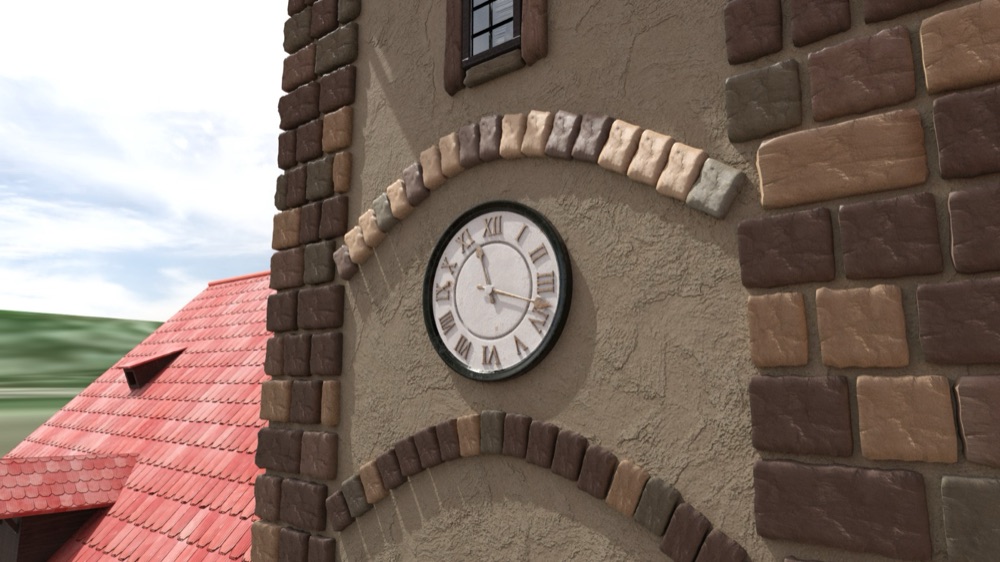
The tower clock of the reconstructed gate, a still from the animated film.
A3 · 3D & Animation
Kuleana & Moriko.
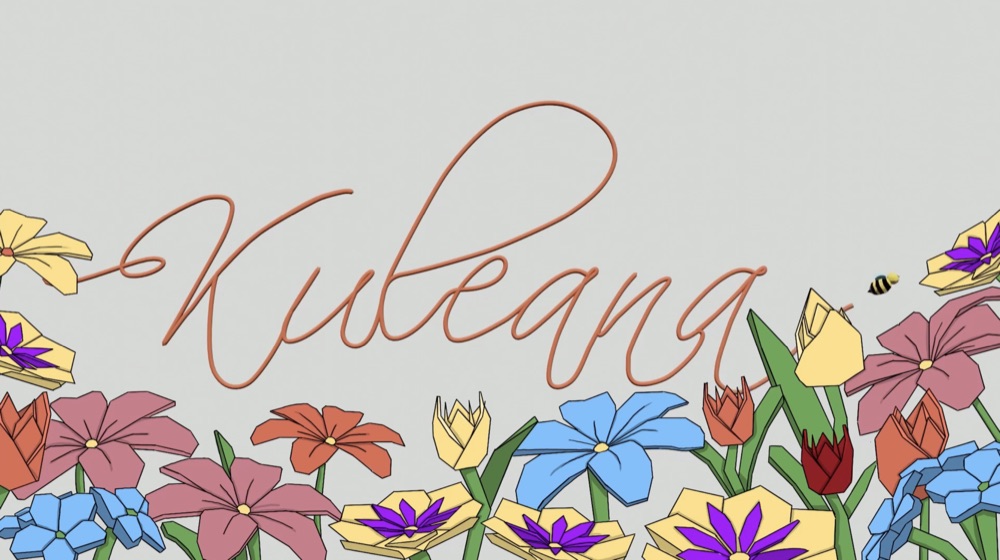
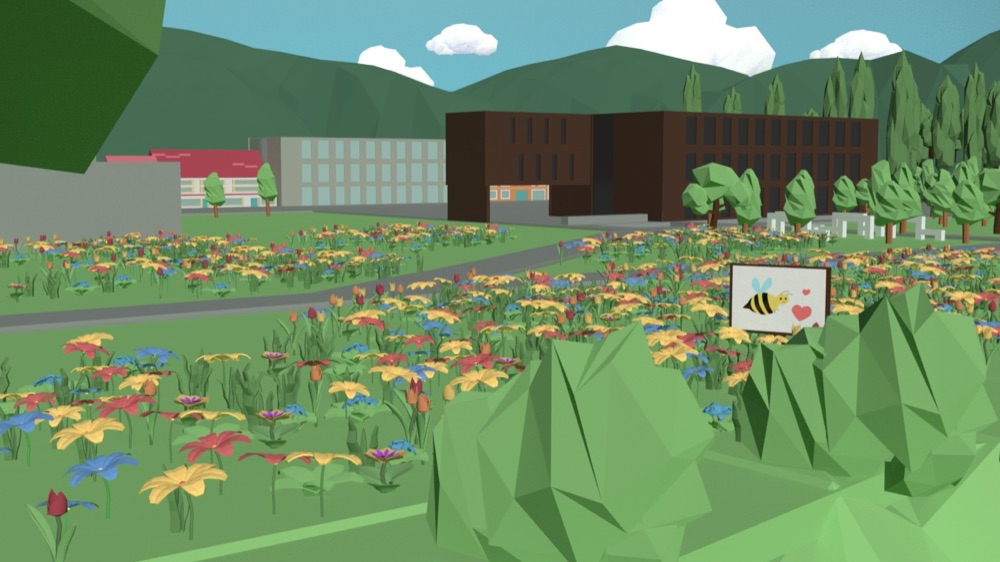
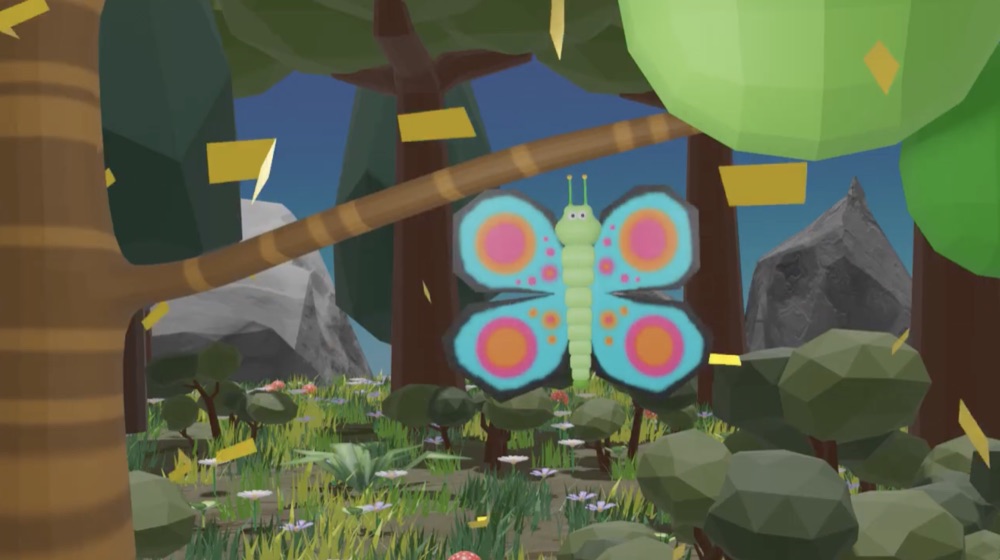
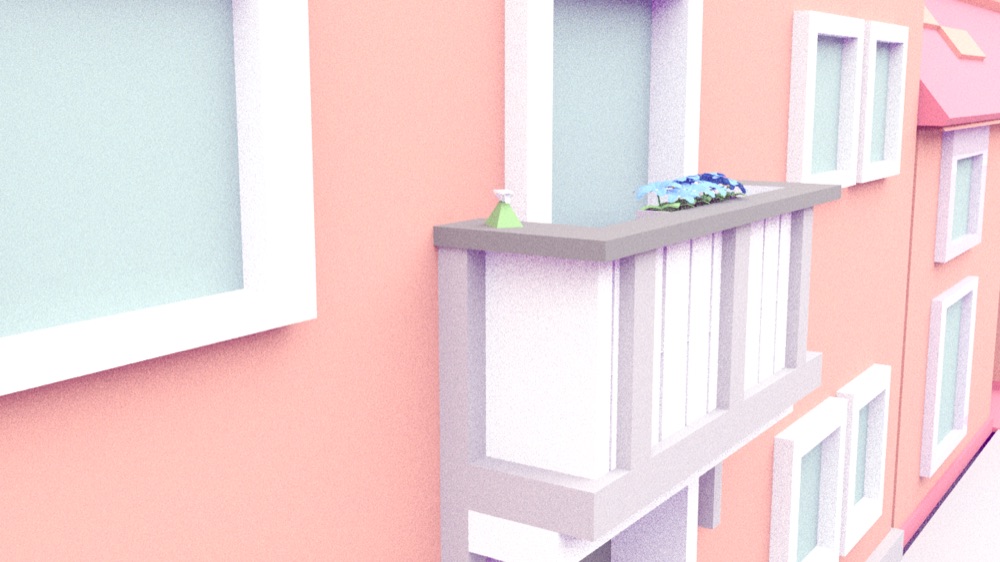
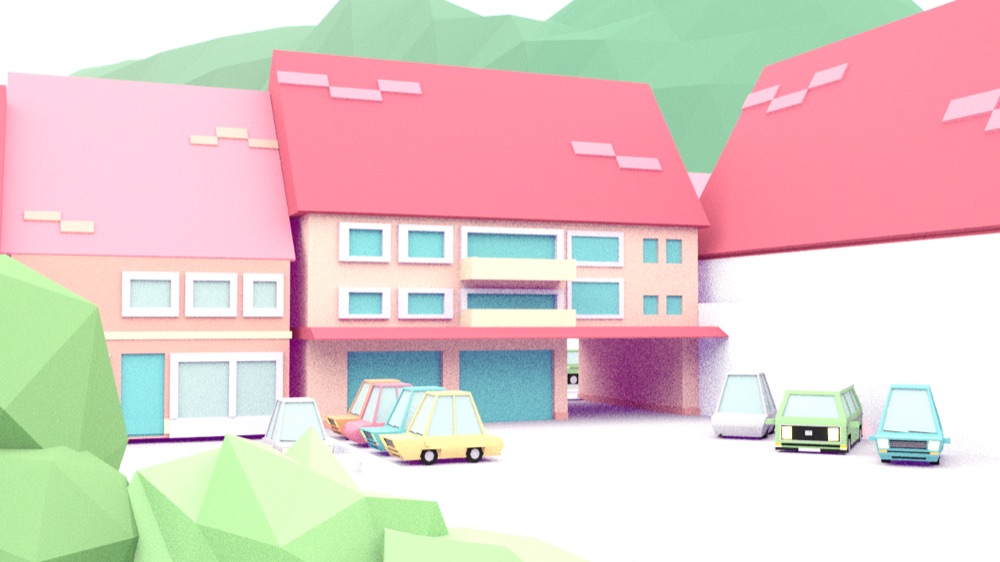
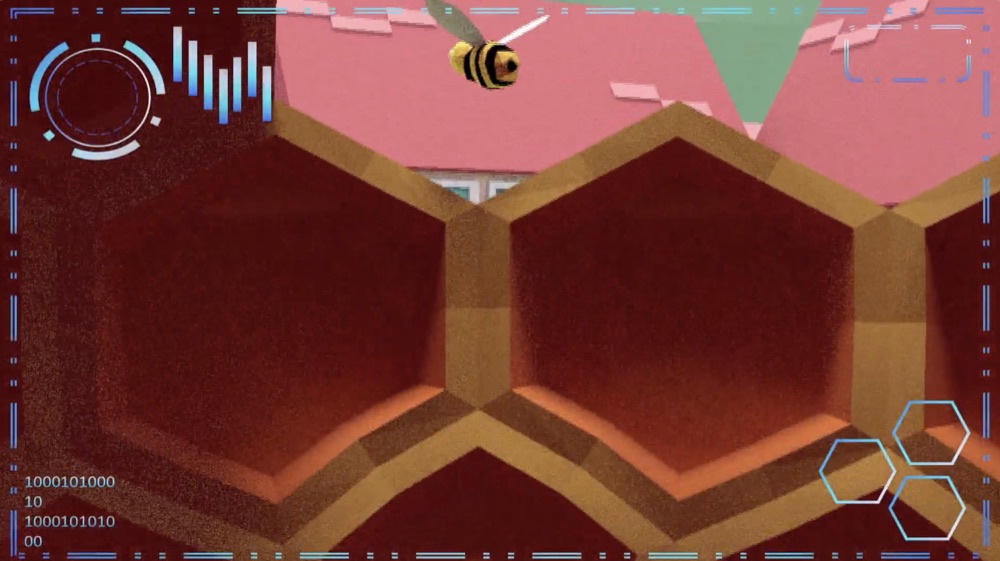
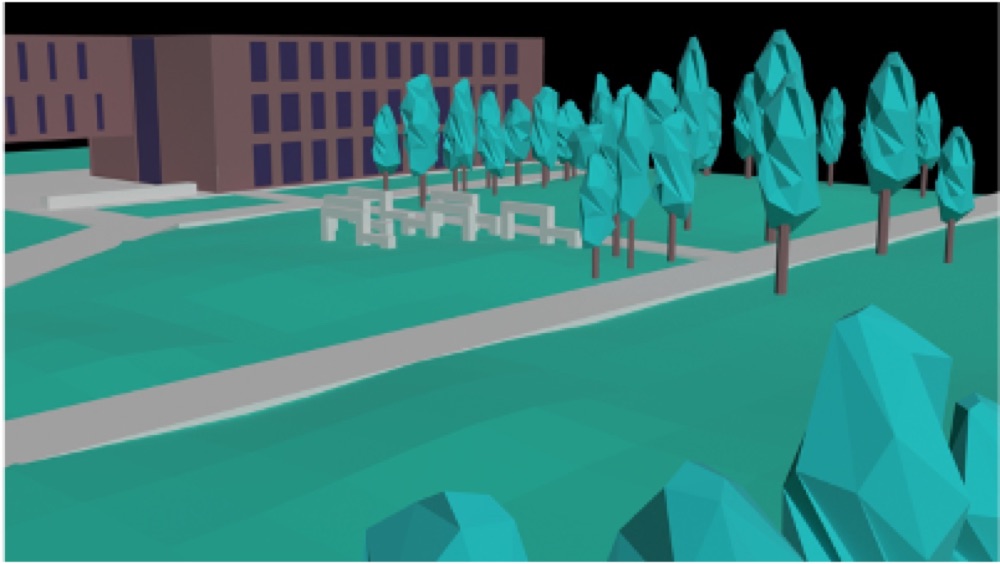
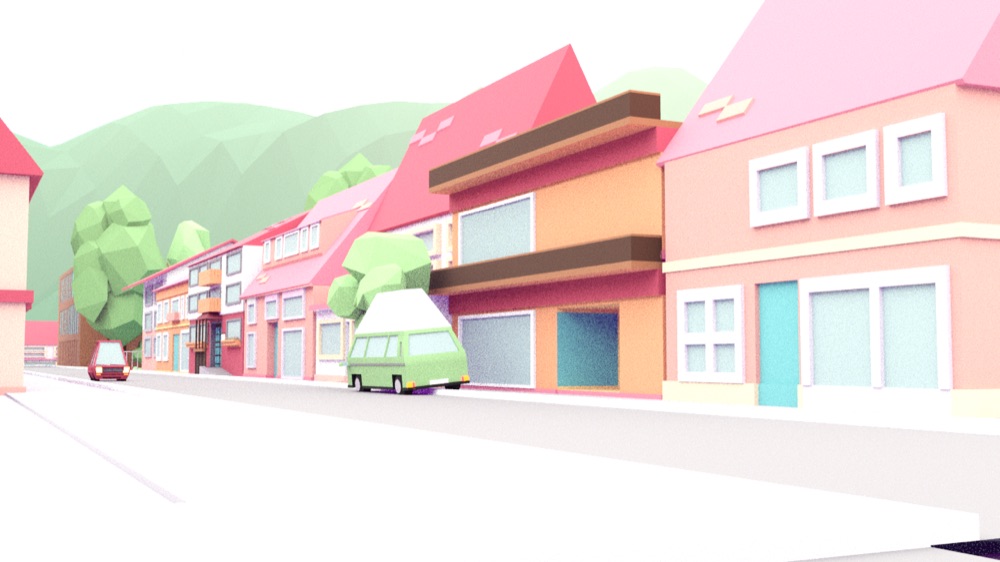
End-of-semester exhibition, a darkened room with beanbags. Emma only meant to take a quick look. On the screen, “Kuleana” begins: a town in pastel colors, a meadow full of flowers, all built from clean, angular surfaces.
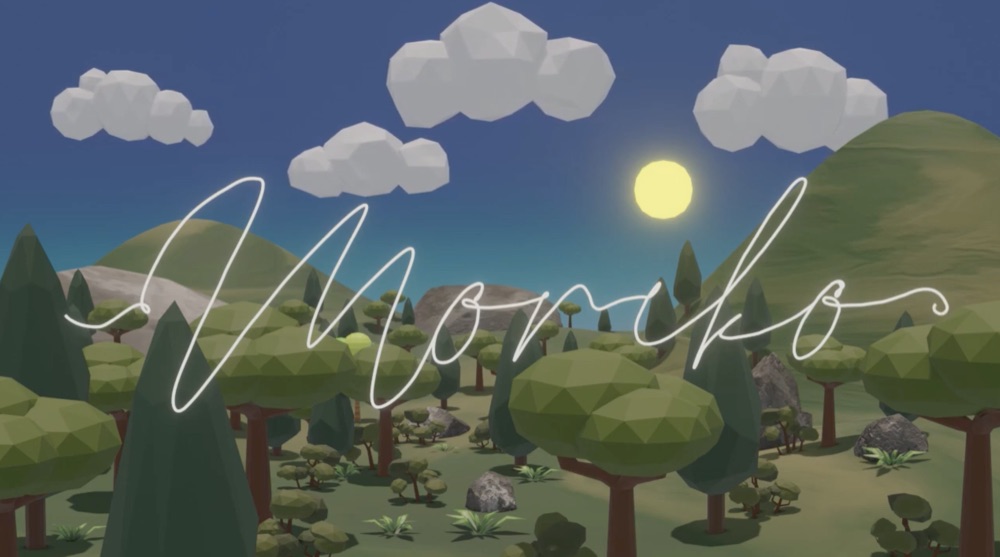
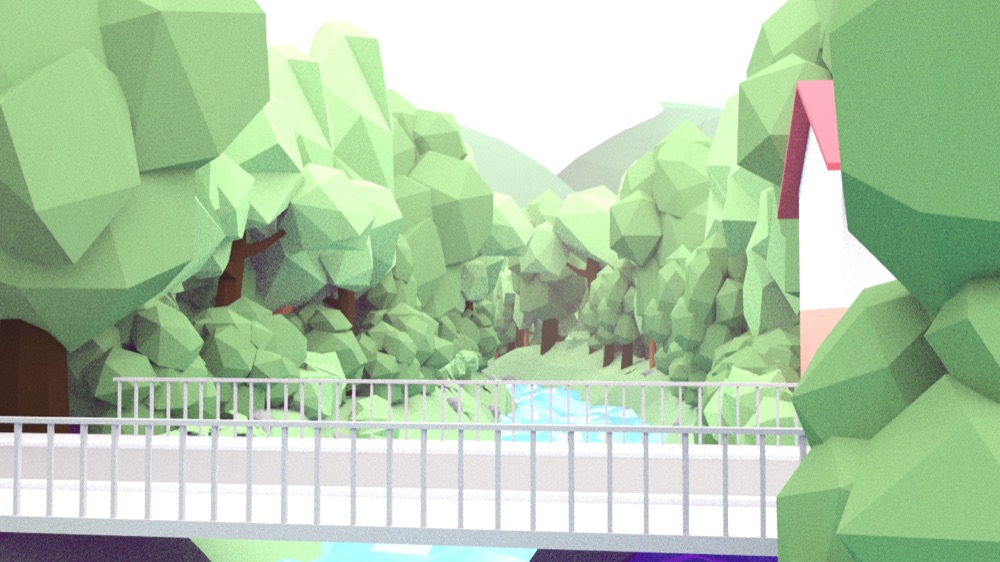
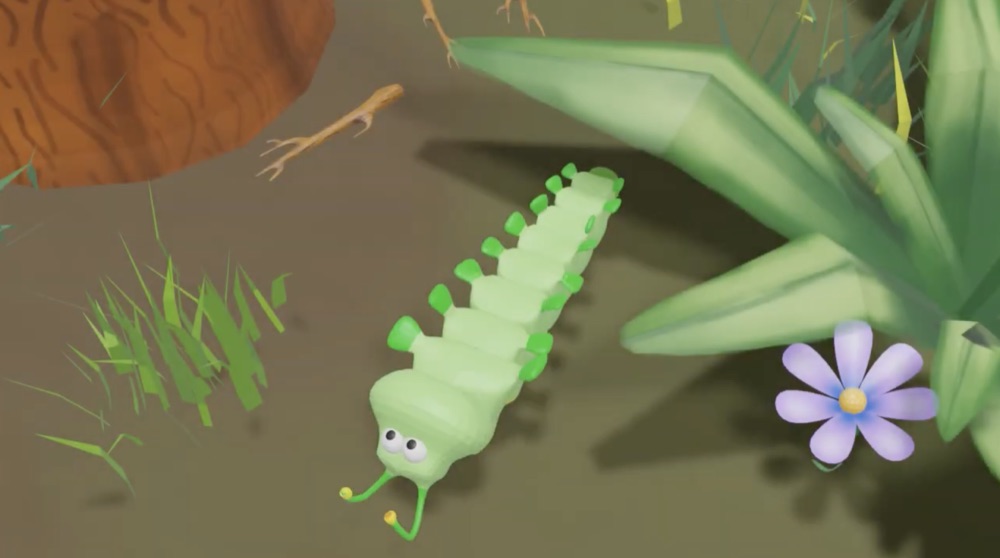
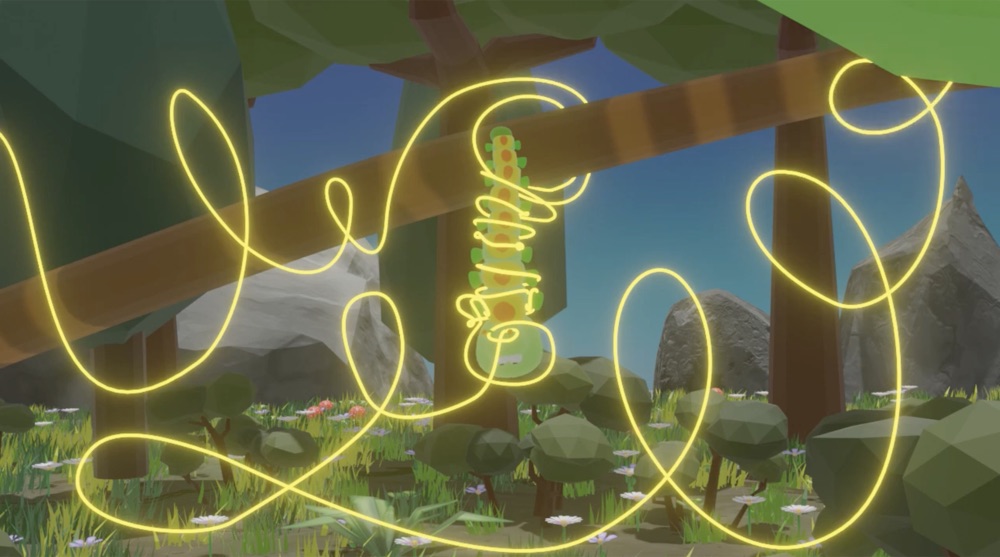
Then “Moriko” starts. A little caterpillar crawls through a forest, a glowing path winds across the screen, and at the end, a butterfly sits there. Emma realizes she has been smiling the whole time. She stays for the next round.
Moriko
A4 · Coding & Games
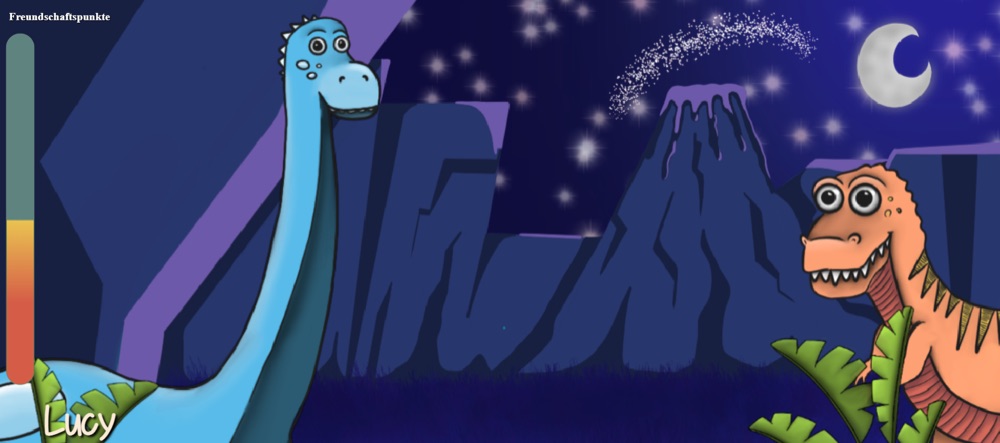
Die Suche.
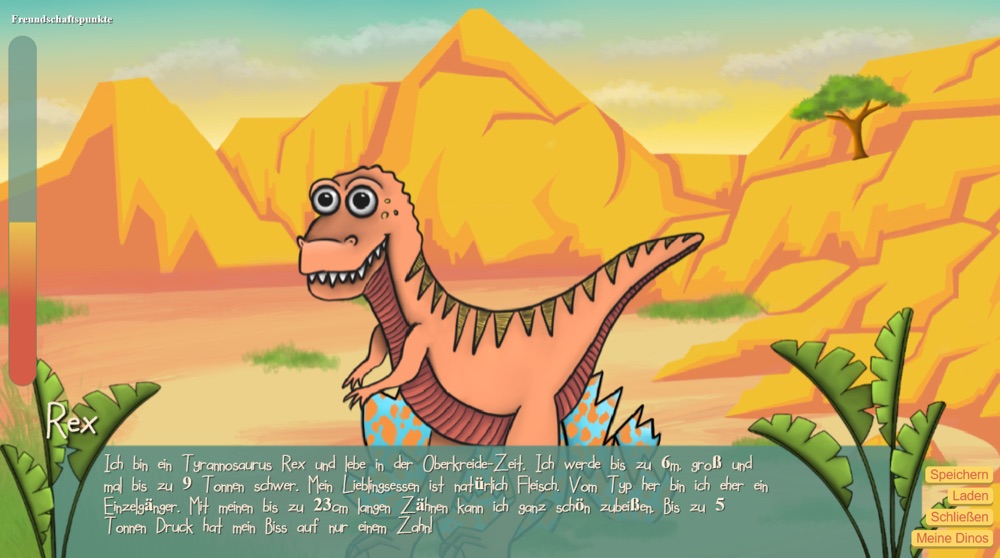
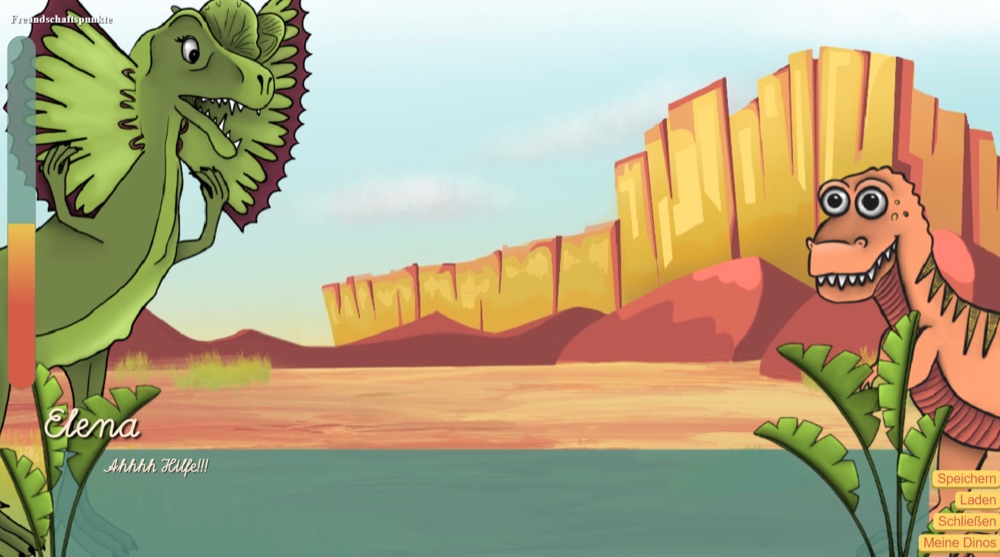
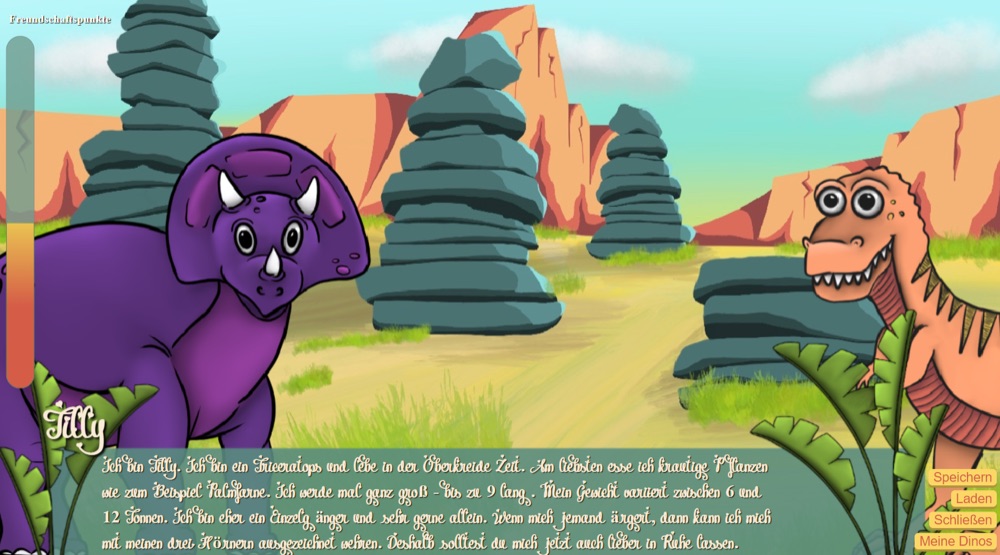
Sunday afternoon, rain outside. Noah got the link from a friend and clicks “Play” without expecting much. A desert in warm orange tones opens up, rocks, a wide sky, and in the middle of it all, a little dinosaur.
Noah reads, clicks, decides. He never has to think about where to go next, and the characters feel as if they have a story of their own. At some point, night falls on the screen and stars appear. Noah checks the time. An hour has gone by.
A5 · Coding & Games
Interactive applications.
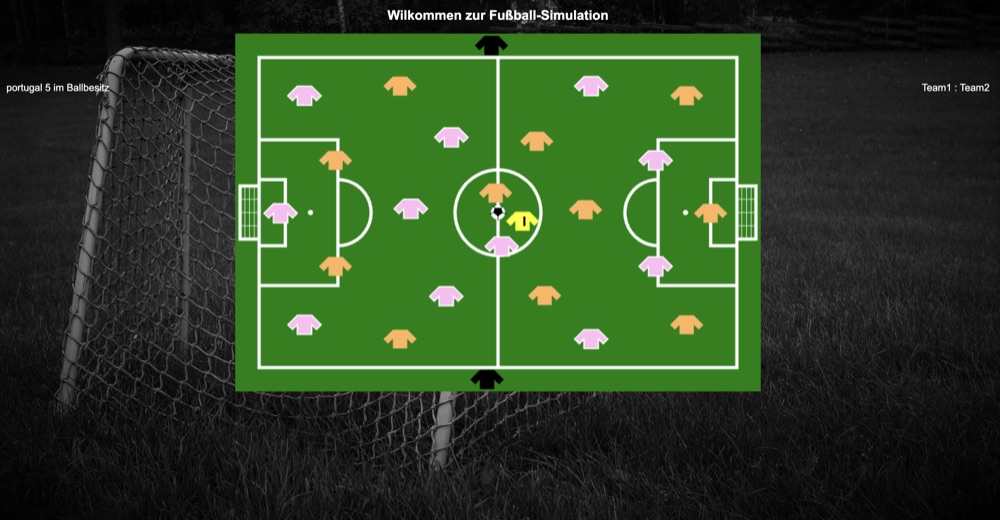
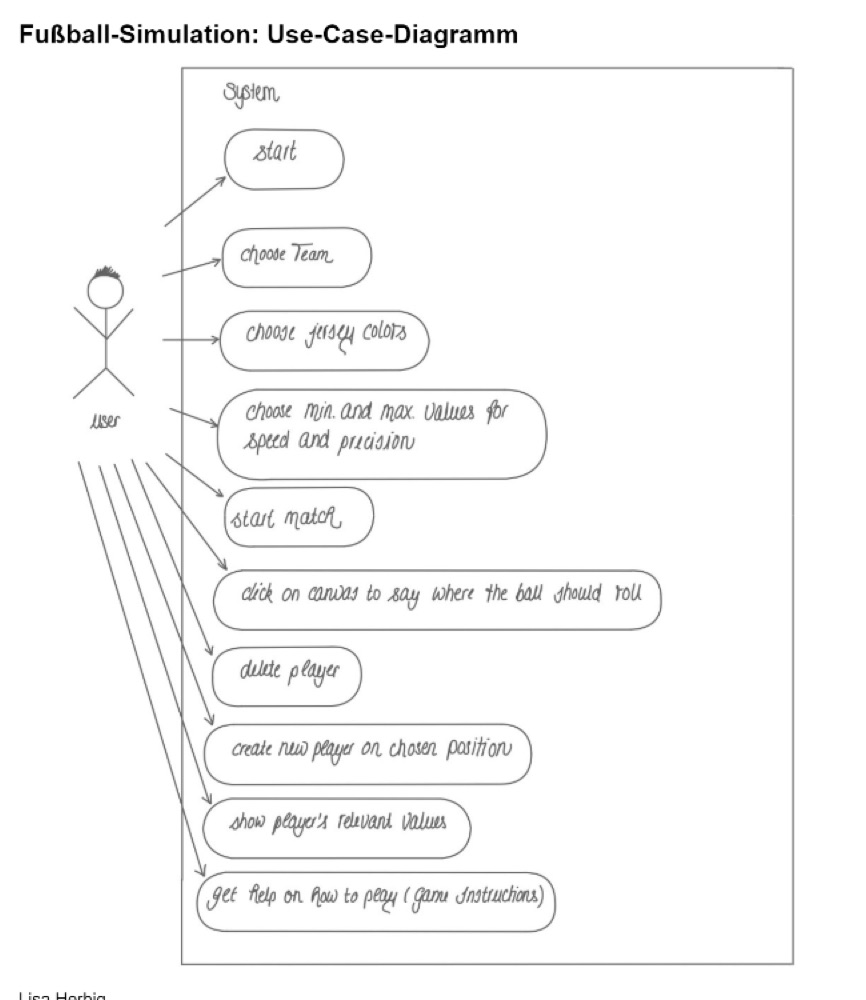
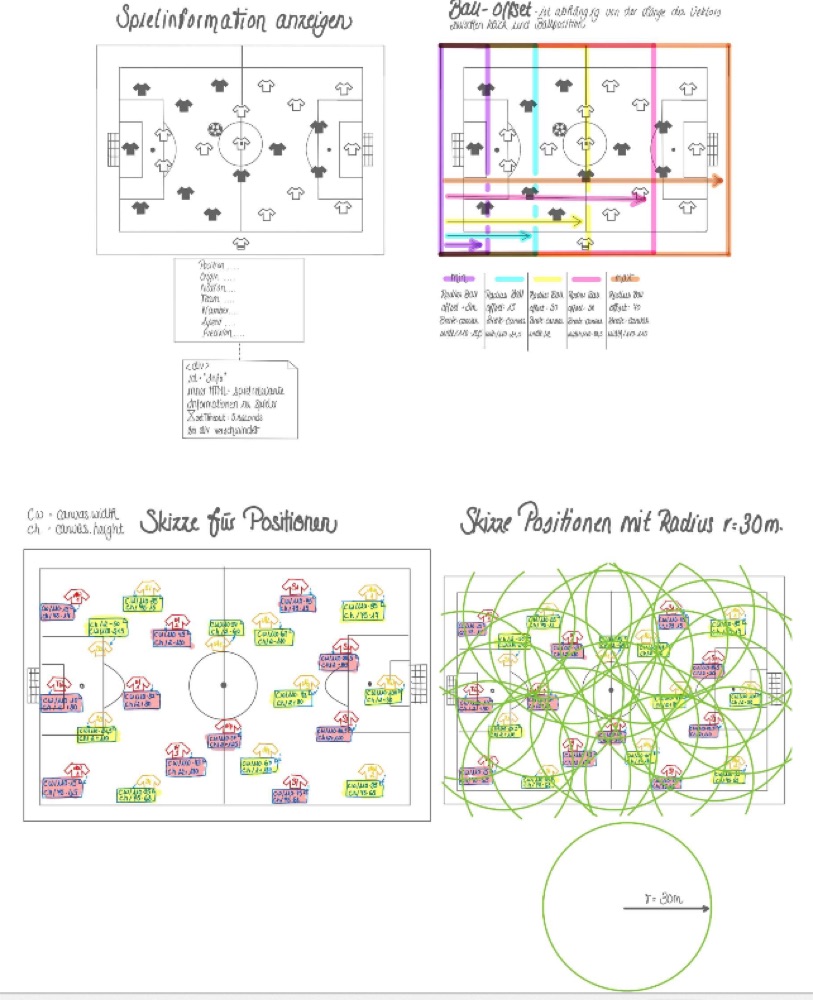
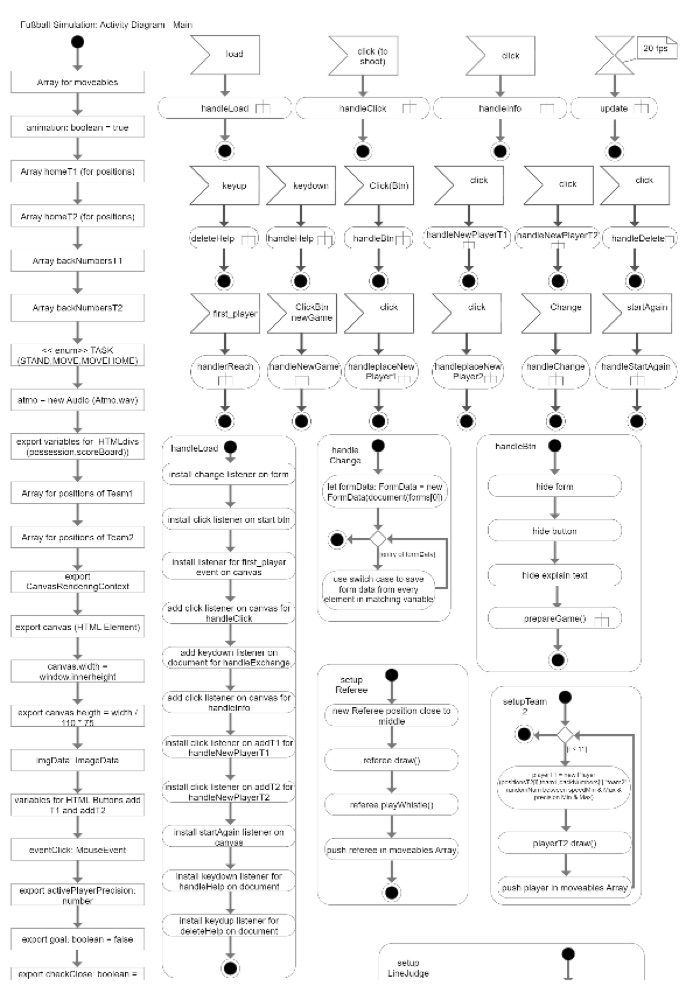
Lunch break at the office. Ben opens the soccer simulation a colleague sent him. The players run across the green field, the ball rolls, and Ben catches himself rooting for them, even though he's only watching.
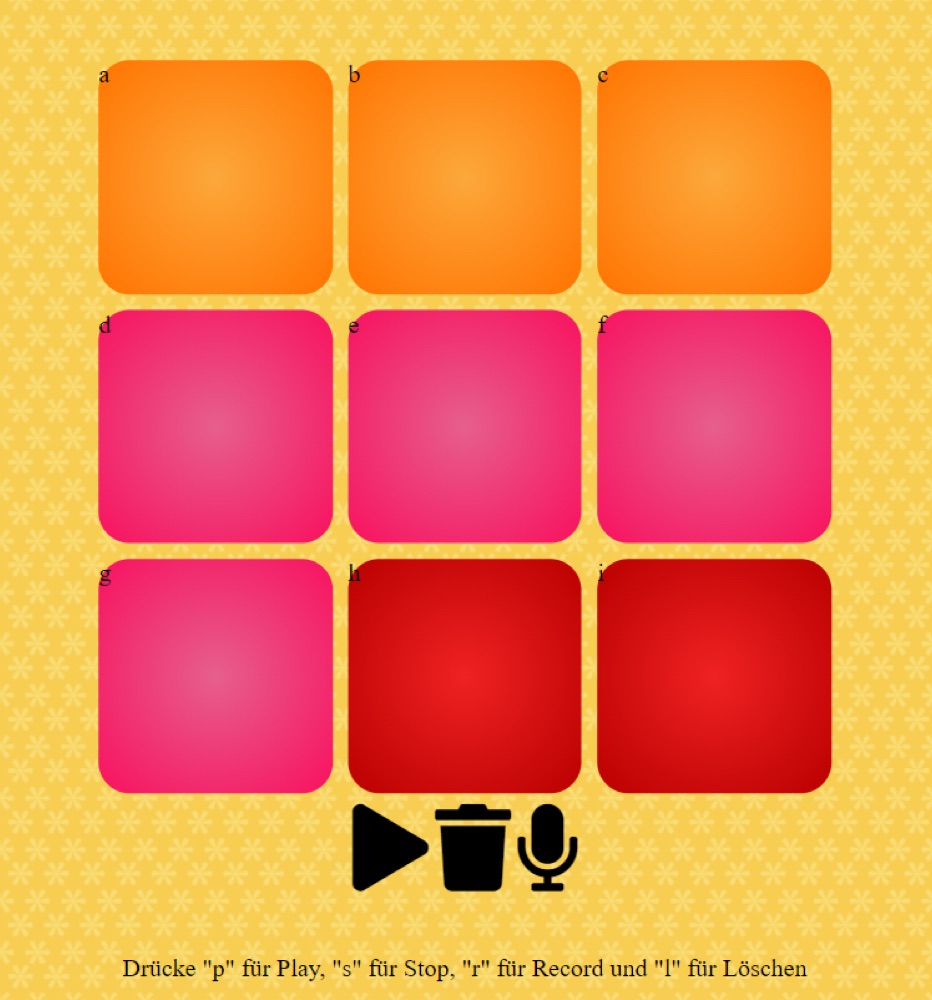
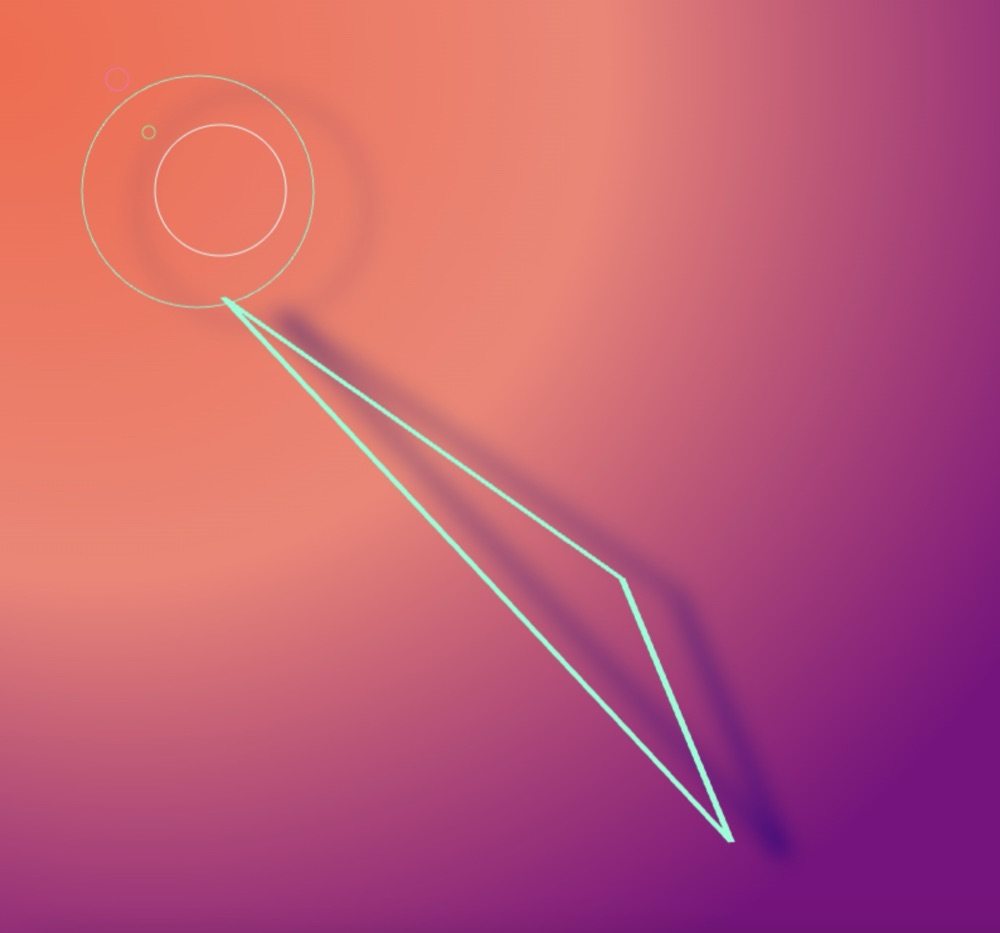
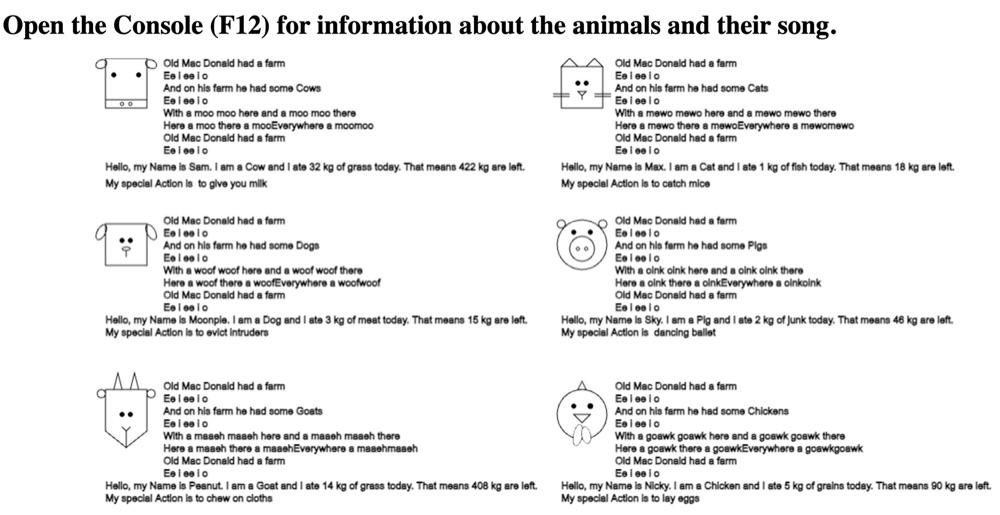
Then he clicks on: a drum pad where he taps out a beat, a page full of generative art and a small farm full of animals. Lunch is over before he knows it.
Soccer simulation
More applications
A6 · Concept & illustration
E-Learning.
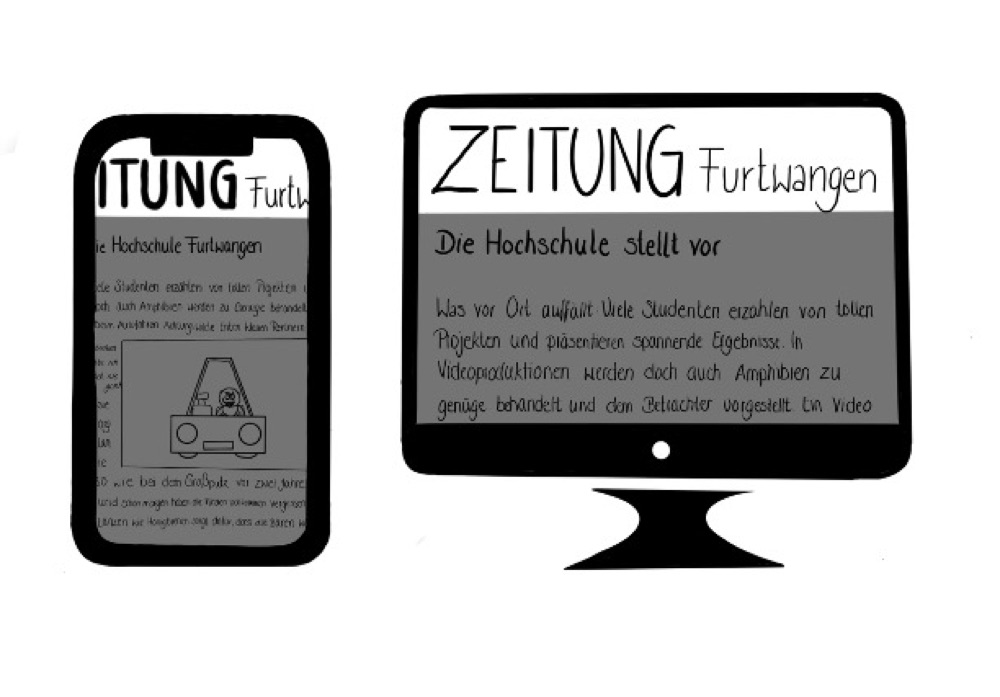
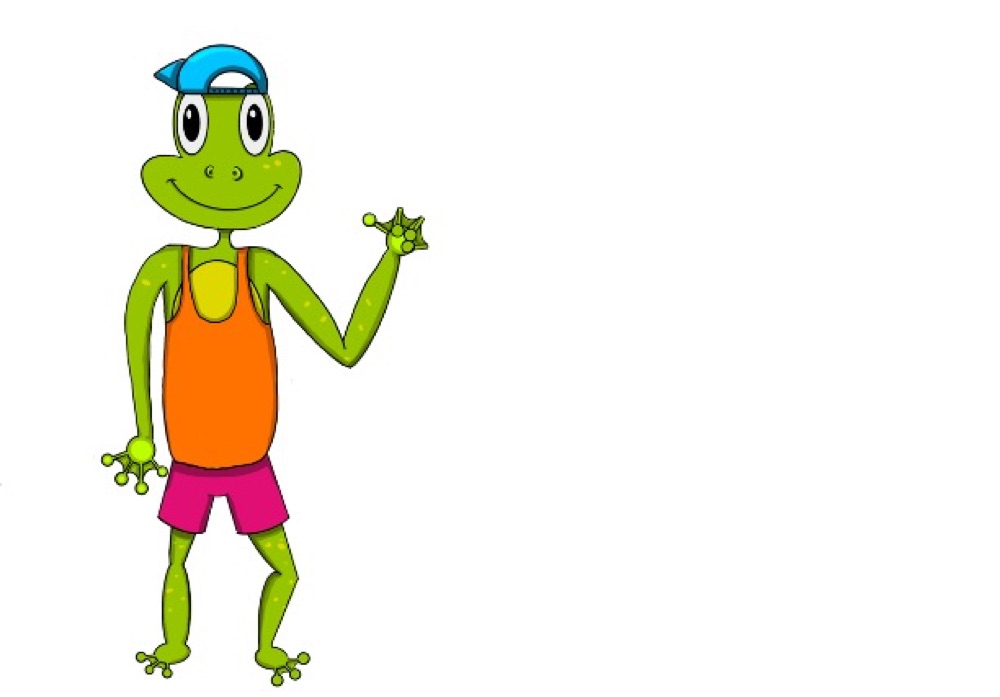
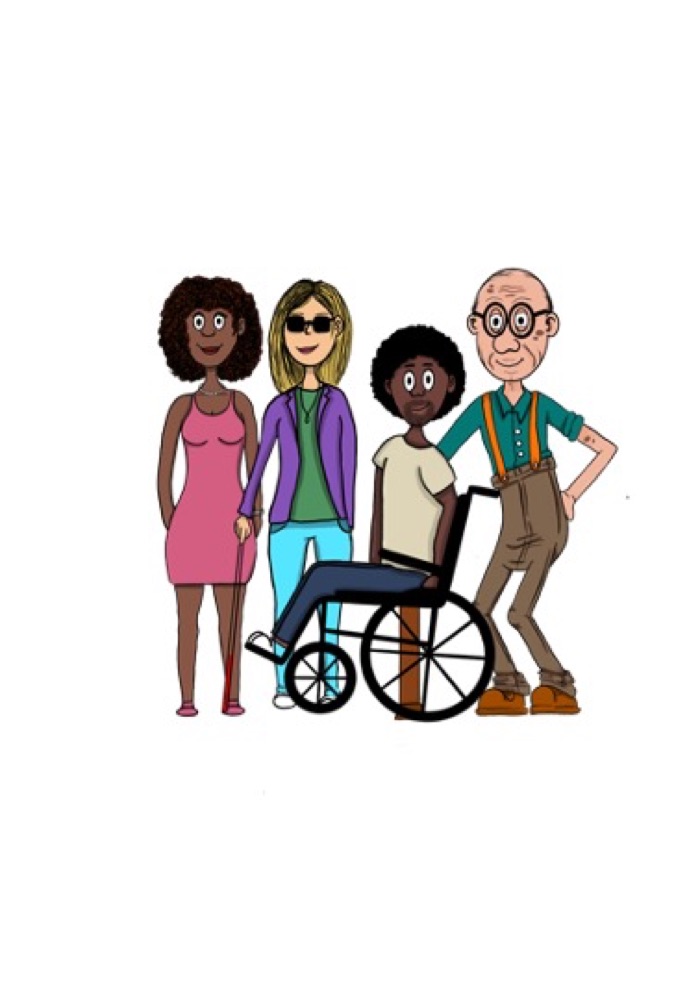
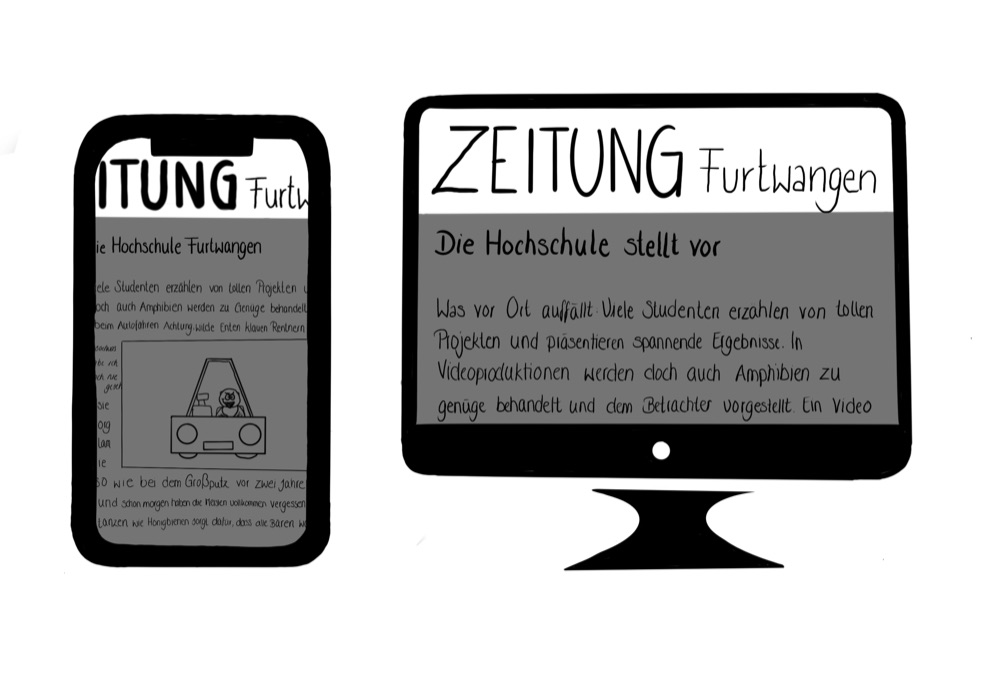
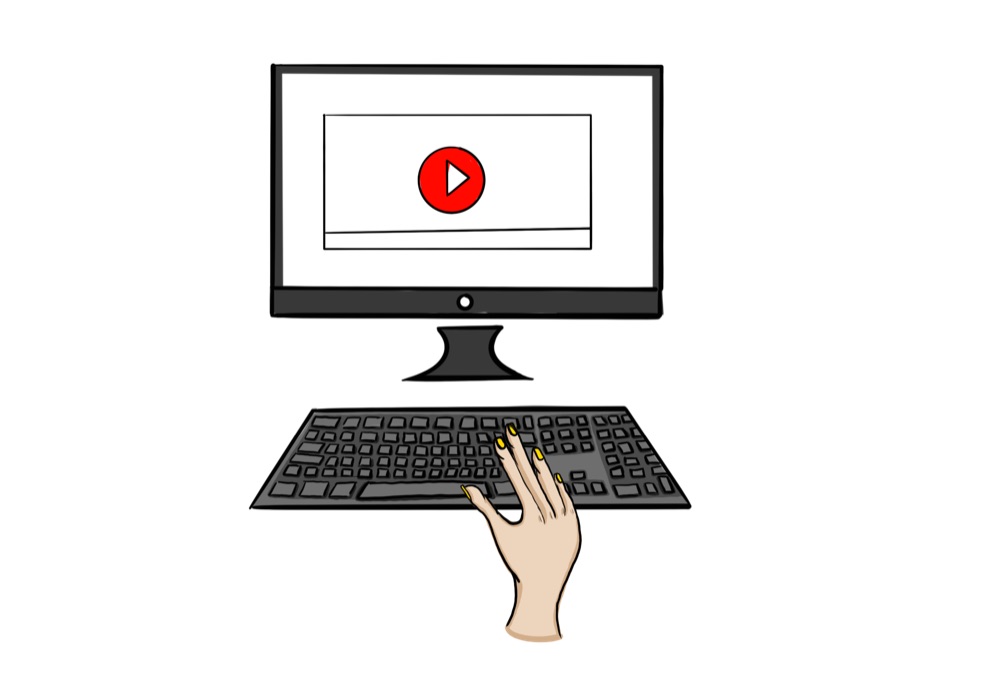
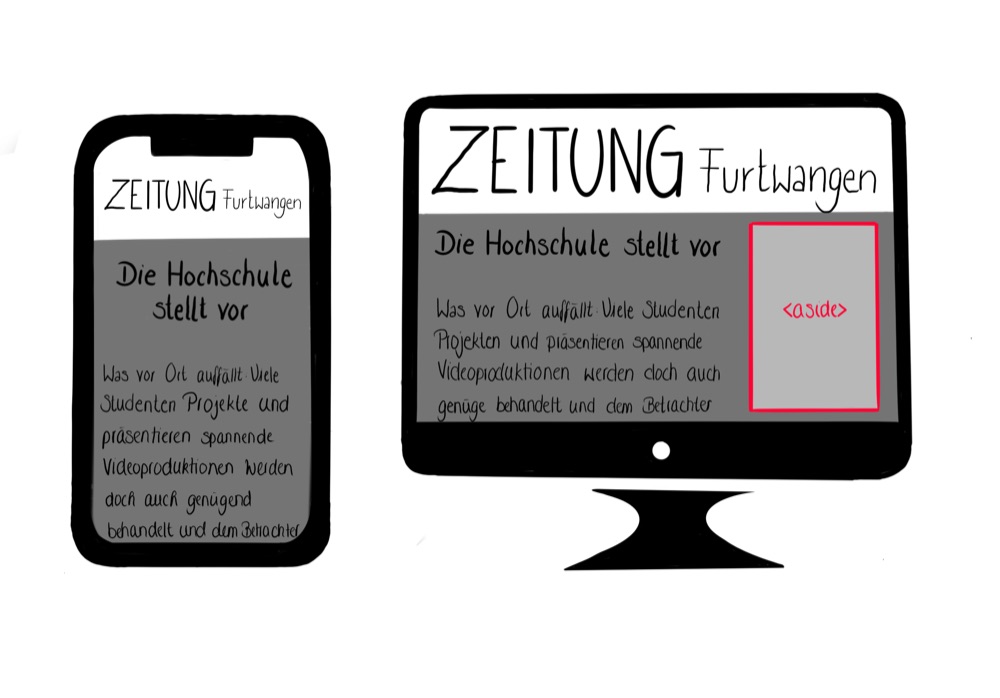
Werner is 72 and got a tablet from his grandchildren. He'd really like to read the newspaper on it. But where do you start? He opens the learning app, and a friendly frog waves at him.
Step by step, he makes progress, each exercise short, each with immediate feedback. When something doesn't work right away, the app simply explains it again in a different way. At the end of the week, Werner sees how far he has already come. On Sunday, he reads the newspaper on his tablet for the first time.
A7 · Concept & illustration
The Frog Prince.
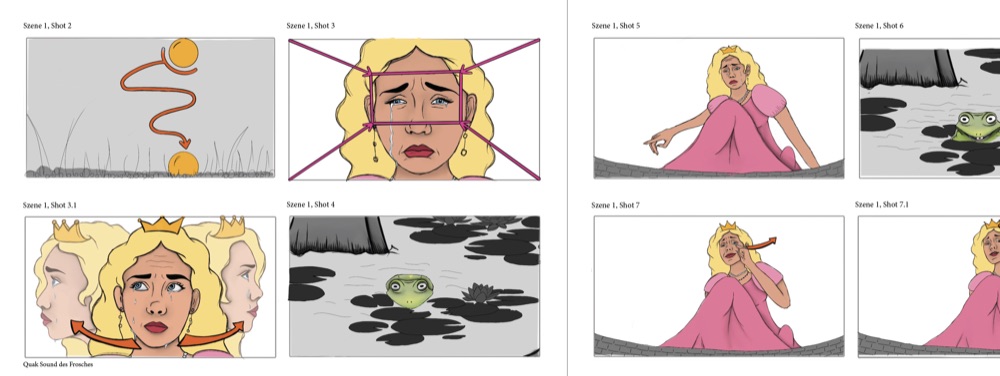
First day of shooting. The camerawoman, Lea, hasn't read the fairy tale since she was a child, but she doesn't need to: the storyboard is in front of her. Every frame already shows where the camera is looking from, how close it is to the frog and where the princess is standing.
There's hardly any discussion about the shots. Everyone has the same picture in mind, before the first scene is even filmed.
A8 · Concept & illustration
Freehand & video.
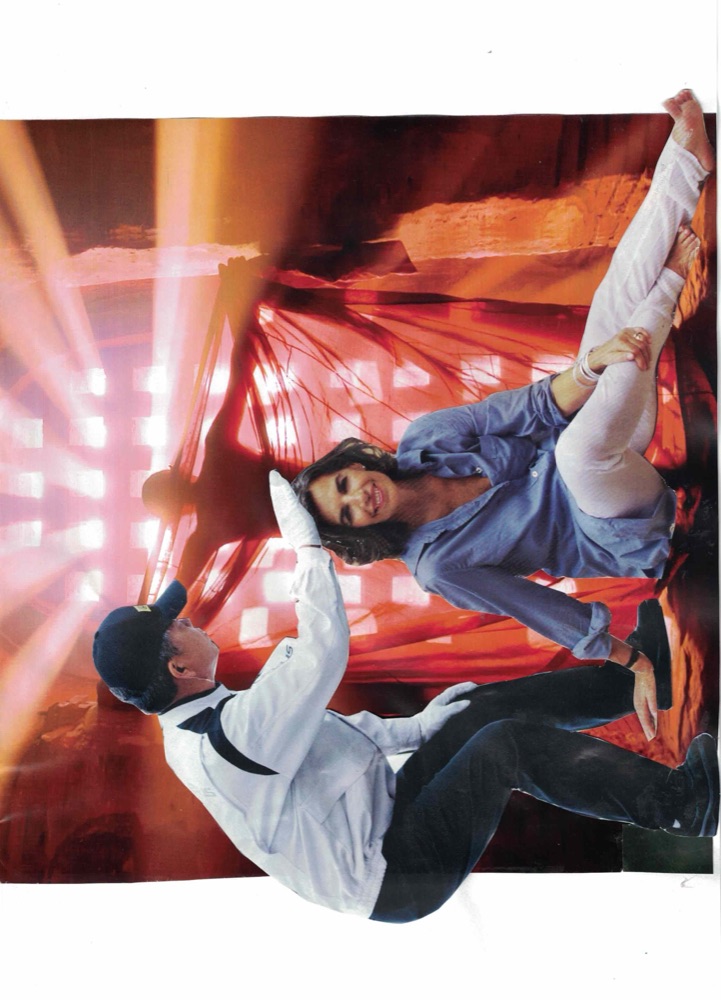
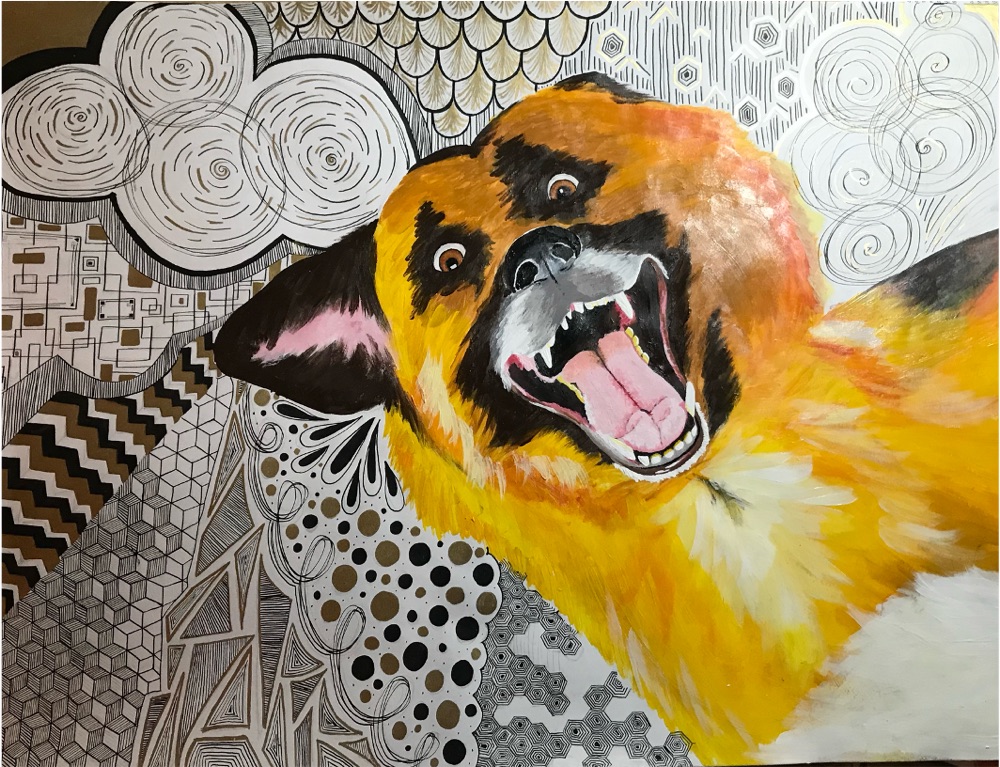
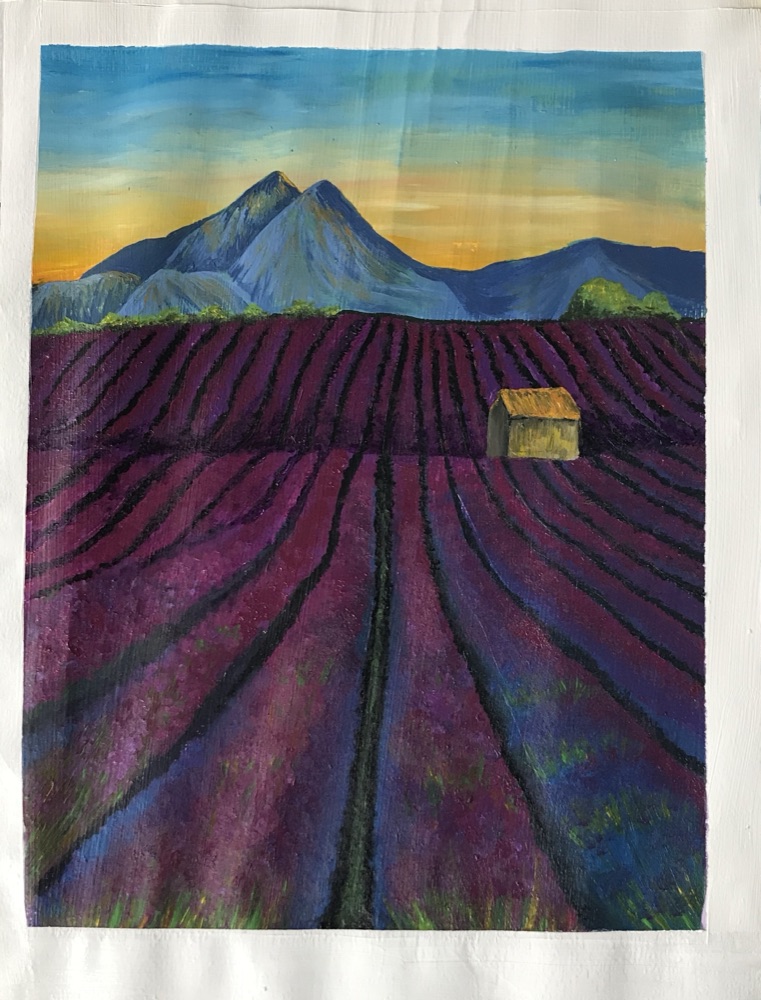
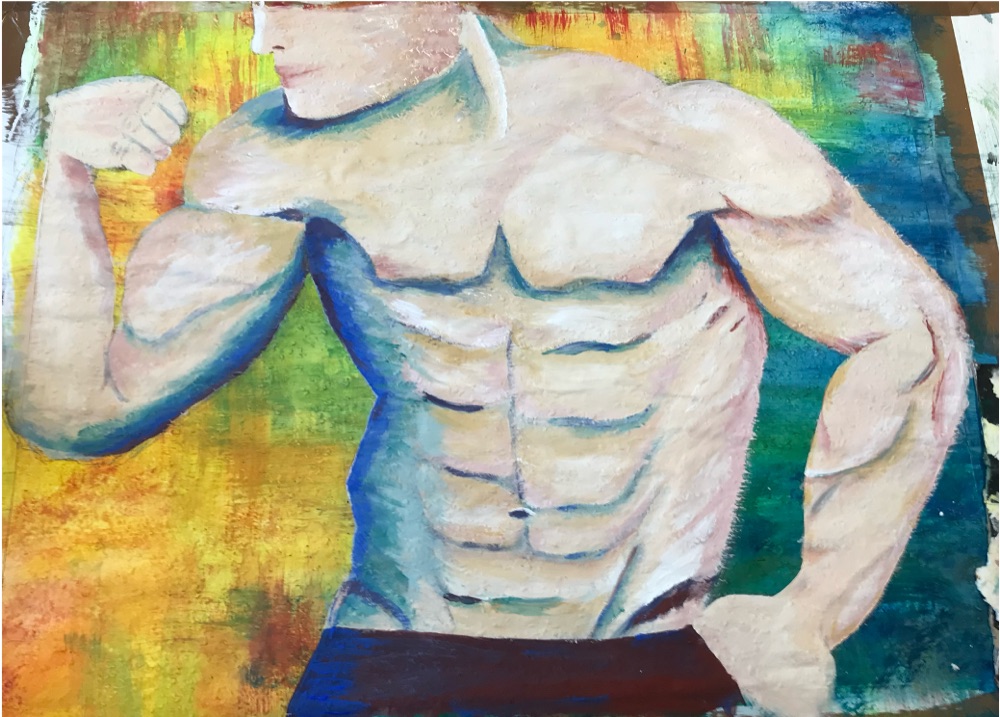
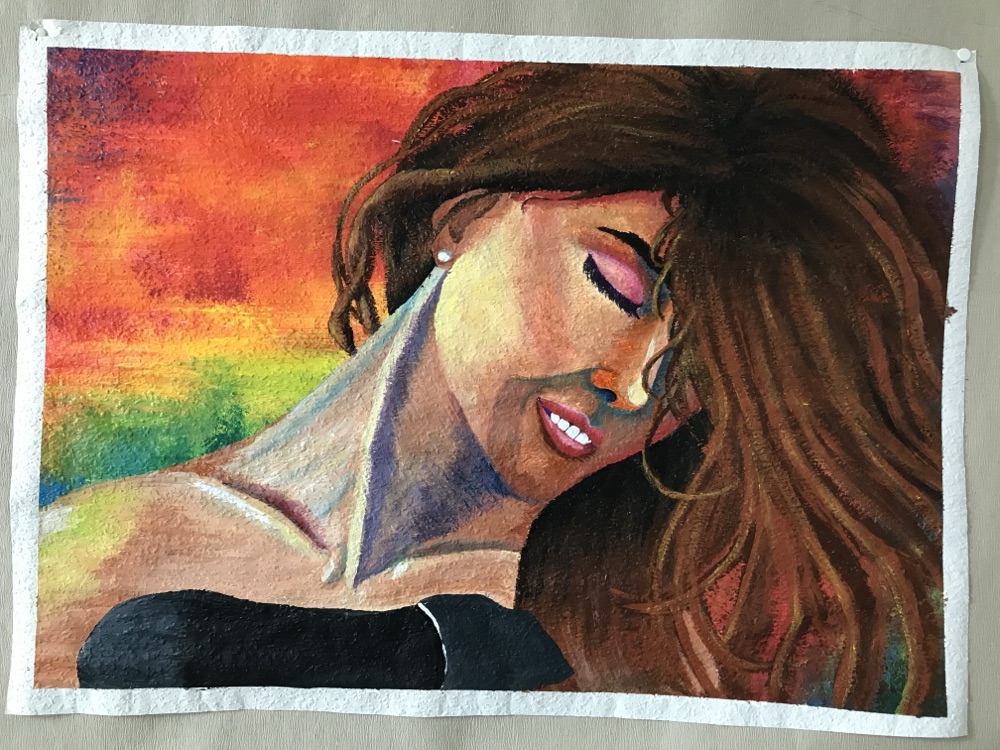
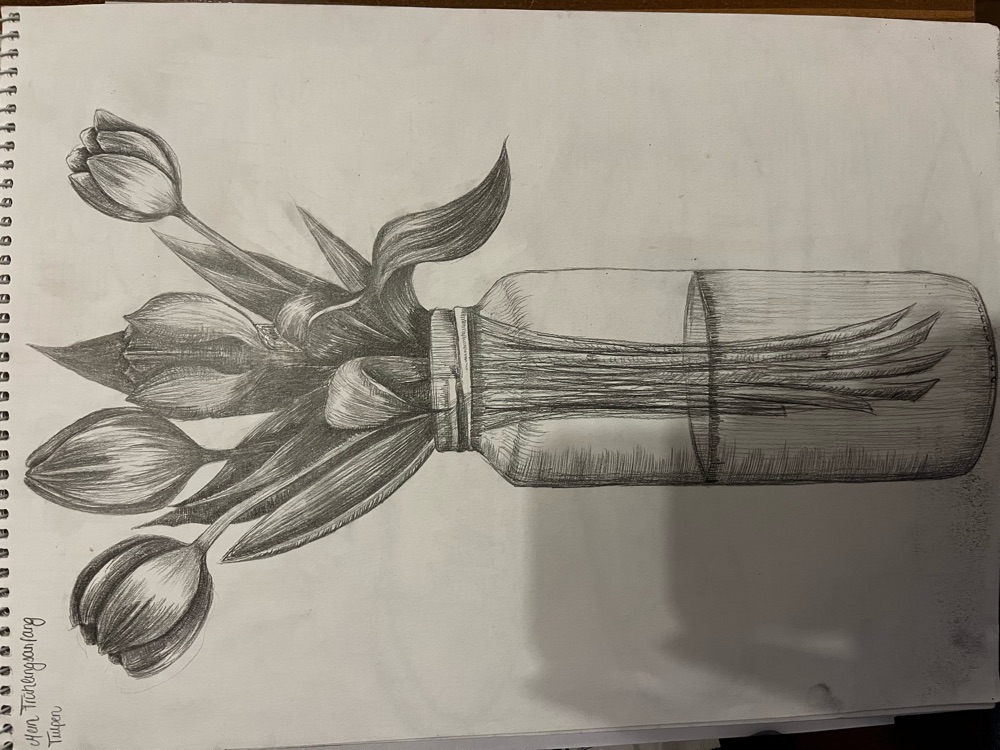
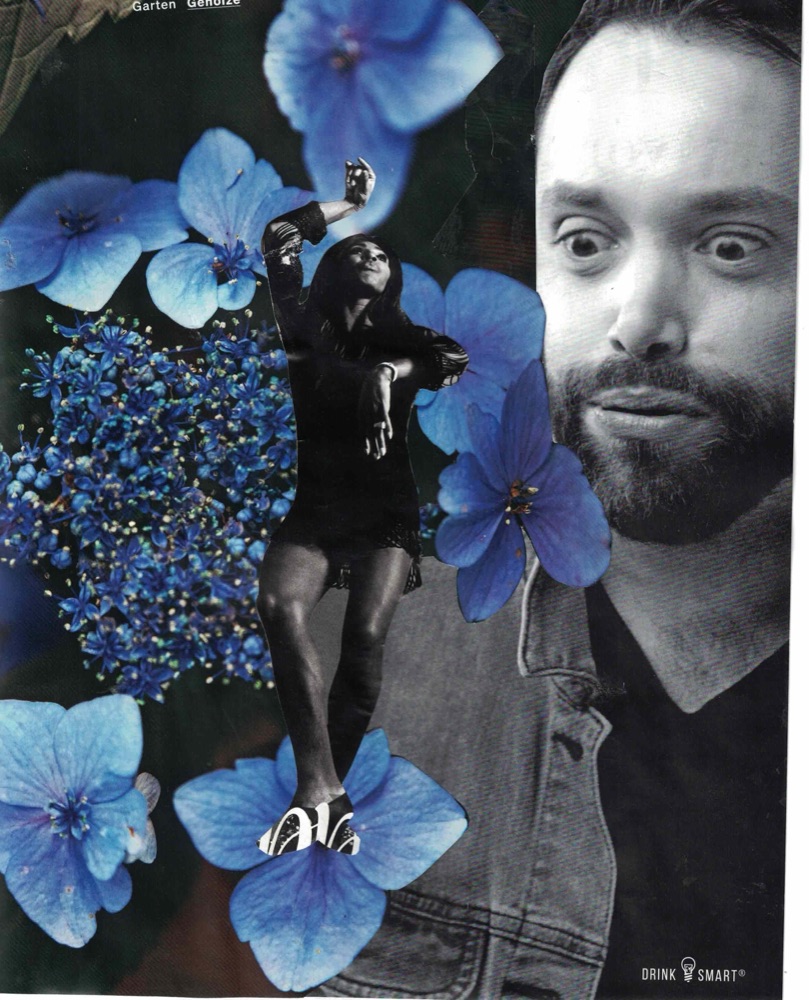
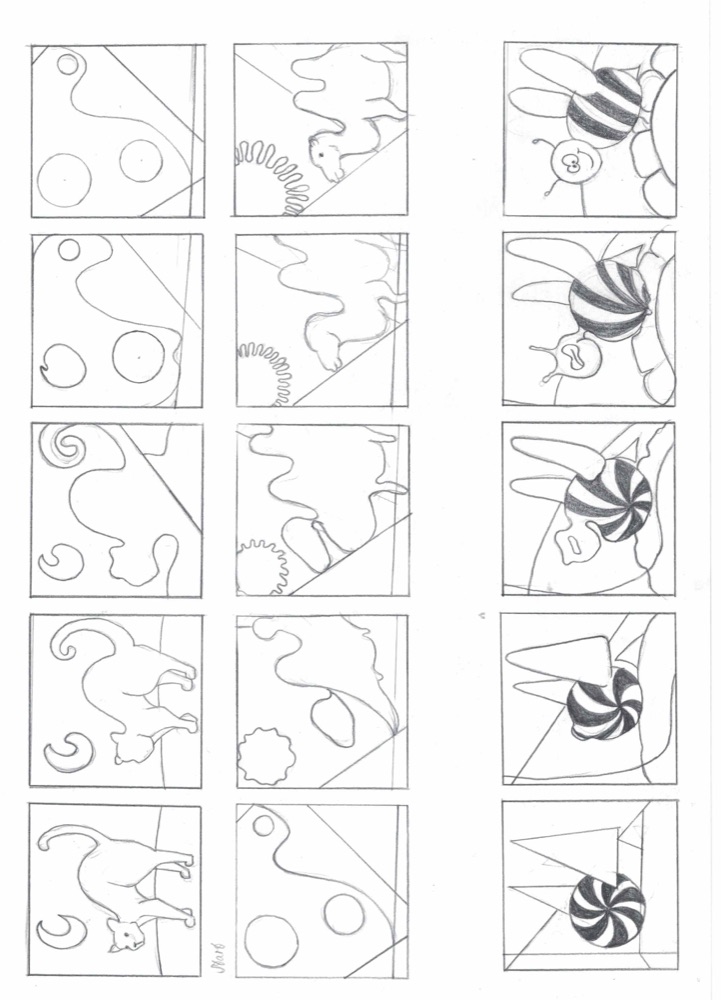
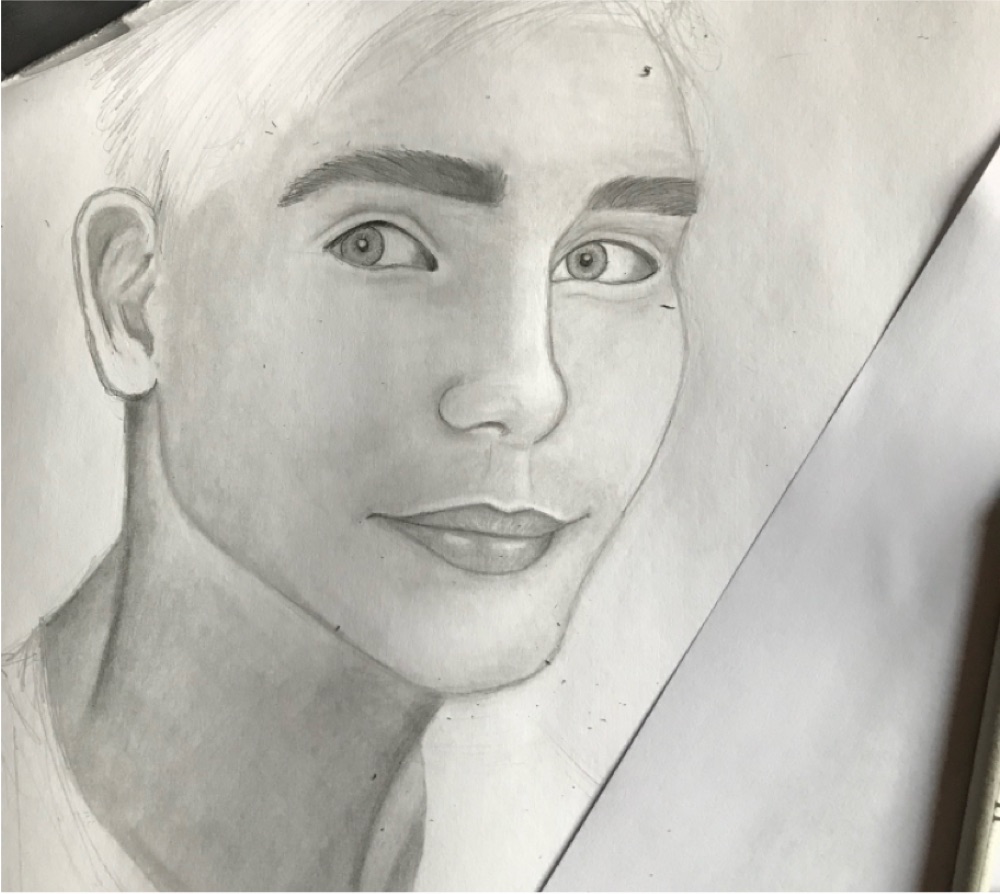
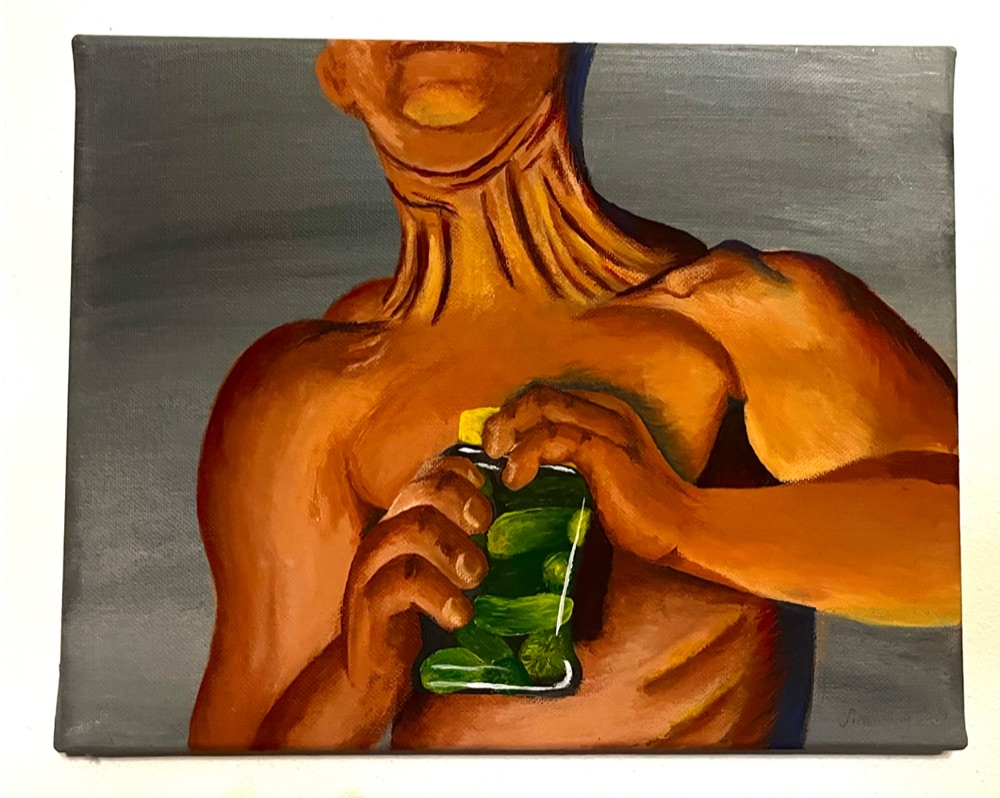
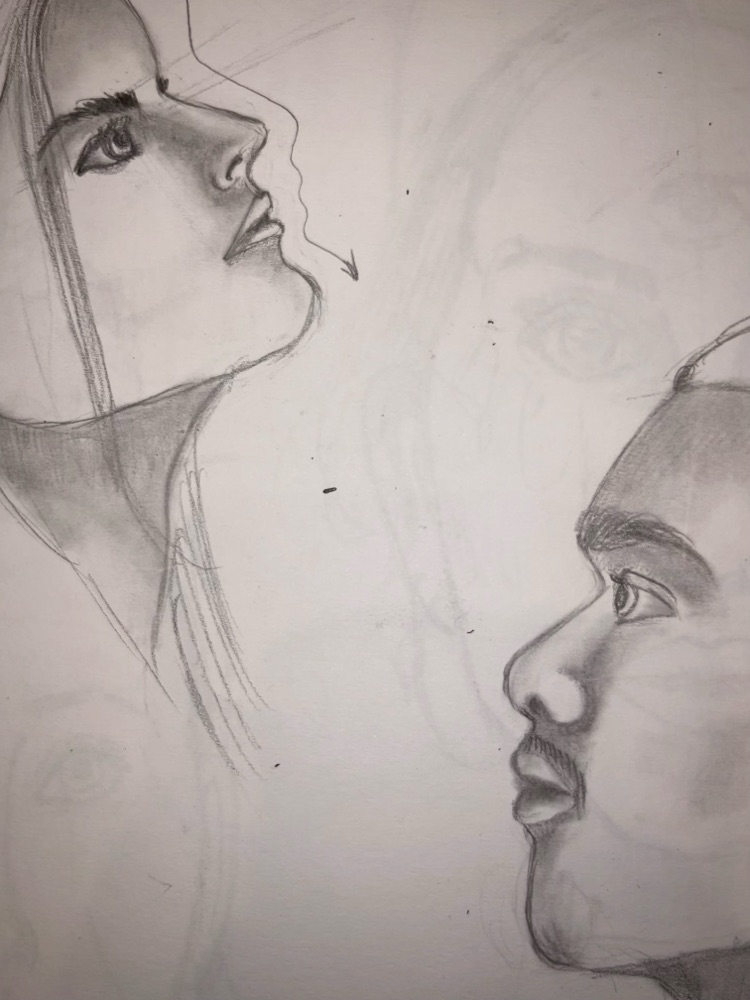
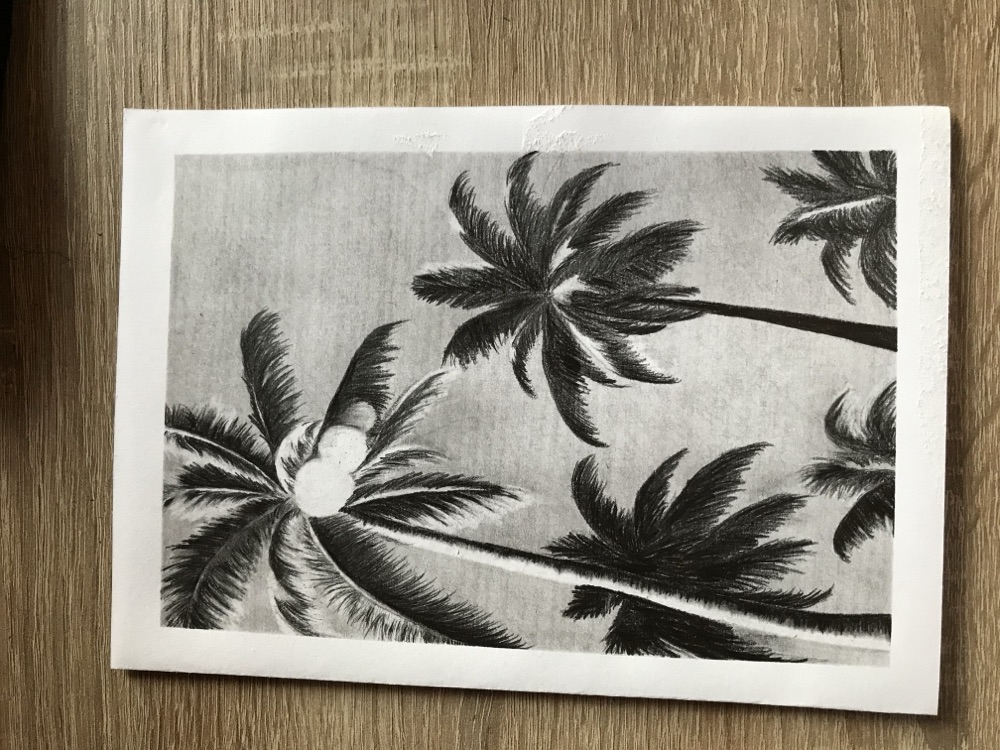
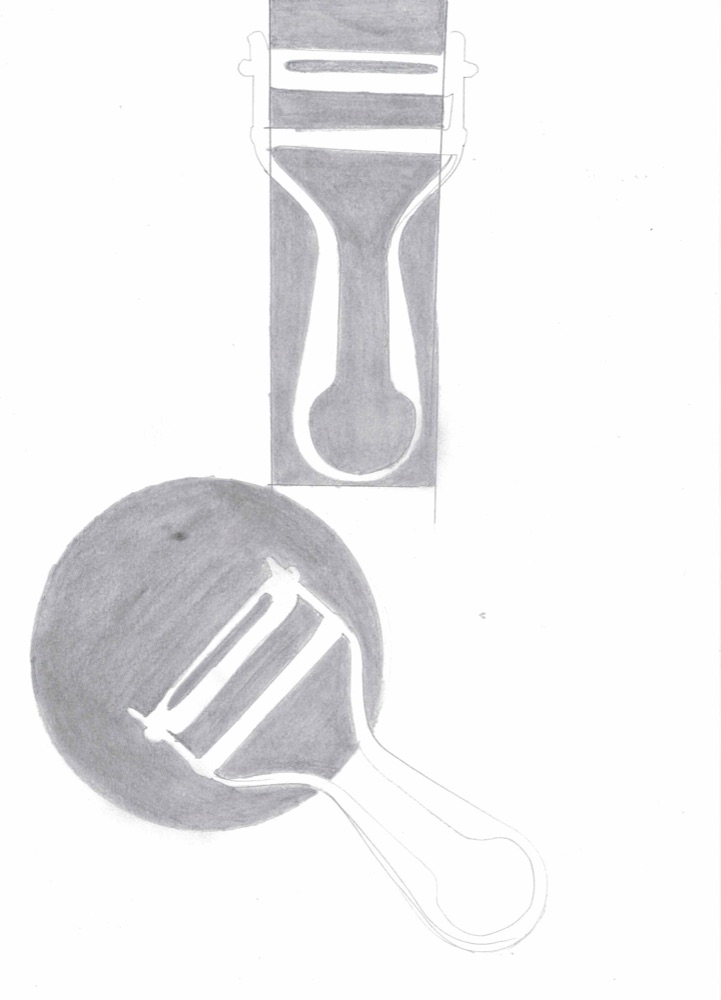
This time, the user is Kira. She has decided that the drawing paper on the desk is her napping spot. Lisa keeps drawing anyway, around the cat.
A portrait, a lavender field, a shepherd dog made entirely of patterns. Kira watches every stroke with half-closed eyes. Only when the laptop opens and a short animated film starts playing is she wide awake.
A9 · Graphics & web
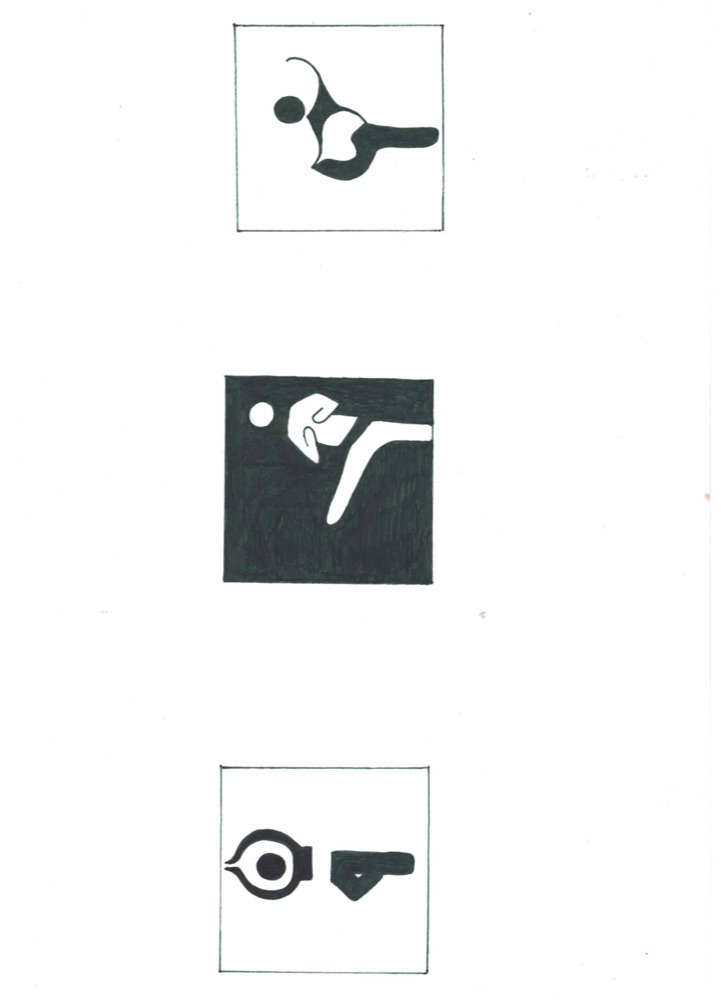
Typography & logos.

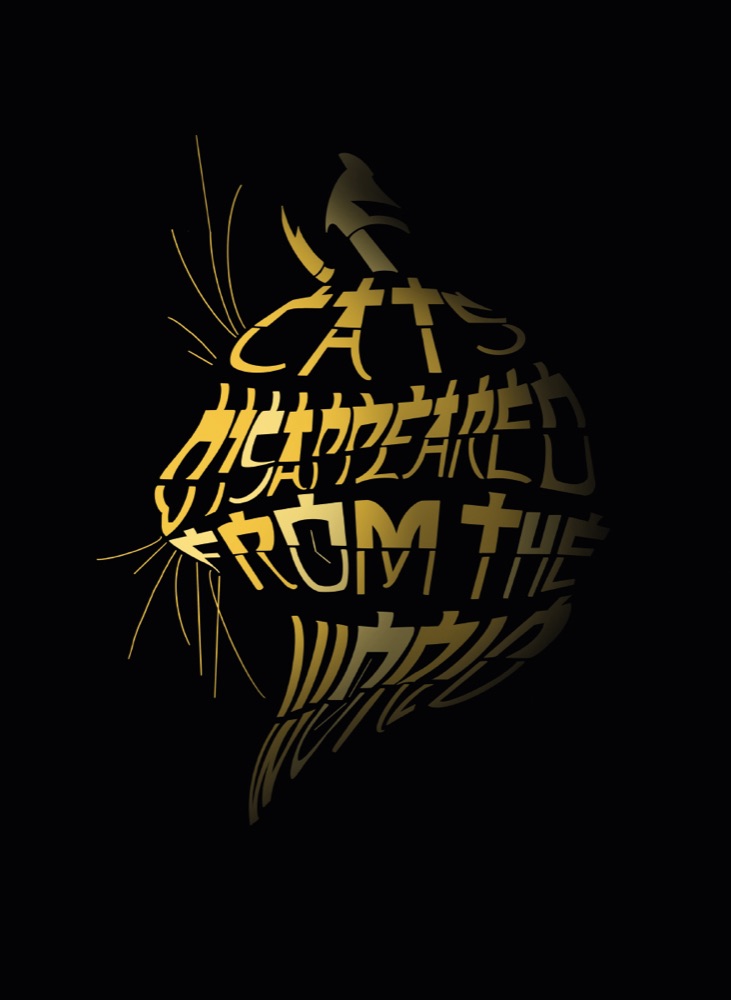

A waiting room on a gray Tuesday morning. Sophie is nervous; her appointment is coming up. On the screen at the reception desk, she sees a logo: two hands protectively enclosing something, in a calm blue.
Sophie doesn't know why, but she breathes a little more calmly. That's exactly what was meant to happen.
A10 · Graphics & web
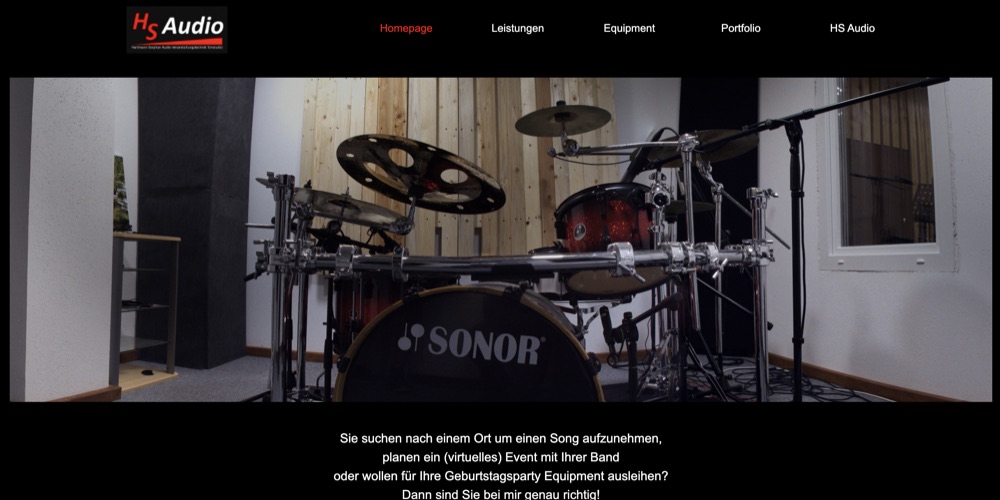
HS-Audio.
Jule's band finally has enough songs for a first recording. And there's a concert coming up in the fall, which might also be streamed. She's looking for someone who can do both.
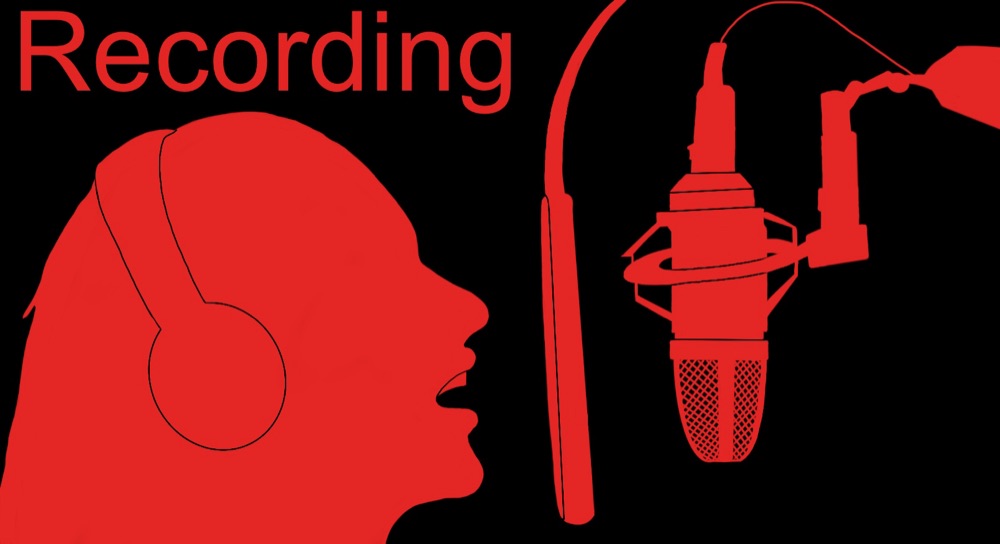
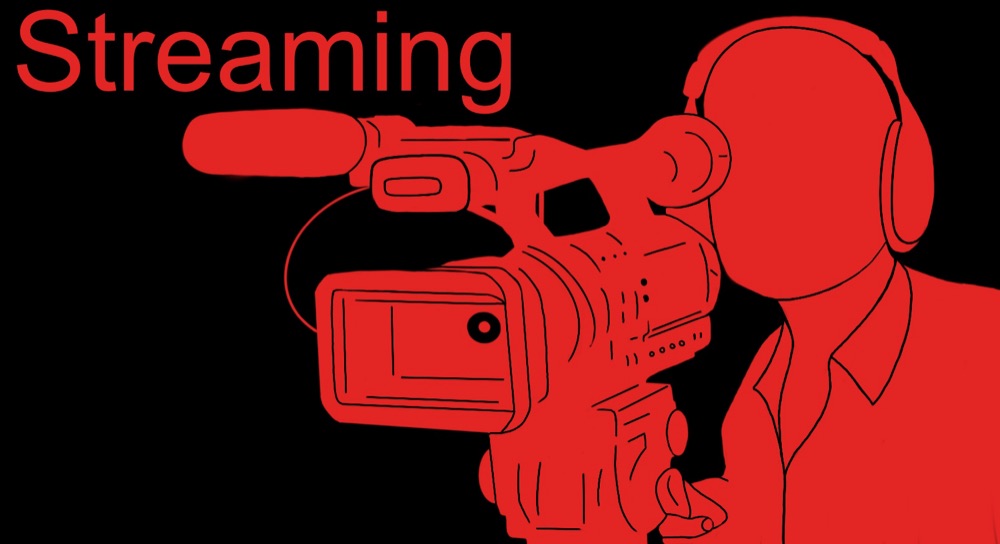
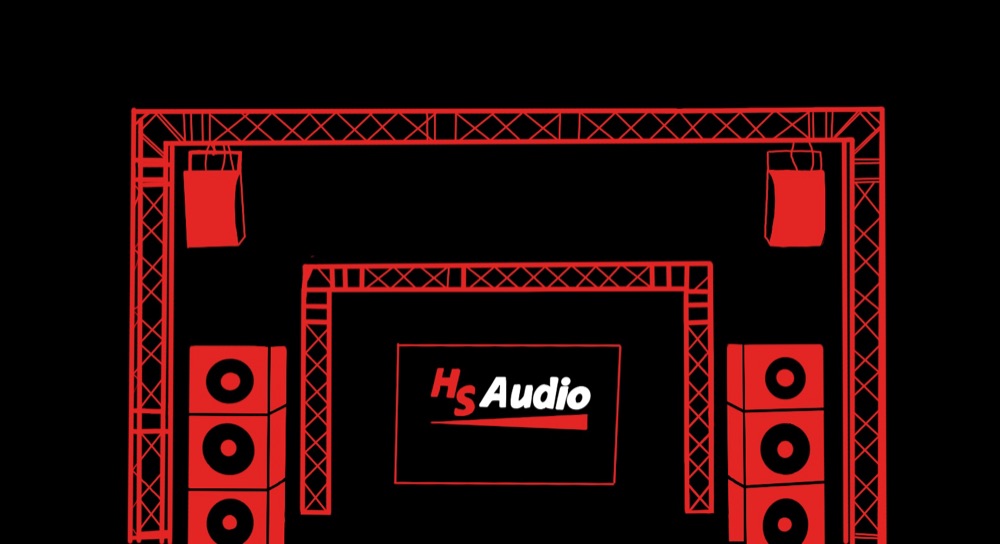
On the HS-Audio website, she finds her way around right away: Recording, Streaming, Live Events, each with its own red illustration on black. No searching, no guesswork. Jule sends an inquiry that same evening.
The end.
Or the beginning of a new story?
Thanks for reading! If you'd like to write the next chapter together, Kira and I would love to hear from you.